

Karsten.G
Known Participant
June 14, 2022

P: Watermarks rendering darker than preview

  • June 14, 2022
  • 53 replies
  • 18759 views

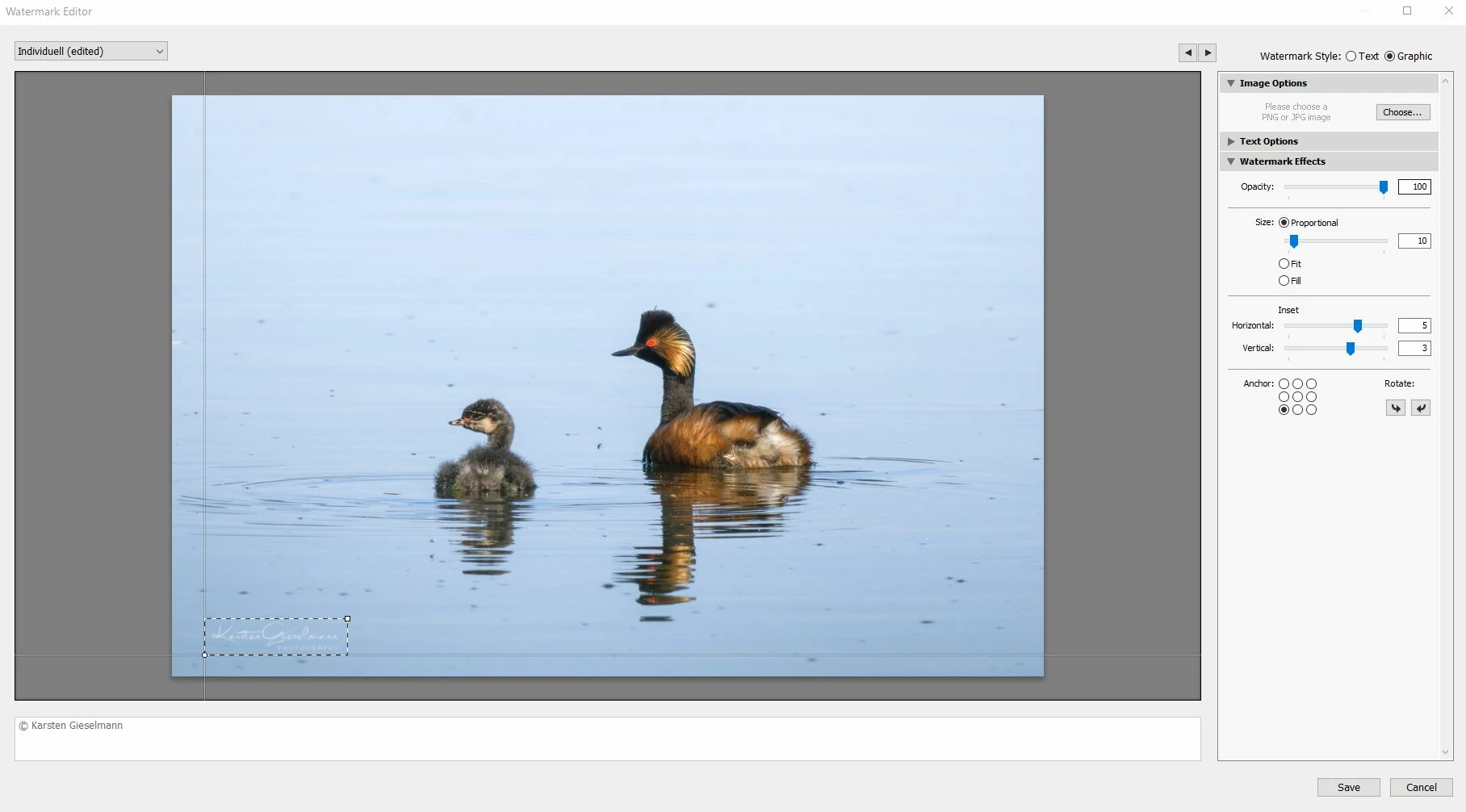
The new release seems to have an issue with watermarks.


What looks still okay in the watermark editor (as it did in previous versions) gets messed up during export, with light color watermark turning to grey.


See attachments.

53 replies

Adobe Employee
June 15, 2022

Yes, this is a bug. Thank you for letting us know. We will look into this issue. 

Venkatesh PenjuriAdobe Lightroom Team
Bob Somrak
Legend
June 14, 2022

Maybe it is a Windows issue.  If you create a new temporary watermark PNG does it do the same thing.  If you create a test one that has the issue and post a link to the file I would test it on my Mac.  

M4 Pro Mac Mini. 48GB
Karsten.G
Karsten.GAuthor
Known Participant
June 14, 2022

Thank you, Bob. Here is the original file I'm using. It still worked properly when I published an image to Flickr yesterday.

Bob Somrak
Legend
June 14, 2022

I used your PNG watermark and it appears there is transparency in the text of the PNG and that the background is showing through.  A closeup of the text of the exported image shows the following.


There is definately a differnce in the Watermark Preview and the Exported file


Left is display in Watermark Editor, Middle is Export and right is your PNG


M4 Pro Mac Mini. 48GB
Bob Somrak
Legend
June 14, 2022

I am not seeing this issue on LrC 11.4 and MacOS 12.4.  I created a white lettered transparent PNG to use as a graphic watermark and it exported the correct color.

M4 Pro Mac Mini. 48GB
Bob Somrak
Legend
June 14, 2022

@Karsten.G 


What OS are you using?  Windows or Mac?

M4 Pro Mac Mini. 48GB
Karsten.G
Karsten.GAuthor
Known Participant
June 14, 2022

Window 10.