

johnrellis
Genius
July 4, 2017

P: Won't save updated GPS direction to the file

  • July 4, 2017
  • 3 replies
  • 320 views

If you change an existing GPS image direction and do Metadata > Save To File, the new direction doesn't get saved.  (LR CC 2015.10.1 / OS X 10.12.5)

To reproduce:

1. Select a photo that has GPS coordinates but no GPS image direction:
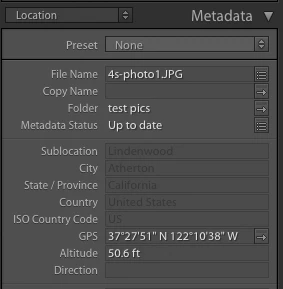

2. Do Metadata Save To File and use ExifTool to verify that EXIF:GPSImgDirection is not present:



2. Change the direction to East:
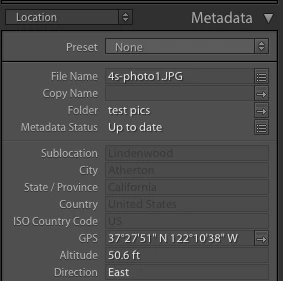

3. Do Metadata > Save To File and verify that East was written to the file:



4. Change the direction to South:
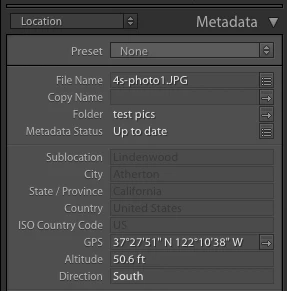

5. Do Metadata > Save To File and discover that East is still in the file, not South:

This topic has been closed for replies.

3 replies

johnrellis
Genius
July 5, 2017
Thanks much.
Adobe Employee
July 5, 2017
Hi John,
Thank you for reporting this issue and i am able to reproduce this at my end for jpeg images. I have logged a bug for the same and we are  looking into this issue.

-Kanheiya
alanterra
Inspiring
July 4, 2017
Thanks for the report, John. You can also demonstrate this bug without using exiftool by changing the metadata, and then reading the metadata, which will also show that the direction is not changed.

This only happened to me for jpegs. Directions were updated correctly for xmp sidecar files.