johnrellis
Legend
October 10, 2023

P: Wrong keyboard shortcuts displayed for Depth Range in Spanish, French, Italian, and Portuguese

  • October 10, 2023
  • 3 replies
  • 1699 views

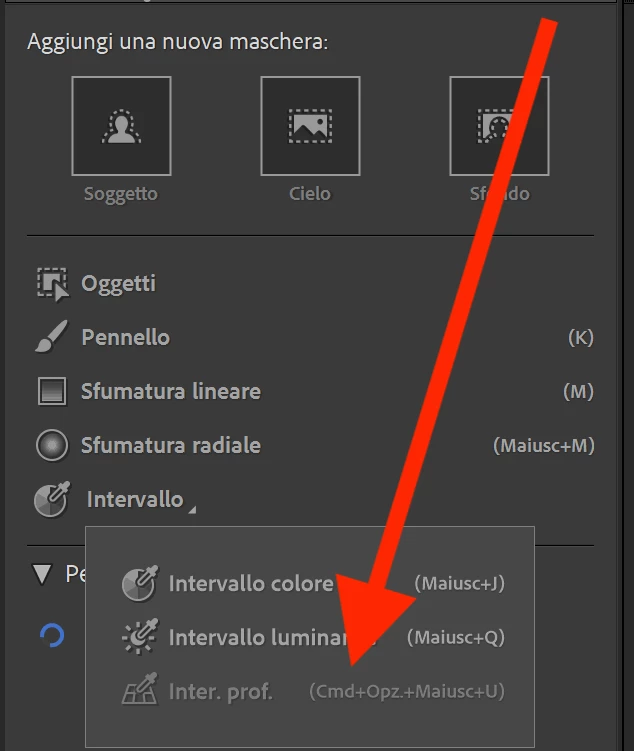
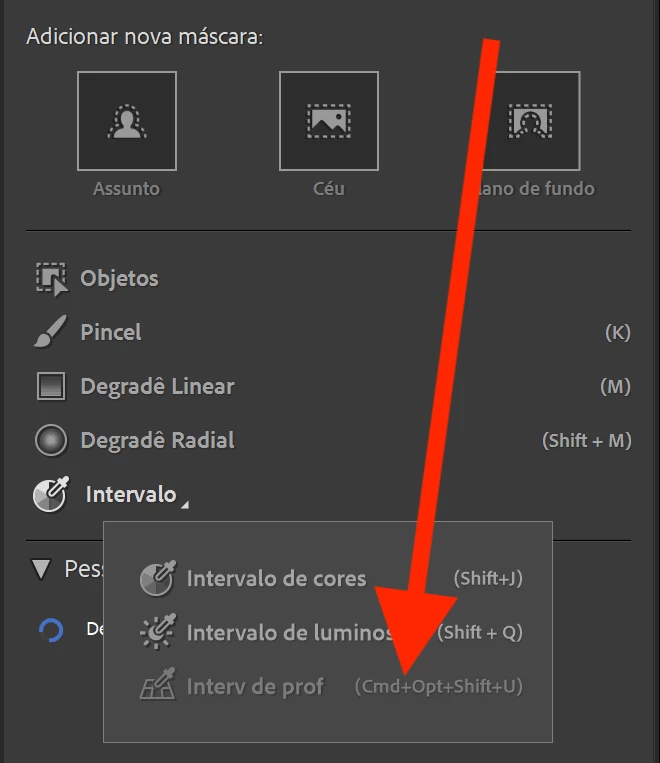
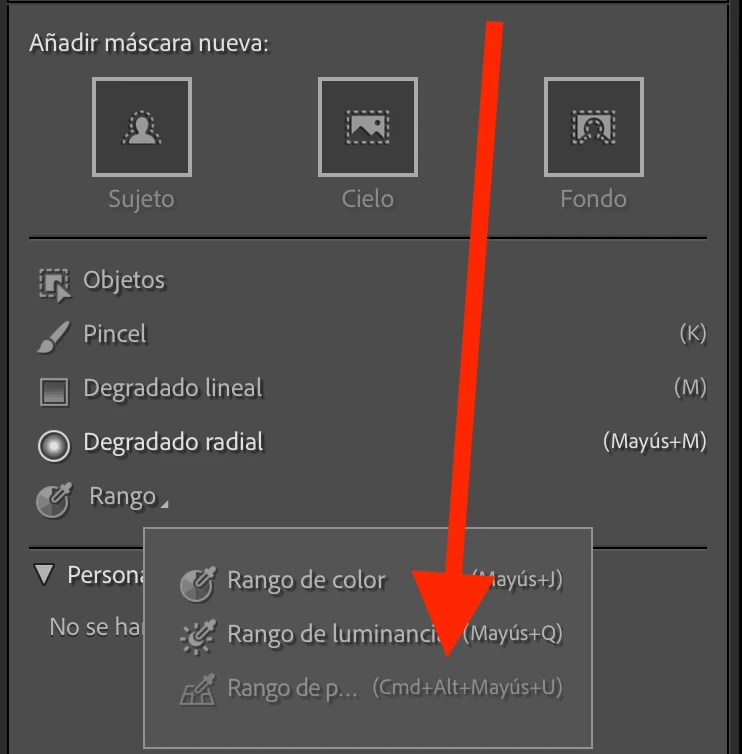
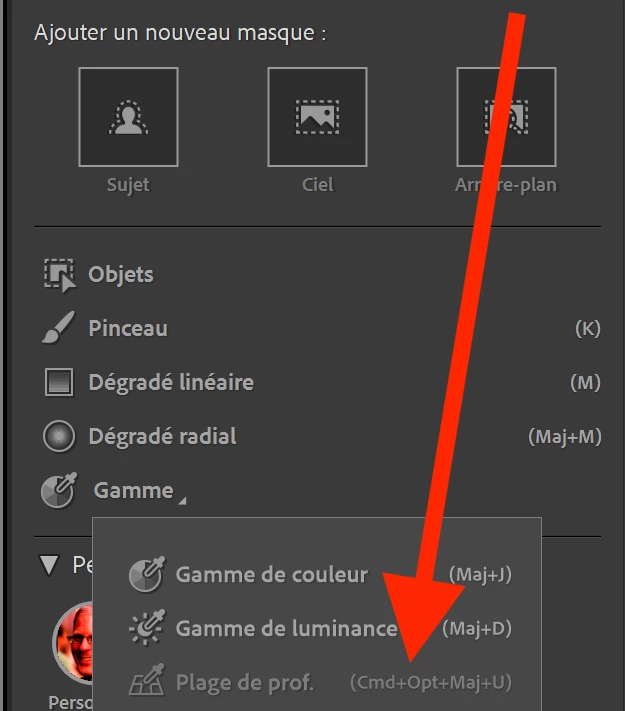
In LR 13.0, the wrong keyboard shortcuts are shown for Range > Depth Range in the Masking panel for Spanish, French, Italian, and Portuguese.


In Spanish on Mac, "Alt" is shown instead of "Opción" or "Opc":
 

In French, Italian, and Portuguese on Windows, "Cmd+Opt" is shown instead of "Ctrl+Alt":


This topic has been closed for replies.

3 replies

johnrellis
Legend
December 14, 2023

I verified this is fixed in LR 13.1.

Rikk Flohr_Photography
Community Manager
Community Manager
December 14, 2023

Greetings all,


Updates for the Adobe Photography Products have been released.  The December 2023 updates contain an update for this issue. 

If you do not see the update in your Creative Cloud Application, you can refresh it by hitting [Ctrl/Cmd]+[Alt/Opt]+[ R ].

Note: It may take up to 24 hours for your update to be available in your Creative Cloud app.


Thank you for your patience.

Rikk Flohr: Adobe Photography Org
Rikk Flohr_Photography
Community Manager
Community Manager
October 10, 2023

Added bug

Rikk Flohr: Adobe Photography Org