sacb0y
Known Participant
April 11, 2024

Exporting .sbsar does not export opacity

  • April 11, 2024
  • 5 replies
  • 588 views

I presume this is some sort of bug. 

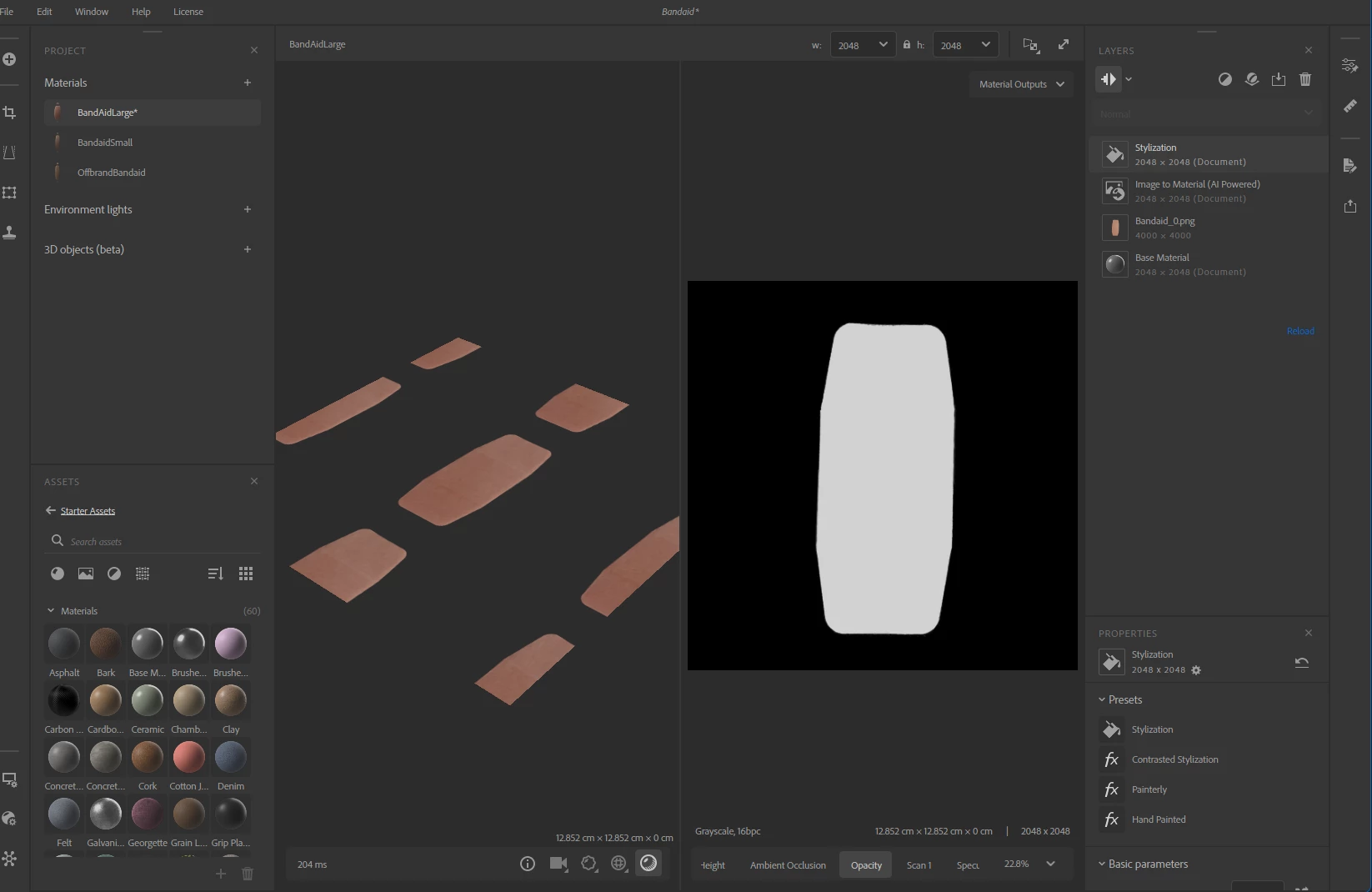
Here you can see I have a functional opacity.
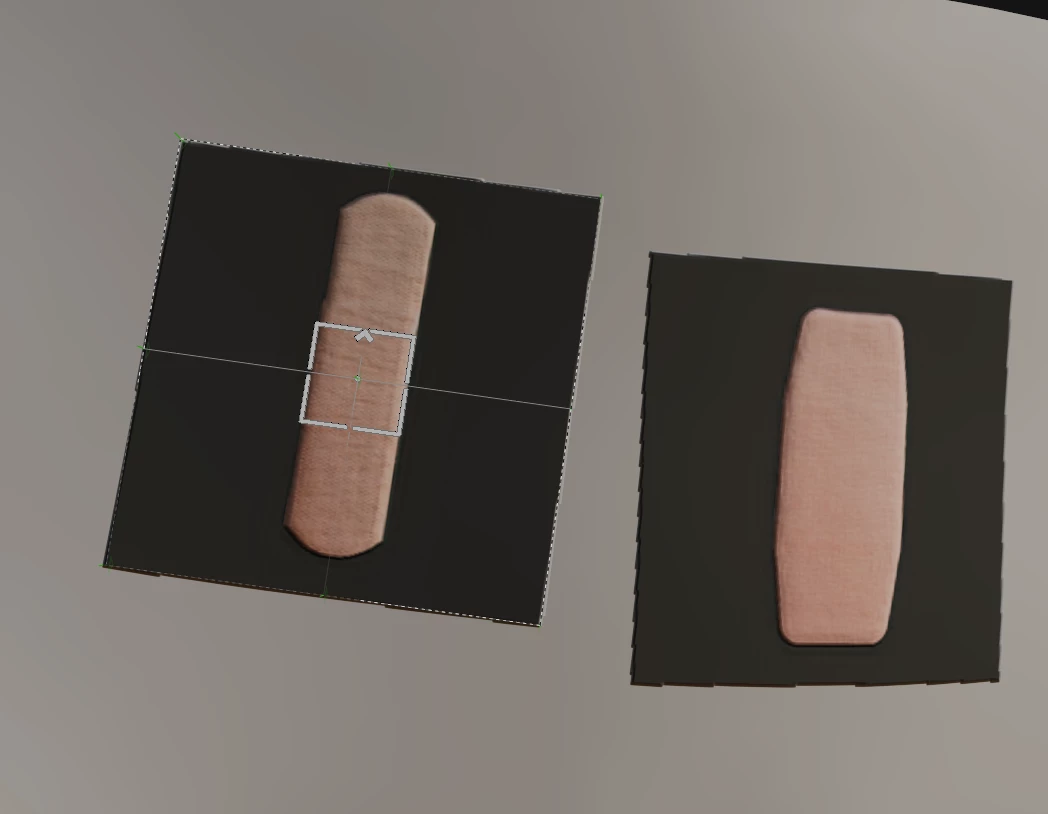
 

But when I export as an SBAR the opacity map is not included despite seemingly assigned in the properties.
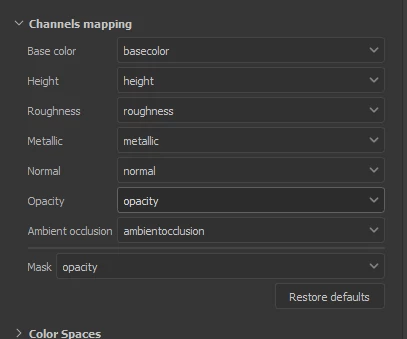
This is very annoying.


This topic has been closed for replies.

5 replies

LoryAline
Community Manager
Community Manager
April 12, 2024

Hi,
Thank you for the details,
It seems the issue occurs when Image to Material (AI Powered) and the Stylization filter are in the same stack.
Both can export Opacity correctly otherwise.

We will investigate and fix this issue.

sacb0y
sacb0yAuthor
Known Participant
April 11, 2024

I think the problem is the stylization filter, it appears opacity does not export properly at all if that filter is added, I had to bypass the filter in substance designer to fix the problem.

LoryAline
Community Manager
Community Manager
April 11, 2024

Hi,
Thank you for reporting the issue. Which version of 3D Sampler are you using?
Can you share a logfile with us?
Go to Help>Export Log

sacb0y
sacb0yAuthor
Known Participant
April 11, 2024


Upon exporting an .sbs it appears there's an error in the export where the opacity is assigned as a color map instead of grayscale. I would say this is a pretty serious export bug.