Known Participant
November 16, 2023

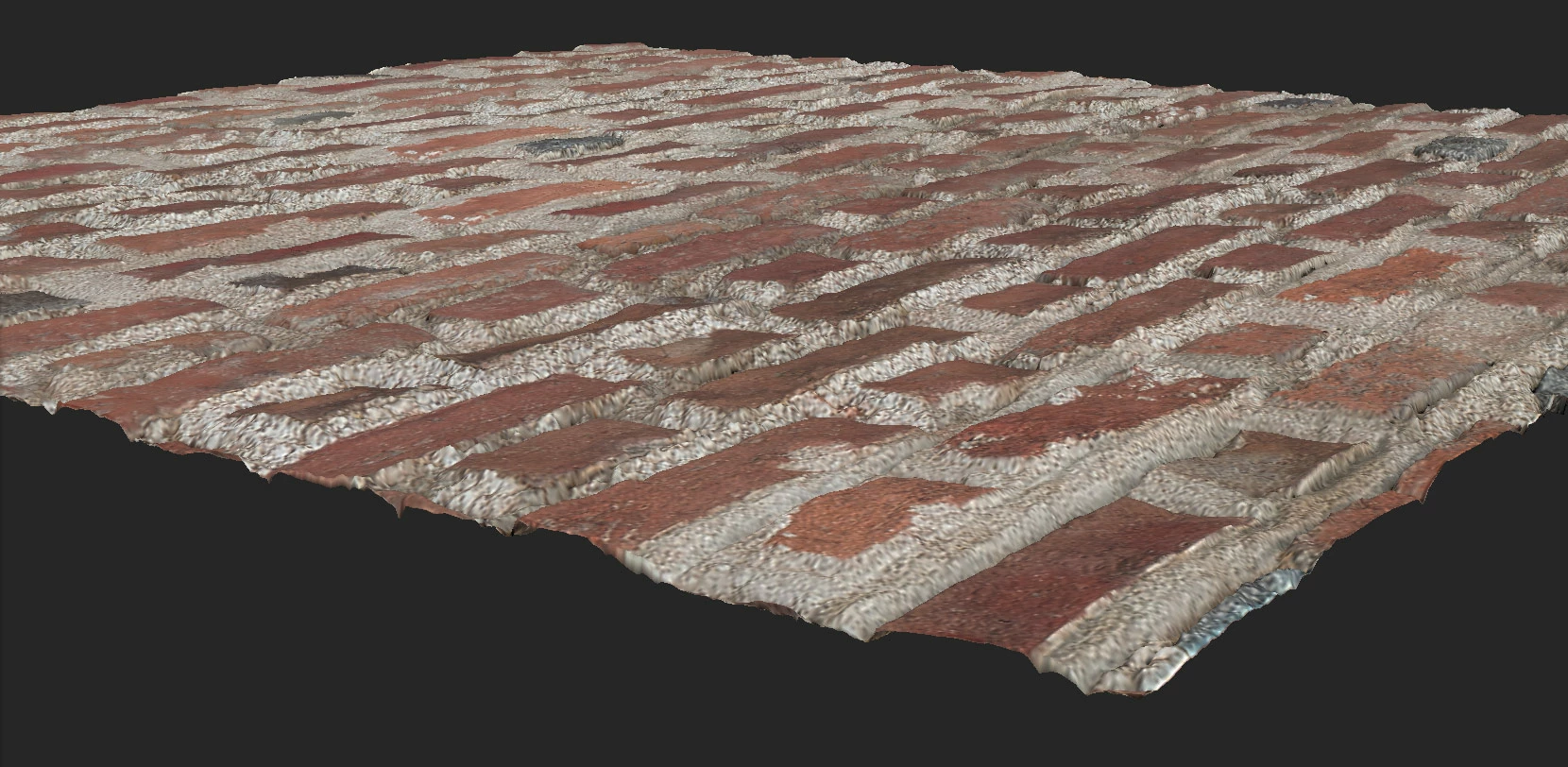
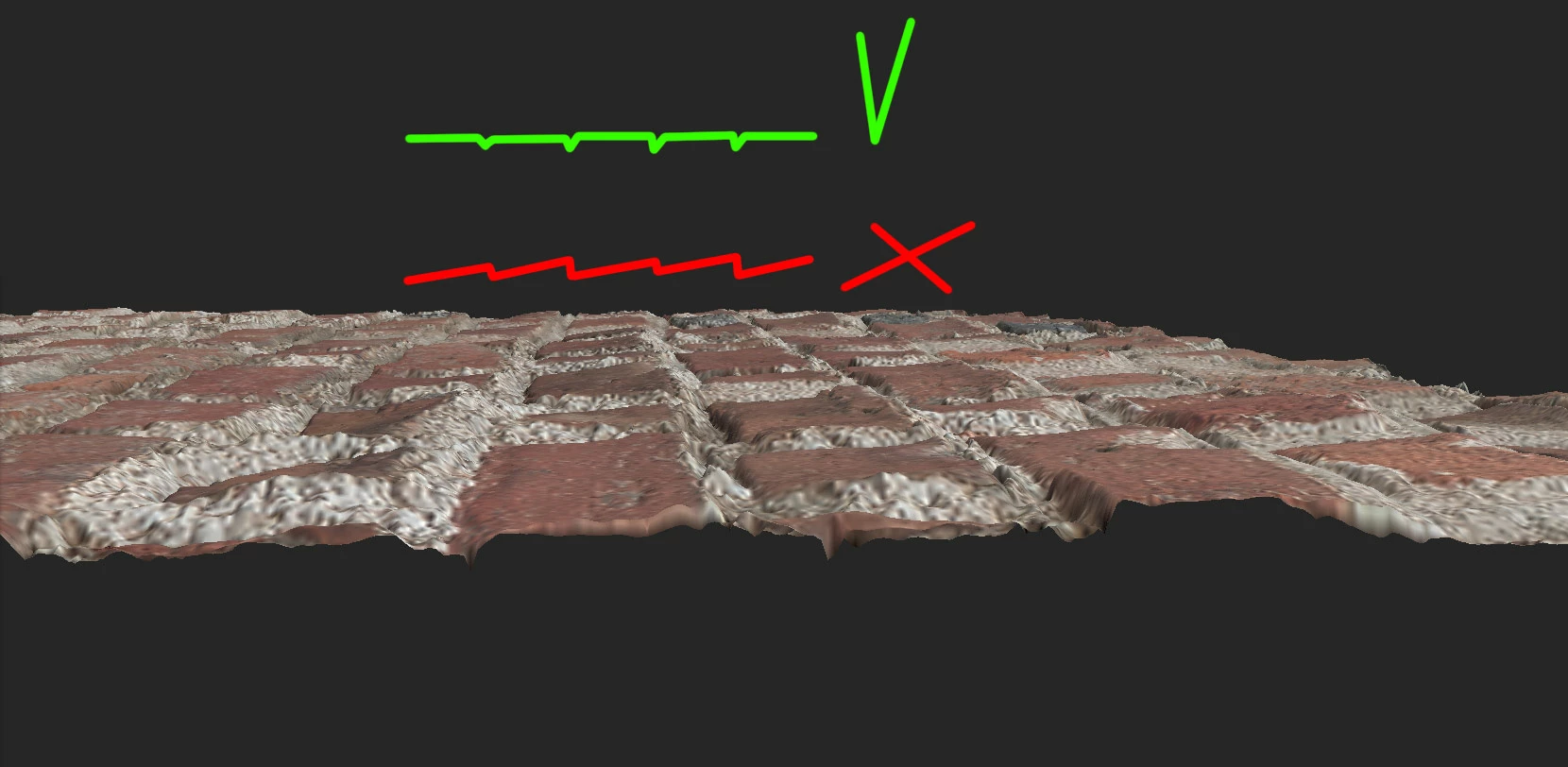
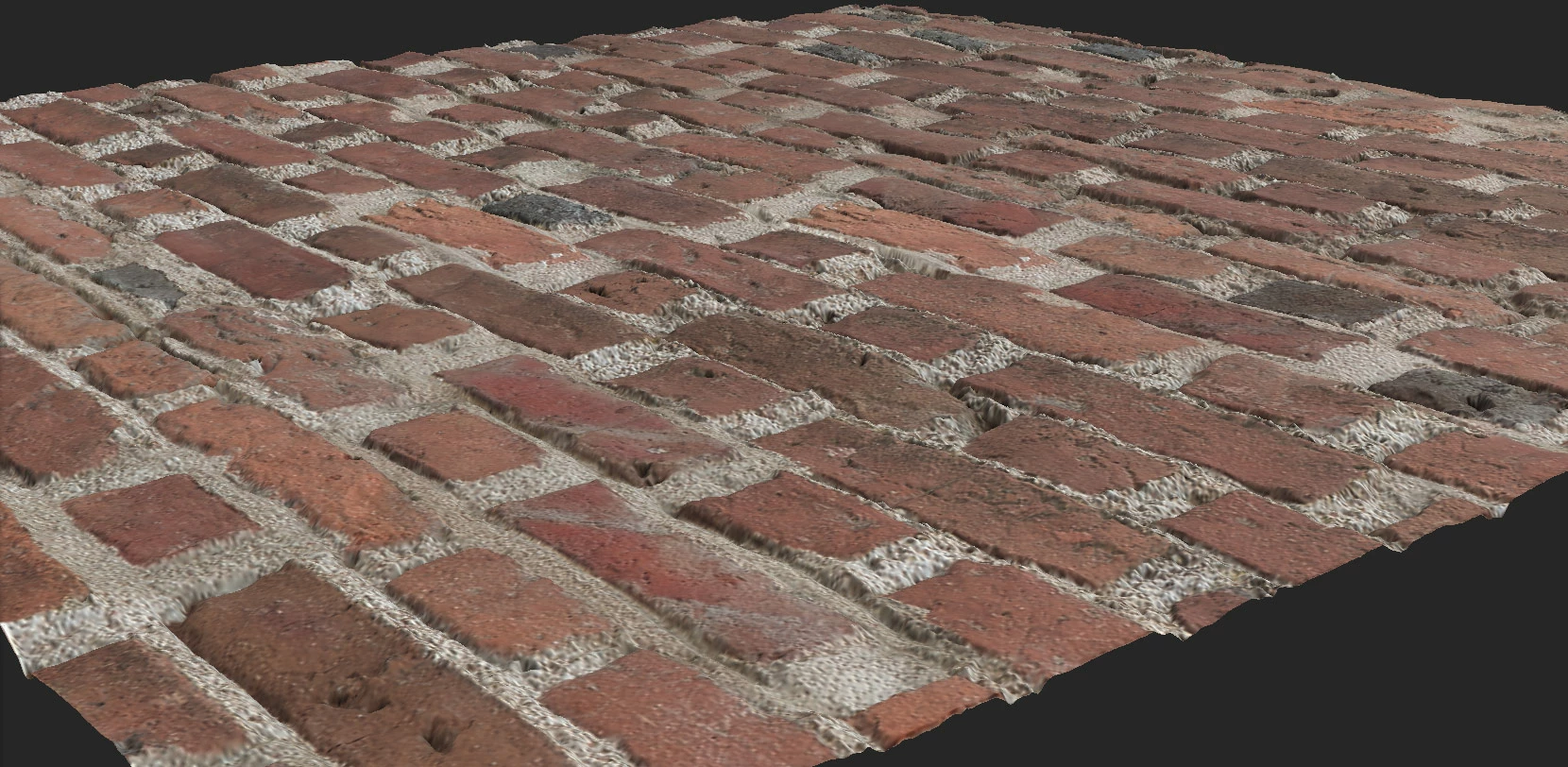
How can I globally rotate the heightmap in Substance 3D by several degrees?

  • November 16, 2023
  • 6 replies
  • 492 views

Hello, I have a simple question.
How can I globally rotate the heightmap in Substance 3D by several degrees?
The standard tool (equalizer) is too flat.
The same Material (AI Powered) does not work enough.

Is there any tool for something like this?
6 replies

Arek.OAuthor
Known Participant
November 17, 2023

Thank you for the tip, I'll check it out soon.
It seems to me that this angle is the ray of light falling on the wall when taking photos.
Even though the photo was taken in the shade on a cloudy day.
Or is there some tool in Substance 3D Designer that can correct this?
Regards, Arek

Cyril Dellenbach
Community Manager
Community Manager
November 17, 2023

Hi @Arek.O,


Except for the Equalizer you already mentioned, we don't have a dedicated tool for this regard. With that being said, I advise you to try other Categories from the Image to Material properties. Ground or Stone, should be the appropriate ones, but Concrete or Marble could give you interesting results.


Best regards,


Cyril Dellenbach (Micro) | QA Support Artist | Adobe
Arek.OAuthor
Known Participant
November 16, 2023


Arek.OAuthor
Known Participant
November 16, 2023


Arek.OAuthor
Known Participant
November 16, 2023

Unfortunately, it didn't help, only the texture rotates and the problem is still the same 😞
I used the regular one
Transform > Keep ratio > Rotation

Ares Hovhannesyan
Community Expert
Community Expert
November 16, 2023

Did you try Transform? There is rotation possibility in Basic Parameters panel for Transform