


Participant
March 4, 2025

Nothing Visible In The Viewport

  • March 4, 2025
  • 5 replies
  • 958 views

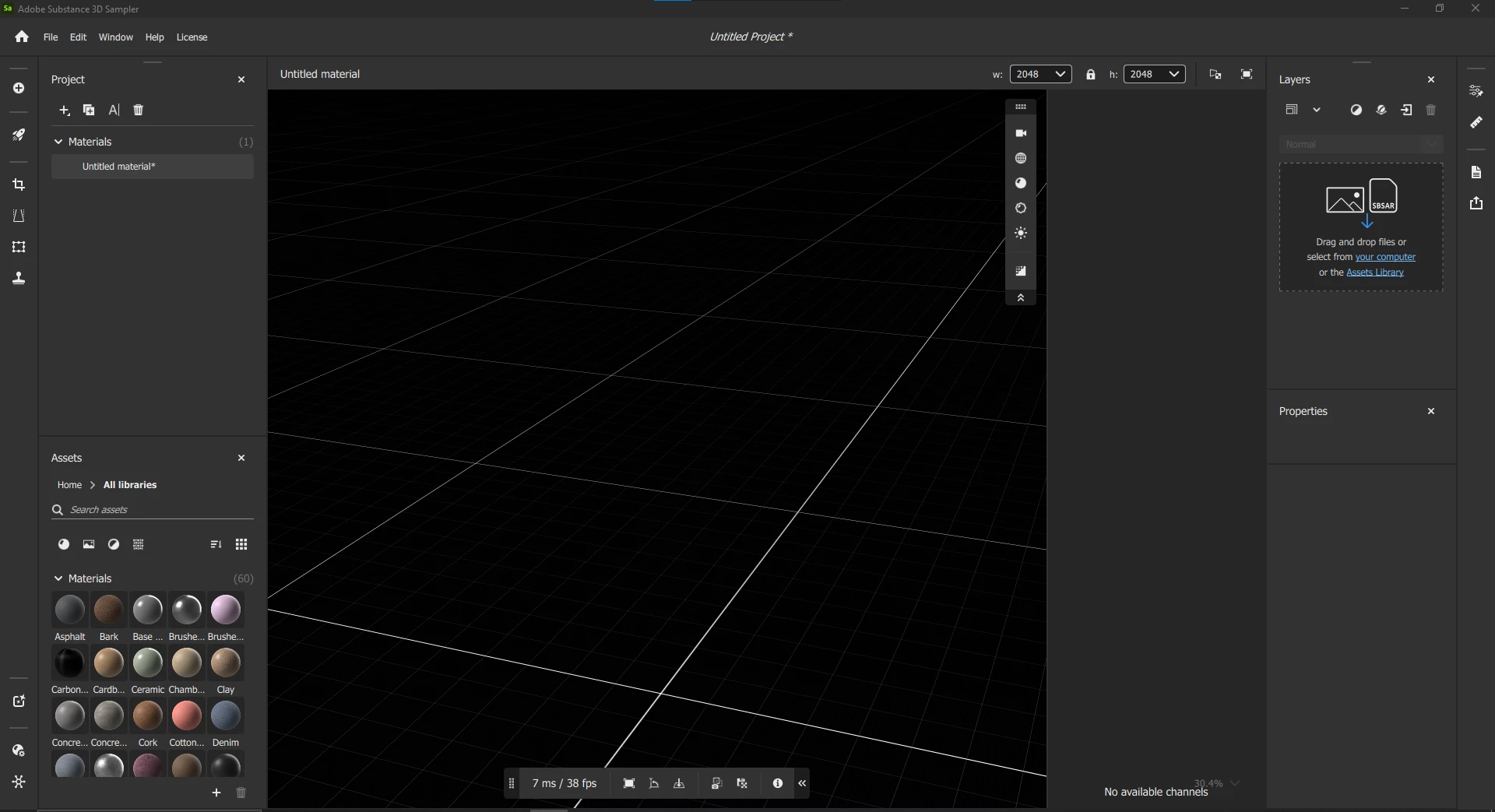
Hi, so I've never used Sampler before so I'm not sure if I'm doing something wrong, but I can't get anything to show up in the viewport, except this black and white grid. I've tried using different mesh presets, adding materials and lights, but still nothing. 


I have the latest version of Sampler and the latest NVIDIA update. I also have a GTX 1060 so maybe my hardware is just too old? But I've encountered no issues with any other programs, like maya, unreal, or other Adobe programs.


Thanks for reading all this! hopefully someone more knowledgeable than me has an idea on how I might fix this!


5 replies

Participant
April 2, 2025

Thank you for the clear and quick response, I will proceed with alternate options.

Guillaume_Substance3D
Community Manager
Community Manager
April 2, 2025

Hello,

We are using a different render engine than previous version of Sampler and different from Painter or Designer.

This new engine use Vulkan instead of OpenGL. 

We have published our minimum hardware requirement.


I know there is some user trying with nVIDIA 1060 generation and 1650 card, but it is not compatible for now.

We officially support GPU newer than 7 years. This means we cannot guarantee any ETA compatibility for those GPUs.


Regards,

Guillaume


Participant
April 2, 2025

I am having the exact same problem.  I installed sampler with the 30 demo license and I cannot see anything in the viewport.  I do not have this issue with other software such as Substance Painter which works as expected

Participant
March 5, 2025

LoryAline
Community Manager
Community Manager
March 5, 2025

Hi Kira,

Can you share a screenshot of your screen when you have a material and/or light in ?
You can also share your log file, to do so go to the Help menu and select Export Log.