


bernhardrieder
Known Participant
September 24, 2023

OpenGL vs. DirectX --> Broken?

  • September 24, 2023
  • 18 replies
  • 1557 views

I can't see any difference when siwtching my project settings from OpenGL to DirectX when outputting a Normal Map.

I think, this is a bug and should be fixed. 

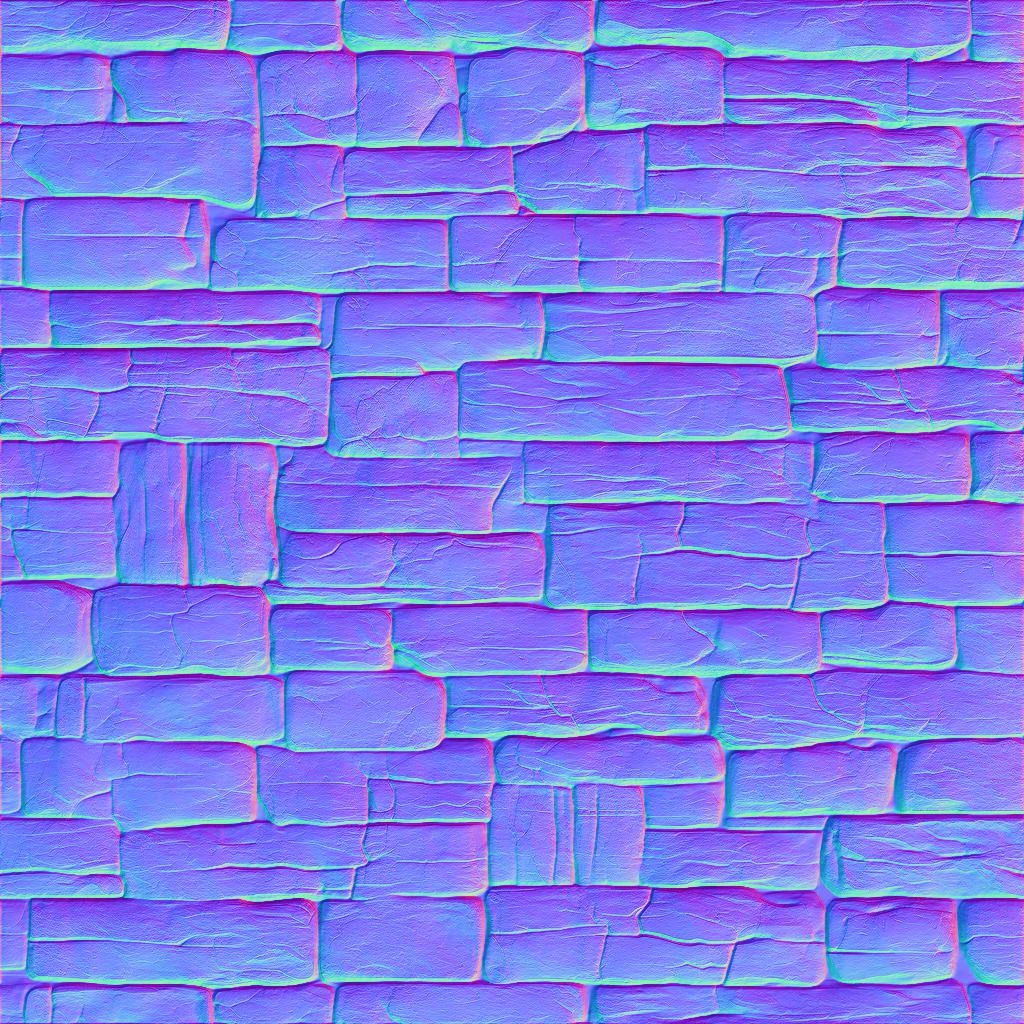
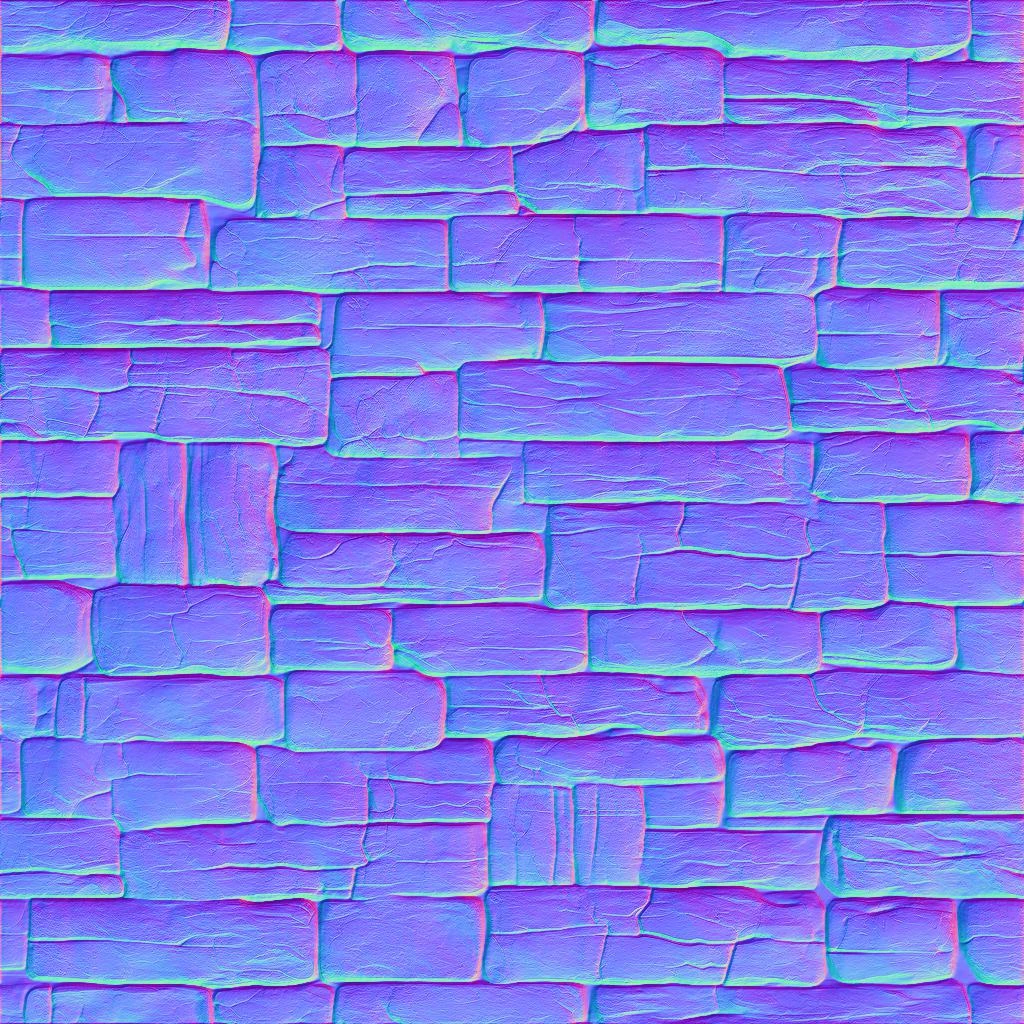
I compared two Normal Map Exports. One is Exported with DirectX and one is Exported with OpenGL.
The Normal Maps are 100% identical.
It only exports with DirectX and OpenGL doesn't seem to work.

I was running a test and checked the map inside a game engine, that's using OpenGL.
And yes, the shadows are upside down, shows that the export for OpenGL ist not working even when the project is setup with OpenGL.

Please can you check and let me know if you can reproduce that issue?


DirectX Export
OpenGL Export:


18 replies

bernhardrieder
Known Participant
September 27, 2023

I agree with @leighv123 . I was just running another test, and it seems the Viewport doesn't consider OpenGL from the project settings. That should be fixed.

It also looks like, that "recomputing" normals is also wrong in the calculation.


Please, if possible .. let's put the Normal Map issue to the highest priority. It's a major feature that impacts the entire workflow. Curently, you can't trust what you see. Adn you never now if all normal map layers are computed the correct way, which results into a non-usable texture map.

appreciate all your efforts and I hope our contribution helps to make this product better.
cheers

bernhardrieder
Known Participant
September 27, 2023

And how do you switch the preset?

any step-by-step guide?

Inspiring
September 26, 2023

Hi Cyril,

I was able to export as OpenGL using a custom preset I had made. However when working on materials the issue was that the 2D View was showing Normal as DirectX.  

Can you please confirm that the fix they are working on will reflect the correct Normal in the 2D View as well.

Thanks.

Cyril Dellenbach
Community Manager
Community Manager
September 26, 2023

Hi again everyone,


After discussion with the team, the bug is that the "Default" preset doesn't use the value defined in the project preferences window, and always export in DirectX.


For the information, the preset normal format always override the project settings.

e.g. Blender: OpenGL, Unreal: DirectX, etc.

but the "Default" preset should obviously take in consideration the project settings.


Therefore, as long as the issue isn't solved (which shouldn't take too long), you can export the normal map in OpenGL, you'll only need to switch the preset.


Best regards,


Cyril Dellenbach (Micro) | QA Support Artist | Adobe
Cyril Dellenbach
Community Manager
Community Manager
September 25, 2023

Hi @leighv123, Hello @bernhardrieder,


I've merged your two posts together considering this is the same topic.


Thanks a lot for your report, following your messages, we're now investigating on this issue that very well seems to be a bug.

I'll try to keep you updated on the subject.


Best regards,


Cyril Dellenbach (Micro) | QA Support Artist | Adobe
Inspiring
September 25, 2023

I came across this same issue also and posted about it yesterday... https://community.adobe.com/t5/substance-3d-sampler-bugs/normal-format-in-preferences-broken-v4-2-1-dorayaki/idi-p/14107775

Hopefully they will be able to give us an update with it soon! 

bernhardrieder
Known Participant
September 25, 2023

by the way, please find attached the source image I am using with "Image to Material".
If you use the same image, you should be able to reproduce that issue.

Inspiring
September 24, 2023

I am creating materials and exporting maps directly from Sampler.

Changing the Normal format in Preferences from DirectX to OpenGL is not working for me.  The normal format preference now has no impact on the 2D view, Image Import Layer or on Export (this was ALL working just fine in V4.1).

To workaround this issue I added an Invert filter and applied it to the Normal channel... so far I have found the workflow in V4.1.2 Cannoli to be MUCH quicker. It also felt as though I had a lot more control than what I do now.


As another test I also opened a project which I created in the previous version and when exporting the PNG maps the Base Color map shifted greatly incolor and the Roughness map had changed significantly in tone.