


badde.media
Known Participant
September 28, 2023

Problem when transforming tiled material

  • September 28, 2023
  • 3 replies
  • 206 views

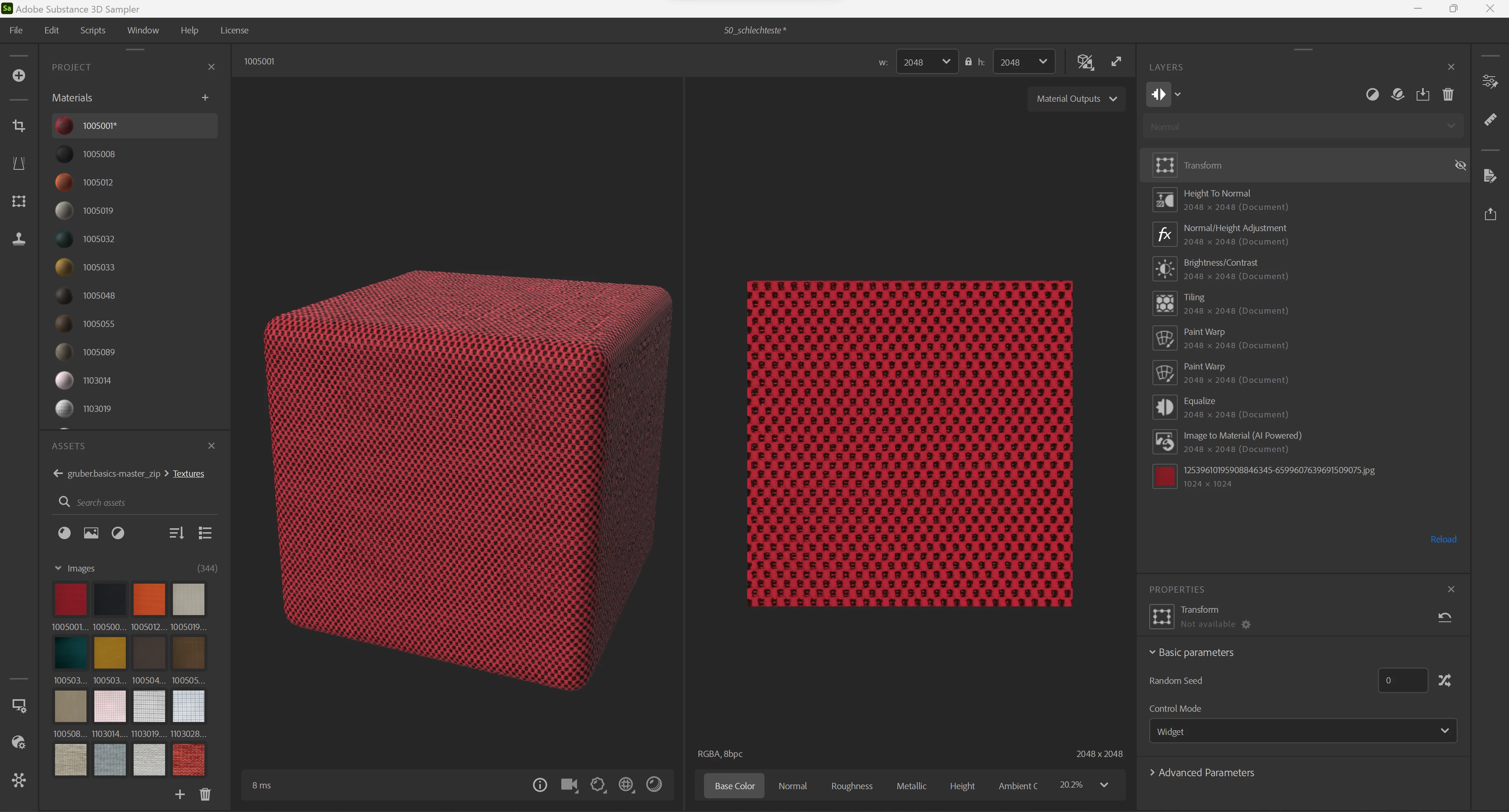
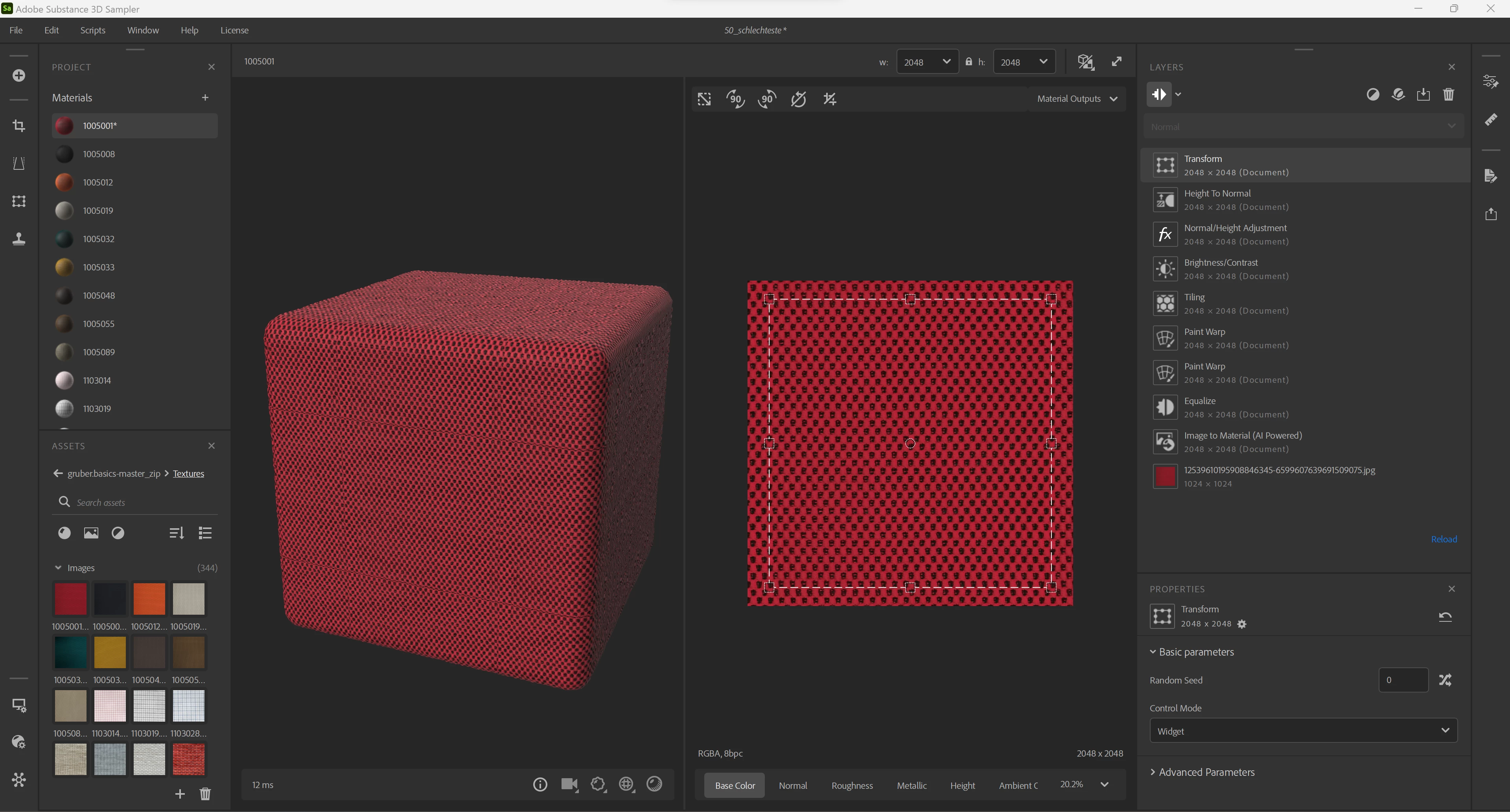
I have created some tiled materials. The customer complains that they are too large, which is because of how the tiling algorithm works. When I enter a transform layer on top of the stack, I'd expect the tiled material to be scaled while keeping its tileability, but when I scale it, the tiling doesn't match anymore. Is this a bug or a feature? Any hints on how to avoid this?
  

3 replies

badde.media
Known Participant
September 29, 2023

That seems to help, thank you. Any idea how I can activate this in a Python script?

Cyril Dellenbach
Community Manager
Community Manager
September 28, 2023

Hi @badde.media,


This not a bug nor a feature, but simply the expected behavior. When using a Transform filter, if certain values aren't respected, the tiling will be broken. Hopefully, Substance Sampler has an option to not bother with these kind of issues.


Switch the control mode to Widget & Parameters and activate the Safe Transform. This will maintain tiling and avoid losing pixel detail due to small offsets and rotations.


Best regards,


Cyril Dellenbach (Micro) | QA Support Artist | Adobe
badde.media
Known Participant
September 28, 2023

Adding the transform layer creates another seam in the tiling layer. I can't imagine how this could be intended. It creates more problems than it solves.