Participant
April 17, 2026

AI generative AI models is not showing

  • April 17, 2026
  • 6 replies
  • 209 views

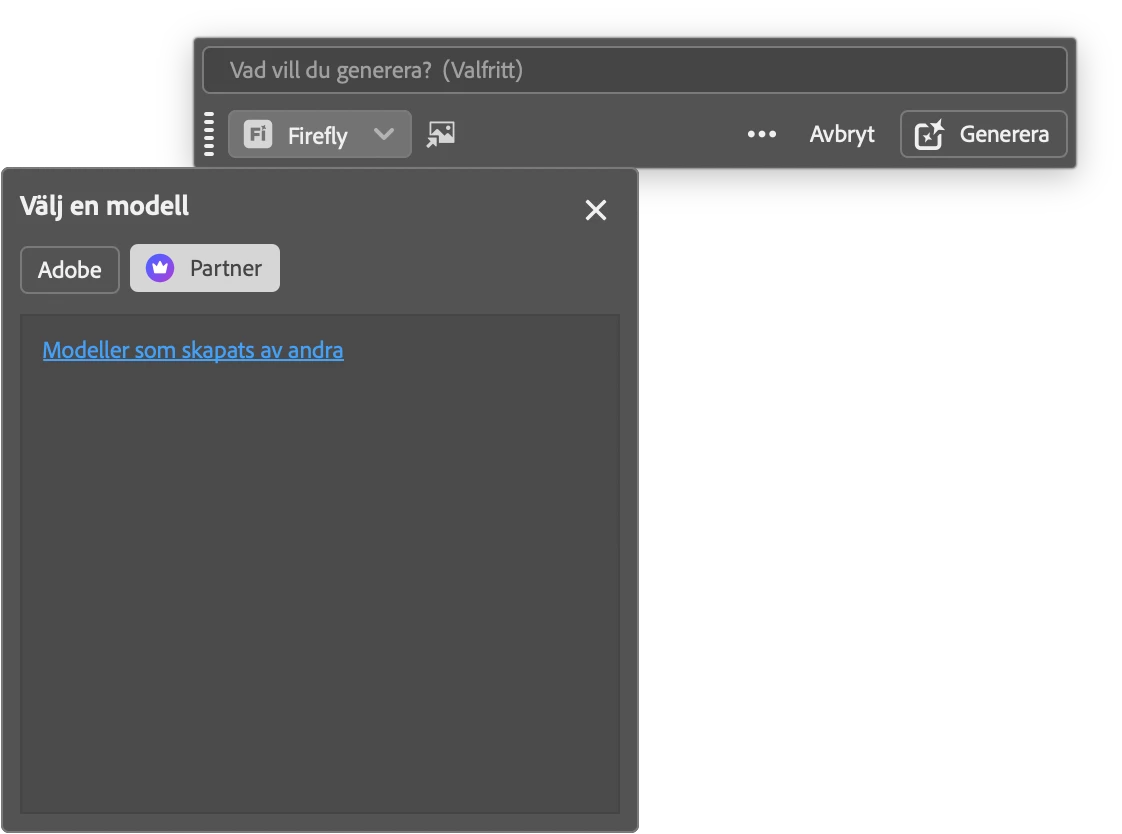
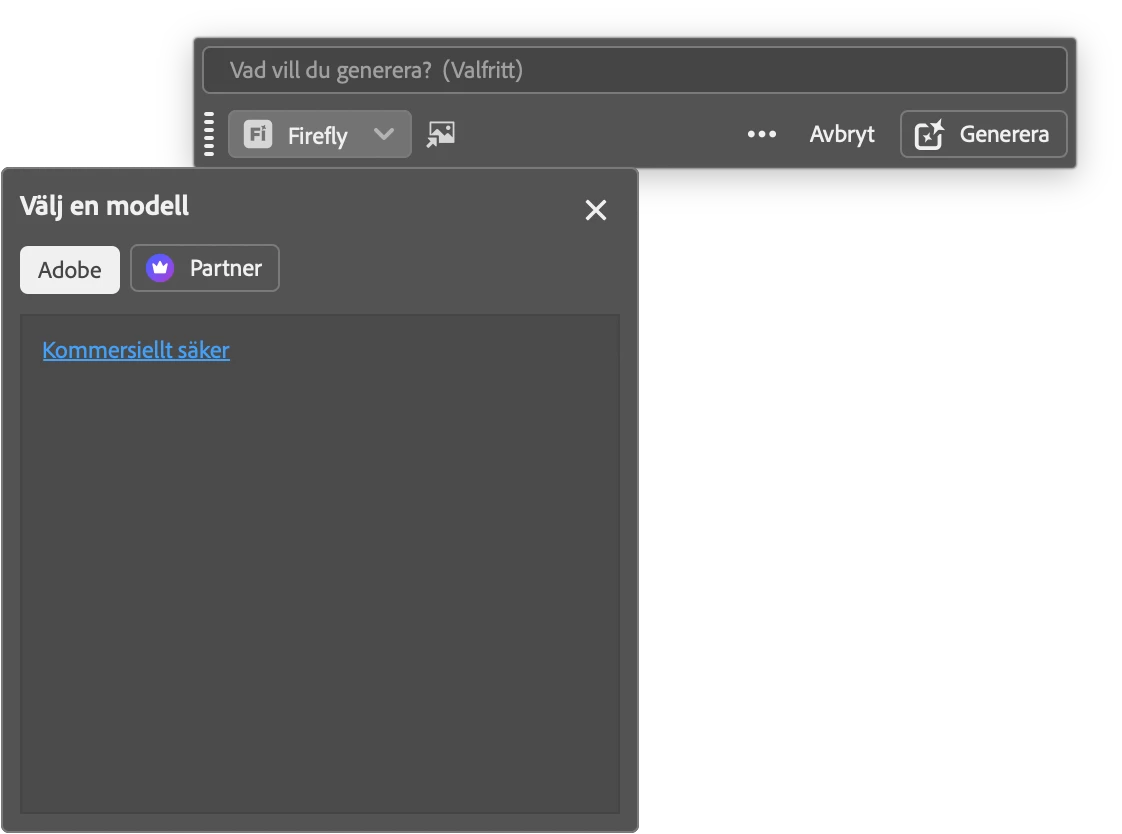
In Photoshop 27.7.0 I can't select AI models. See attached images. None are available to select. Have the same problem on two different Mac's.
 

    6 replies

    CShubert
    Community Manager
    Community Manager
    May 6, 2026

    Hi all,


    Firefly Model List Not Appearing -- Sign-In and Plan Recognition Issues

    If the Firefly model picker is empty or not showing your available models, this is a known issue we're actively investigating. In most cases, Photoshop isn't correctly recognizing your plan entitlement at launch, which causes the model list to be hidden even for users who have full access.

    Start here:

    1. Sign out of Creative Cloud completely, then sign back in
    2. Relaunch Photoshop
    3. Confirm your plan status at account.adobe.com/plans to rule out any account-side issues
    4. Make sure you're on the latest build (27.6 or newer)

    If that doesn't help:

    There are a couple of secondary issues that can cause similar behavior. The model picker can also get into a bad state after quitting and relaunching Photoshop if a non-default model was selected before closing -- if this sounds familiar, try the sign-out/relaunch steps above and start a fresh generation before switching models.

    Users in certain locales have also reported a stale prompt to upgrade their plan appearing incorrectly. If you're seeing that and you're on a plan that should include Firefly access, the sign-out and relaunch steps above should clear it.

    If the problem comes and goes, that's consistent with a known timing issue on our end -- please let us know and include your build number (Help > About Photoshop) so we can track it.


    Thanks,

    Cory - Photoshop Product Manager

    PSuseritaly
    Participant
    April 18, 2026

    same problem here! 

    JGZ45
    Participating Frequently
    April 17, 2026

    As of the 4-16-2026 download, Photoshop Beta v27.7 isn’t connecting to the available Generative Fill models, instead showing a flag with links to information when selecting Adobe or Partner tags. Reinstalling the previous version works fine until the bug gets fixed. In the meantime, the current commercial non-beta version runs without issues. It seems quality control slipped in the 27.7 Beta update for a feature that worked well in earlier releases.

    CShubert
    Community Manager
    Community Manager
    April 17, 2026

    Hi all, the teams are aware of this and the workaround is to roll back to 27.6. There will be a new build on Monday which has the fix in so please update Monday and let us know if things are back.


    Thanks,

    Cory - Photoshop Product Manager

    Participant
    April 18, 2026

    Unfortunately now I cannot find Beta anywhere in my Creative Cloud app to roll back to a previous version.  I’m assuming it has been removed so that it can be corrected…?

    JGZ45
    Participating Frequently
    April 18, 2026

    I just checked, and the link to the previous beta versions has been removed from the three-dot menu [...]. It was working late last night. I left the buggy beta v27.7 alone, though everything else seems to work fine. For now, I’m using the regular v27.5 until Monday, when the beta v27.7 update arrives. 

    Known Participant
    April 17, 2026

    there is a new update check creative cloud!
    make a back up of your of your current settings and third-party plugins, etc.!
    i lost them….

    anorenAuthor
    Participant
    April 17, 2026

    No update for me yet. What version did you get now?

    Known Participant
    April 17, 2026

    it has reported already for me the same ‘problem’ Mac os
    have to wait for a fix!
