AZAT Replay
Participant
April 15, 2026

I am experiencing an issue with Generative Fill in Photoshop.

  • April 15, 2026
  • 1 reply
  • 17 views

I am experiencing an issue with Generative Fill in Photoshop.

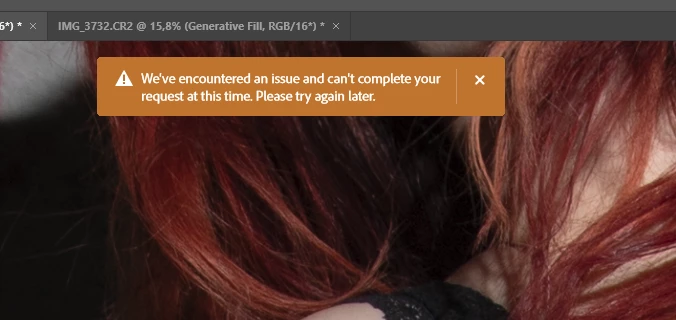
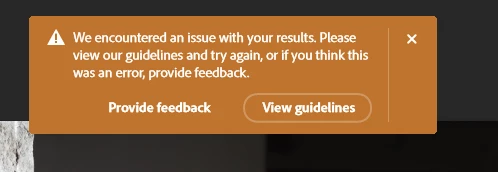
Every time I try to use Generative Fill, I receive one of the following error messages:

  • "An error occurred. Please try again later."
  • "We encountered an unexpected error."

This issue has been ongoing for the past 2–3 days and happens consistently on every attempt.

What I tried:

  • Restarted Photoshop
  • Logged out and logged back into my Adobe account
  • Tested with different files and selections
  • Checked my internet connection

None of these steps resolved the issue.

Additional info:
The problem appears to be consistent and not file-specific. Generative Fill is currently unusable.

Could this be a server-side issue related to Adobe Firefly?

System info (optional – you can edit):

  • Photoshop version: (write your version)
  • OS: Windows 10 / 11

Thank you.


    1 reply

    CShubert
    Community Manager
    Community Manager
    April 15, 2026

    Hi ​@AZAT Replay 


    1. Try resetting Prefs for the Beta:
    /Users/yourname/Library/Preferences/ Photoshop Beta Settings (Mac Ventura)
    /Users/yourname/Library/Preferences/Adobe\ Photoshop\ \(Beta\)\ Settings (Mac)


    C:\Users\user name\AppData\Roaming\Adobe\Adobe Photoshop (Beta)\Adobe Photoshop (Beta) Settings


    Launch BETA Photoshop While Pressing The Keyboard Shortcut
    With Photoshop closed, press and hold Shift+Ctrl+Alt (Win) / Shift+Command+Option (Mac) on your keyboard and then Launch Photoshop the way you normally would.
    https://helpx.adobe.com/photoshop/using/preferences.html#Manually 

    2. It may help if we could see your Photoshop beta System Info. Launch Photoshop beta, and select Help >System Info...and copy/paste the text in a reply.  

    Thanks,

    Cory - Photoshop Product Manager