



Open for Voting
Not a month goes by without Adobe breaking masks.
Version: Photoshop Beta 28.0.1 (20261026.m.3727)
OS: Windows 11 (build 26300.9711)
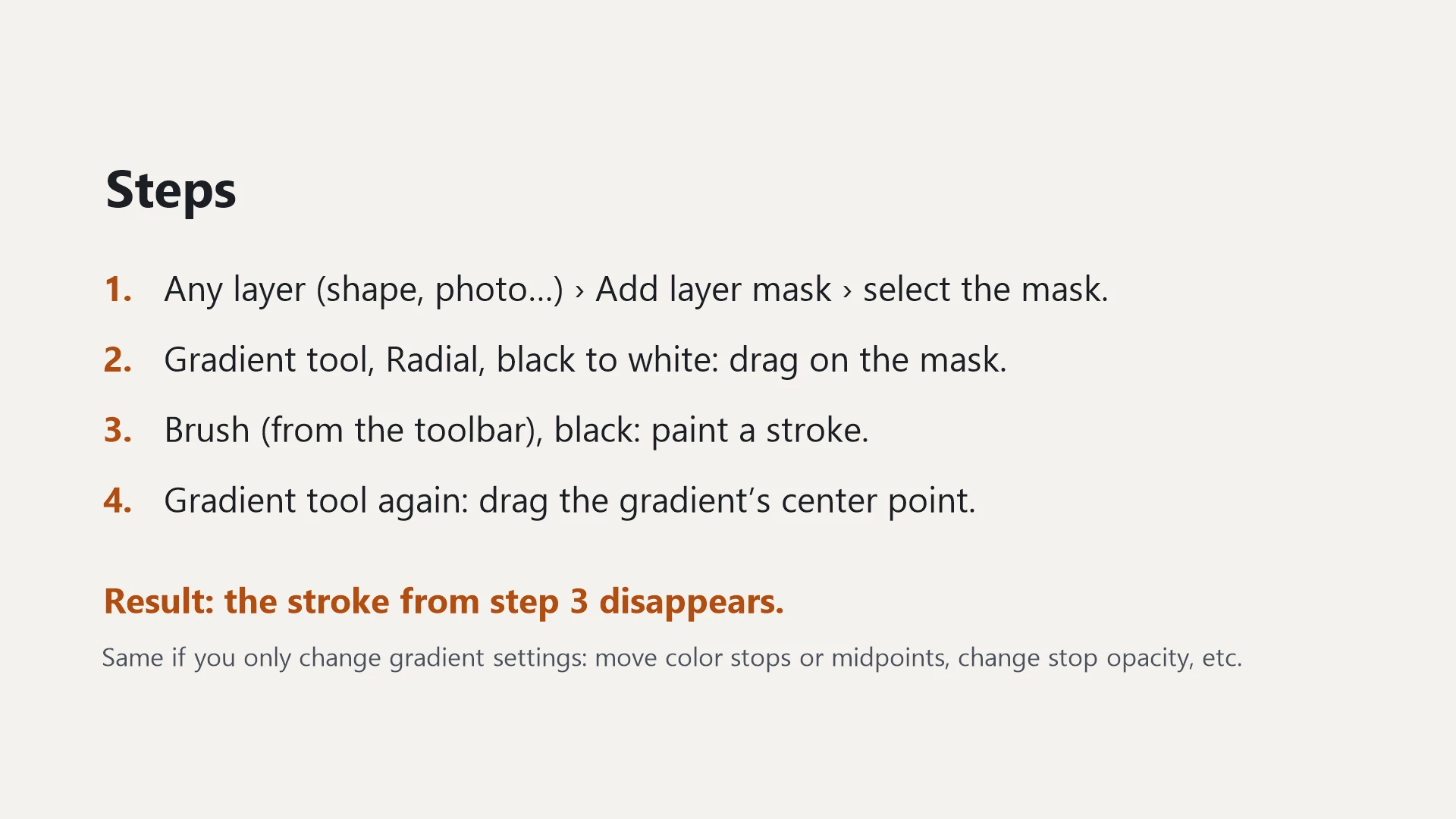
Steps:
1. Any layer → Add layer mask → select the mask.
2. Gradient tool, Radial, black to white → drag on the mask (don't commit).
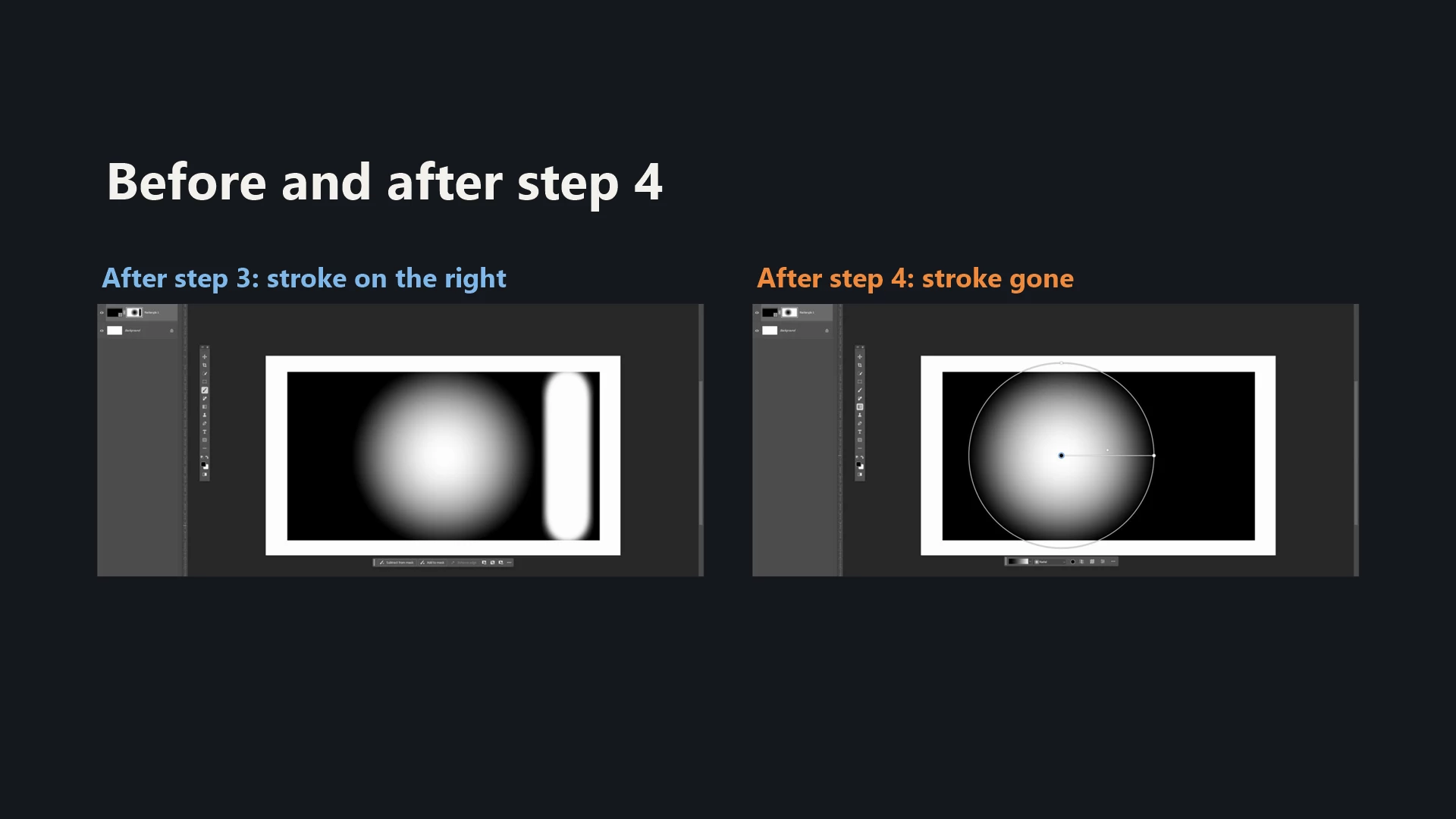
3. Brush (black) → paint a stroke on the mask.
4. Gradient tool again → drag the gradient's center point.
Result: the brush stroke from step 3 disappears.
Expected: the stroke stays on the mask.
The same happens with any change to the live gradient's settings, not only moving the center point: dragging color stops or midpoints, changing stop opacity, etc. The brush work on the mask gets reverted every time.
VIDEO
 AdChoices