


Open for Voting
P: contextual task bar
PS beta 26.5.0 20250306.m.3000, the position of the contextual bar cannot be fixed, even after check-marking "pin bar position". After performing another step in processing the check-mark next to it disappears and the bar changes its location, even outside the PS working area. Win 10.
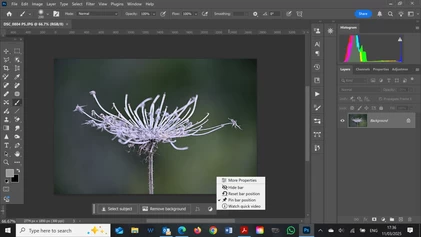
This is PS version 26.4.1 20250225. There's a check-mark next to "pin bar position" and the CTB won't move.
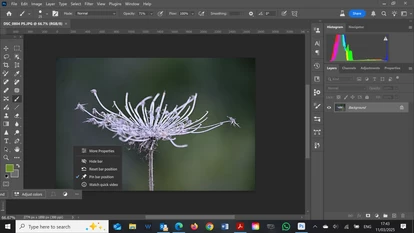
now the same file opened with Beta. Although "pin bar position" is selected, the CTB is misplaced to the left.
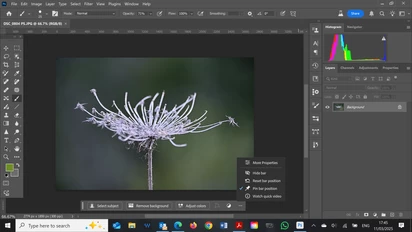
Now the CTB was reset, moved to the center and "pinned".
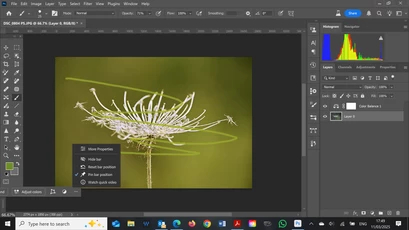
However after minor adjustments, upon moving back to the original layer, CTB is misplaced again, though still "pinned"
 AdChoices