



matpimentel
Participant
June 25, 2026

P: "Export As" window glitches (Photoshop Beta Version 27.9)

  • June 25, 2026
  • 3 replies
  • 28 views

The "Export As" window is glitching, which sometimes makes it go behind Photoshop. Additionally, its size does not stay adjusted as usual and it is always smaller. I have to resize it every time I open the program and use the "Export As" function.

Another problem is that the file preview is pixelated, which does not happen in the regular version. This started in this last beta update; it didn't have this problem before. Furthermore, the image only looks good if I set the zoom to 100%. However, I cannot see the full image with good quality like before because it goes past the borders. I have to keep moving it to see the corners that do not show up.
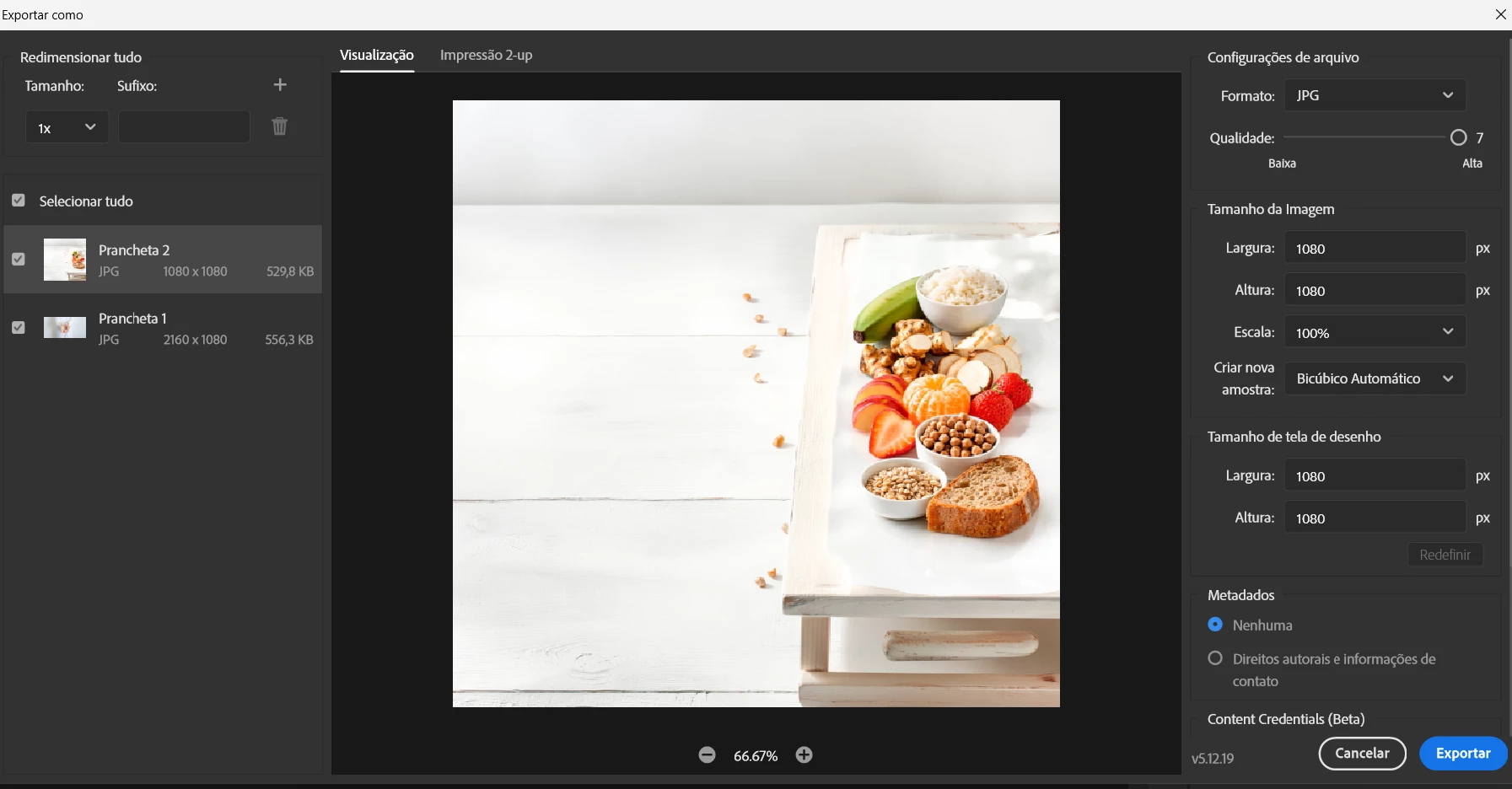
 

Image from Photoshop (Beta) version 27.9


Previous version 27.8 is perfectly normal and trouble-free.
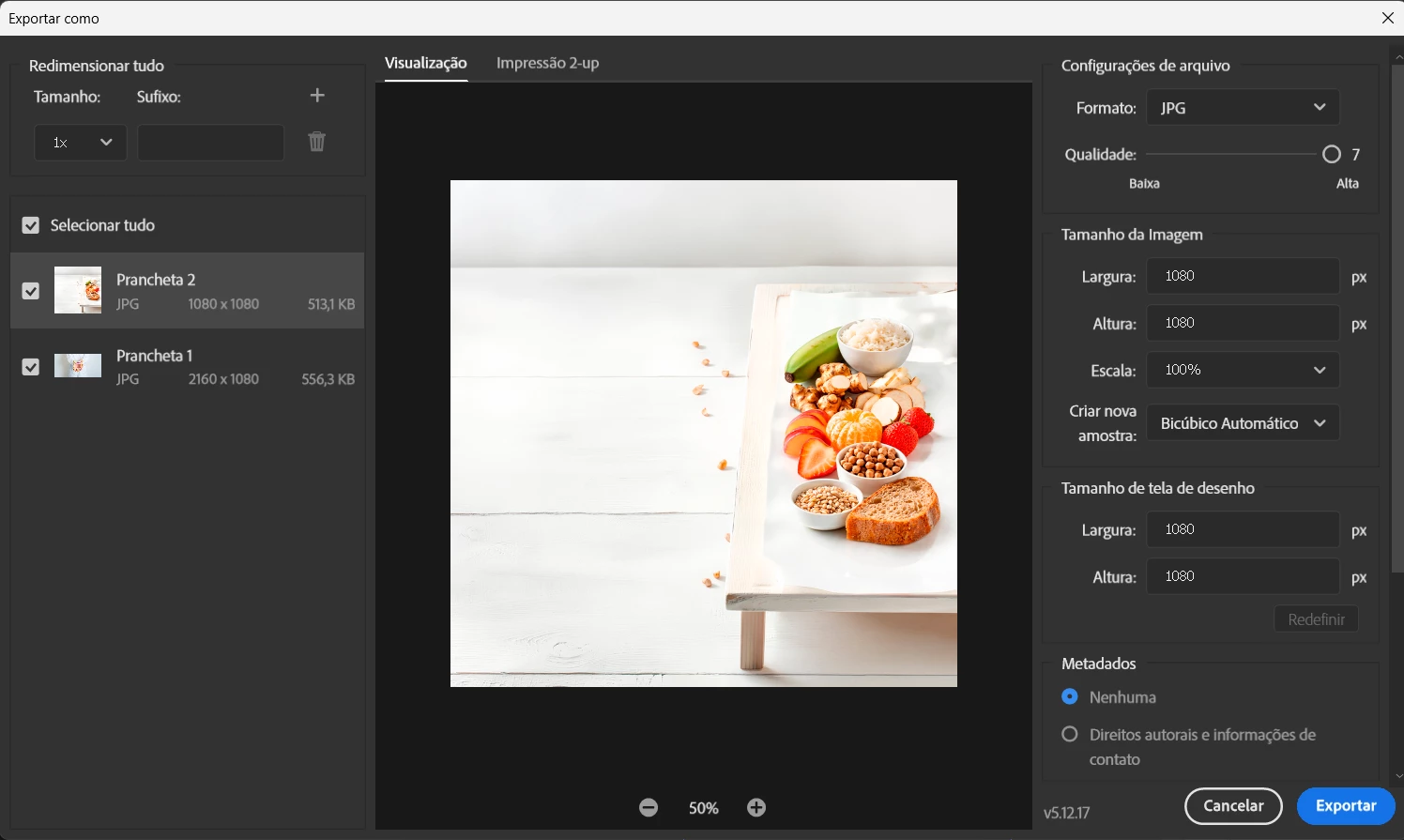
Image from Photoshop version 27.8


    3 replies

    johnlsl
    Participating Frequently
    June 28, 2026

    I am seeing the same patten and clearly “Export as” lost the ability to remember the on-screen location data for beta version
    As on my other bug report the behaver is very similar
    The ‘Export As’ window won’t open on my primary display. | Community

    Łukasz Pogoda
    Participating Frequently
    June 26, 2026

    Yes, I had similar issue v.27.9.0 -- I have 24 inch screen. It is not a retina one, still, it has 1920 x 1200 px. Yet, after second use of the export window it appears small and placed at the left corner.


    matpimentel
    Participant
    June 28, 2026

    I'm experiencing the same bug where the default preset is no longer persistent in the export dialog. Upon launching the 'export as' function for the first time, the window initializes in a minimized state, requiring manual resizing every time. This broken workflow degraded the user experience, leading me to uninstall the Beta build.

    •  
    CShubert
    Community Manager
    Community Manager
    June 25, 2026

    Thank you ​@matpimentel we have passed this on to the team.


    Thanks,

    Cory - Photoshop Product Manager