


Participant
September 18, 2025

P: Generative Upsacale

  • September 18, 2025
  • 6 replies
  • 424 views

PS Beta Version - 27.0 m.3229

macOS Tahoe Version 26.0 (25A354)


After updating the PS Beta this morning this is the result I get when I use Generative upscale with every image I have tried. See attached original and result using generative upscale 2X.
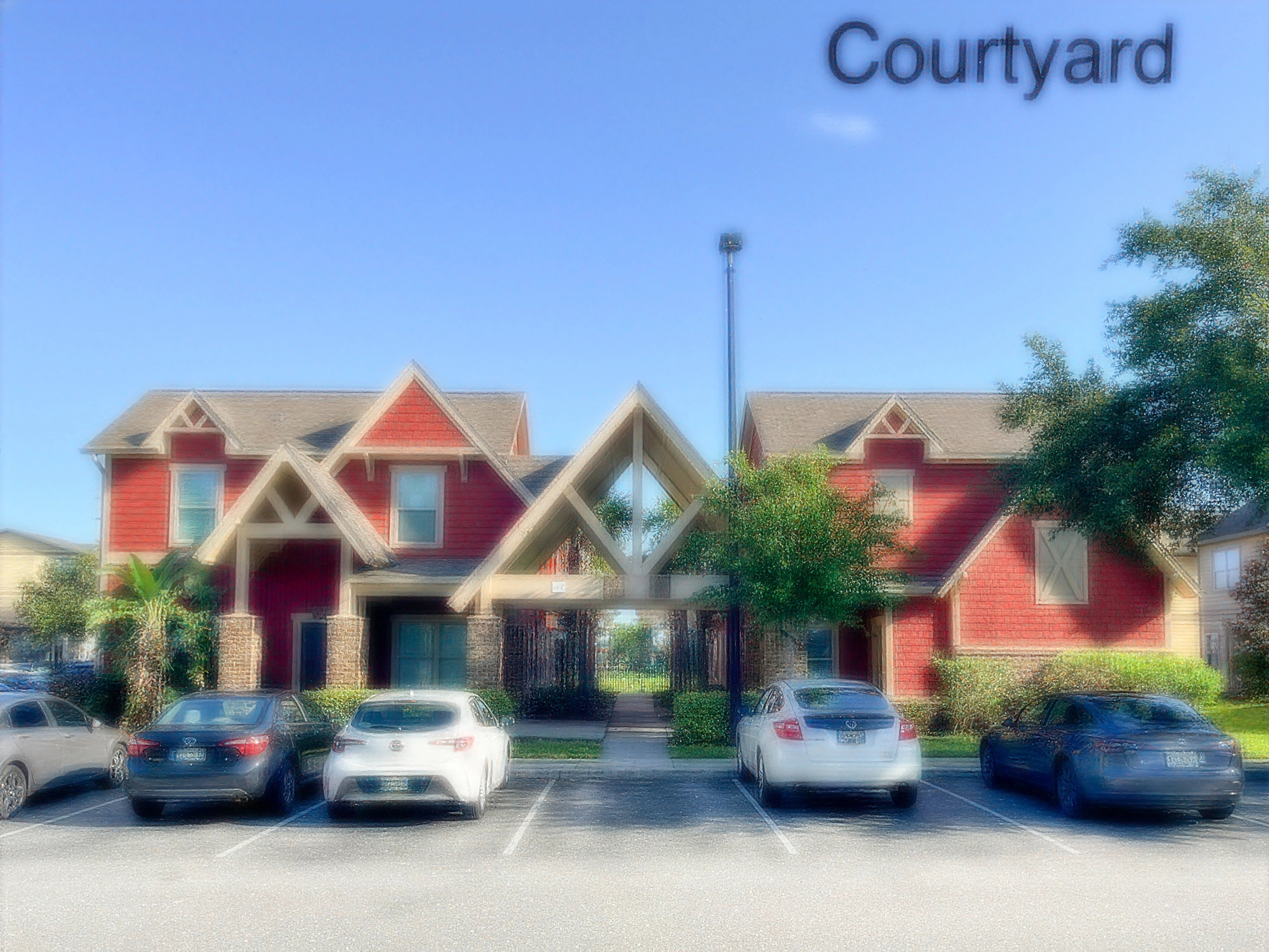
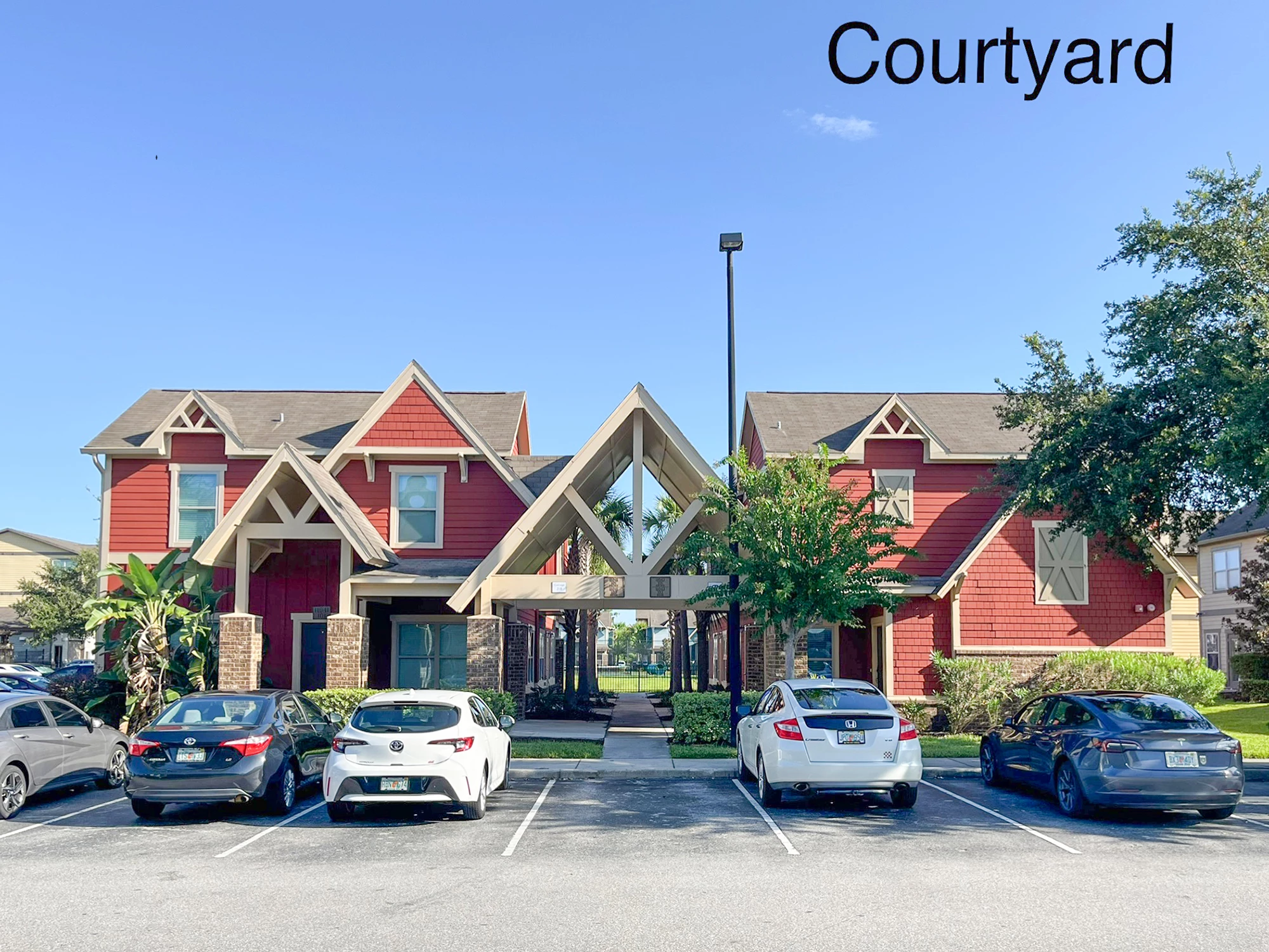
  

6 replies

napsmear
Participant
September 18, 2025

Just updated and same issue..
OS Name Microsoft Windows 11 Pro for Workstations
Version 10.0.26100 Build 26100
System Model HP Z4 G4 Workstation
System Type x64-based PC
Processor Intel(R) Xeon(R) W-2123 CPU @ 3.60GHz, 3600 Mhz, 4 Core(s), 8 Logical Processor(s)

Participant
September 18, 2025

Adobe Photoshop Version: 27.0.0 20250917.m.3229 0fc6b13 x64 (beta, PublicBeta)
Operating System: Windows 11 64-bit

CShubert
Community Manager
Community Manager
September 18, 2025

Hey everyone, could you share your sysinfo with the team to see if there is a pattern, ie Mac only, OS, etc?


Thanks,

Cory - Photoshop Product Manager

CShubert
Community Manager
Community Manager
September 18, 2025

We see this as well, the team will investigate.


Thanks,

Cory - Photoshop Product Manager

Participant
September 18, 2025

Having the same issue here.

Participant
September 18, 2025

I've updated Photoshop Beta to the v27.0 this morning. After this, the Generative Upscaling is bluring the images while uscaling them:

Original image:


After upscaling:


Anyone with the same issue?

Participant
September 18, 2025

I'm also experiencing that same issue