



Open for Voting
P: Layers panel - Blending option broken behavior
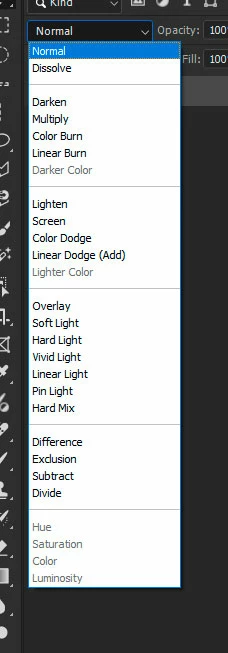
After todays update blending rolldown menu has changed its behaviour in bad way.
Previously after selectin blending style it was keeping focus for that rolldown menu (with blue outline as selected element) and I was able to cycle other styles with up and down keys on keyboard.
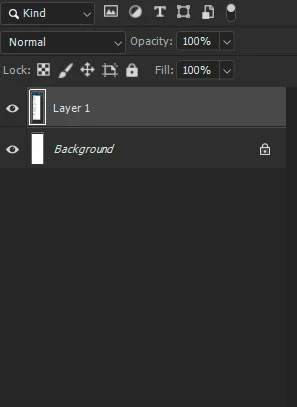
But now after selecting blending option it looses focus and then cant cycle it with keyboard anymore and have to use mouse.
It is again slowing workflow.
Adobe Photoshop Version: 26.11.0 20250810.m.3177 655ab8a x64 (beta, PublicBeta)
Operating System: Windows 11 64-bit
Version: 11 or greater 10.0.26100.4770
 AdChoices