resourceful_goal5E82
Participant
September 17, 2022

P: Menu option to Browse in Bridge does not work

  • September 17, 2022
  • 11 replies
  • 928 views

Instead it opens the Creative Cloud desktop. Then when click to open Bridge....nothing happens.
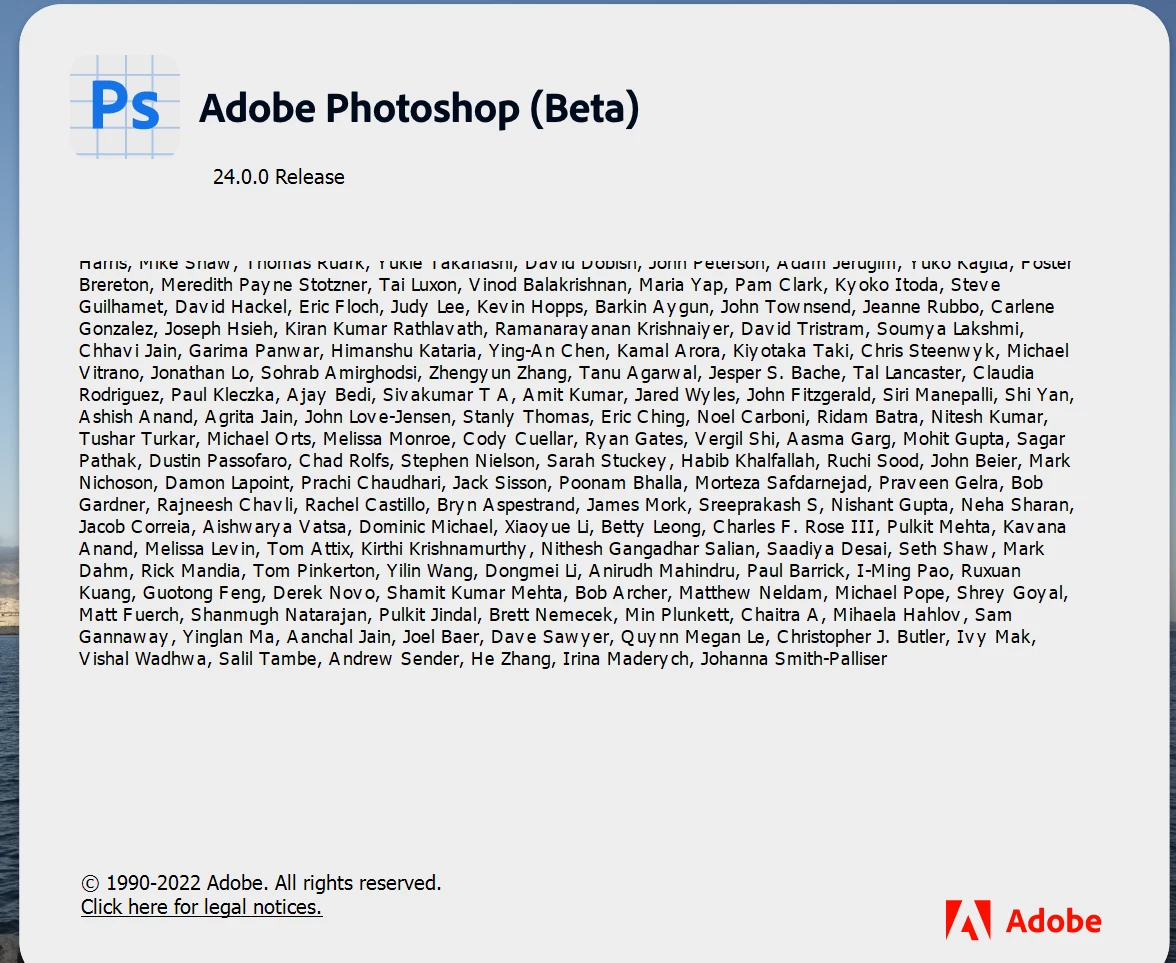
Windows 11 64 bit

This topic has been closed for replies.

11 replies

Pete.Green
Community Manager
Community Manager
March 17, 2023

Setting to investigating as not as much interop has been enabled for working with Bridge and beta apps. 

Pete.Green
Community Manager
Community Manager
September 23, 2022

Thanks for bringing this to our attention. It is related to the new version jump to 24.0. The team is aware and investigating a fix for this. 


The workaround for now is to start Bridge manually. Apologies for the inconvenience caused here!

Pete.Green
Community Manager
Community Manager
September 23, 2022

Thanks for giving that a try @W4tsup, the team is now aware of this issue and are investigating.

Known Participant
September 22, 2022

12.0.3, I did not realize there was a bridge beta.

I've installed bridge beta and the same issue still presists.

Pete.Green
Community Manager
Community Manager
September 22, 2022

Hi @W4tsup,


Which version of Bridge do you have installed? Is it the Bridge beta? or the release version of Bridge?


Regards,

PG

Known Participant
September 21, 2022

I attempted to uninstall using both the "keep" and "remove" options and it didn't seem to fix the issue either way. I'm not sure which file tells photoshop where your bridge install is or I'd edit that myself to see if that fixes it.

Pete.Green
Community Manager
Community Manager
September 21, 2022

Interesting @W4tsup, thanks for the added detail.


There were definitely some preference reset behaviors that took place with the new 24.0 version that this latest beta release updates to. 


I wonder if an uninstall/reinstall of Bridge makes the difference for you?


Regards,

PG

Known Participant
September 21, 2022

This did not solve the issue. Also, something that might be worth mentioning since you brought it up - when updating to the latest beta it reset almost all of my preferences back to their defaults.


I was able to set them back but a lot of things got reset. This seemed to be triggered when I updated the non-beta version of photoshop to the latest build, base photoshop now has a "2023" version folder and the plug-in "image processor pro" stopped working in bridge as well.


I'm wondering if all these things are related? It will focus bridge fine if you open bridge manually, but trying to open bridge from the beta version of photoshop's file menu sends you to the creative cloud app page.


The base version of photoshop also does this now after the latest update too, it doesn't recognize bridge is installed for some reason.

Pete.Green
Community Manager
Community Manager
September 21, 2022

Sorry for the trouble browsing in Bridge. I haven't been able to reproduce this on my Windows system, and wonder if a reset of your preferences will resolve this?

If that doesn't solve it, you can quit Photoshop and put the Settings folder back.


Let us know if this helps!

Regards,

Pete

Known Participant
September 20, 2022

Having the same issue with the latest beta (24.0.0). Can still open bridge, but I have to do it manually.