Semi Neural
Participant
October 23, 2022

P: Photoshop (Beta) opacity bug.

  • October 23, 2022
  • 18 replies
  • 1900 views

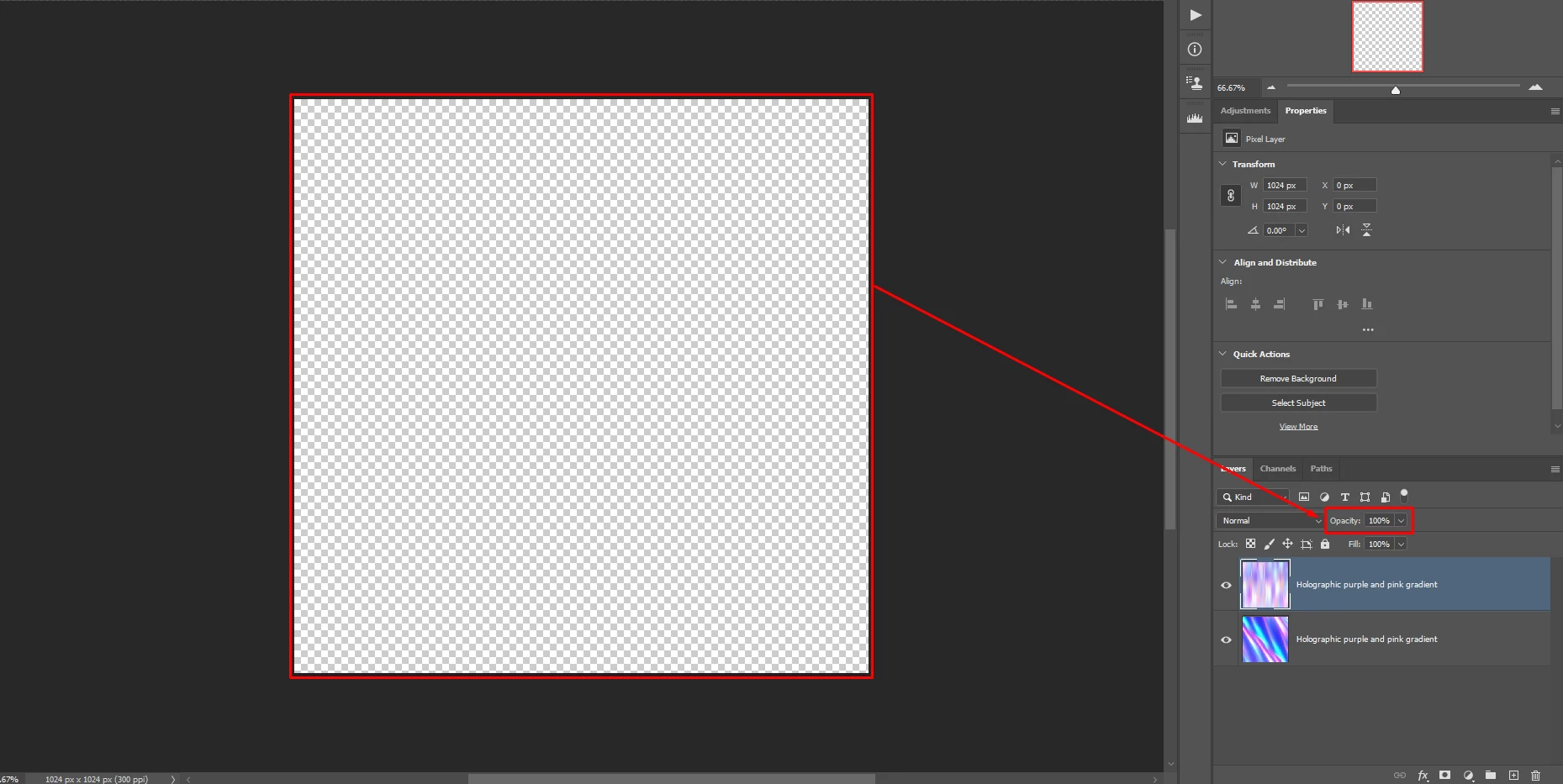
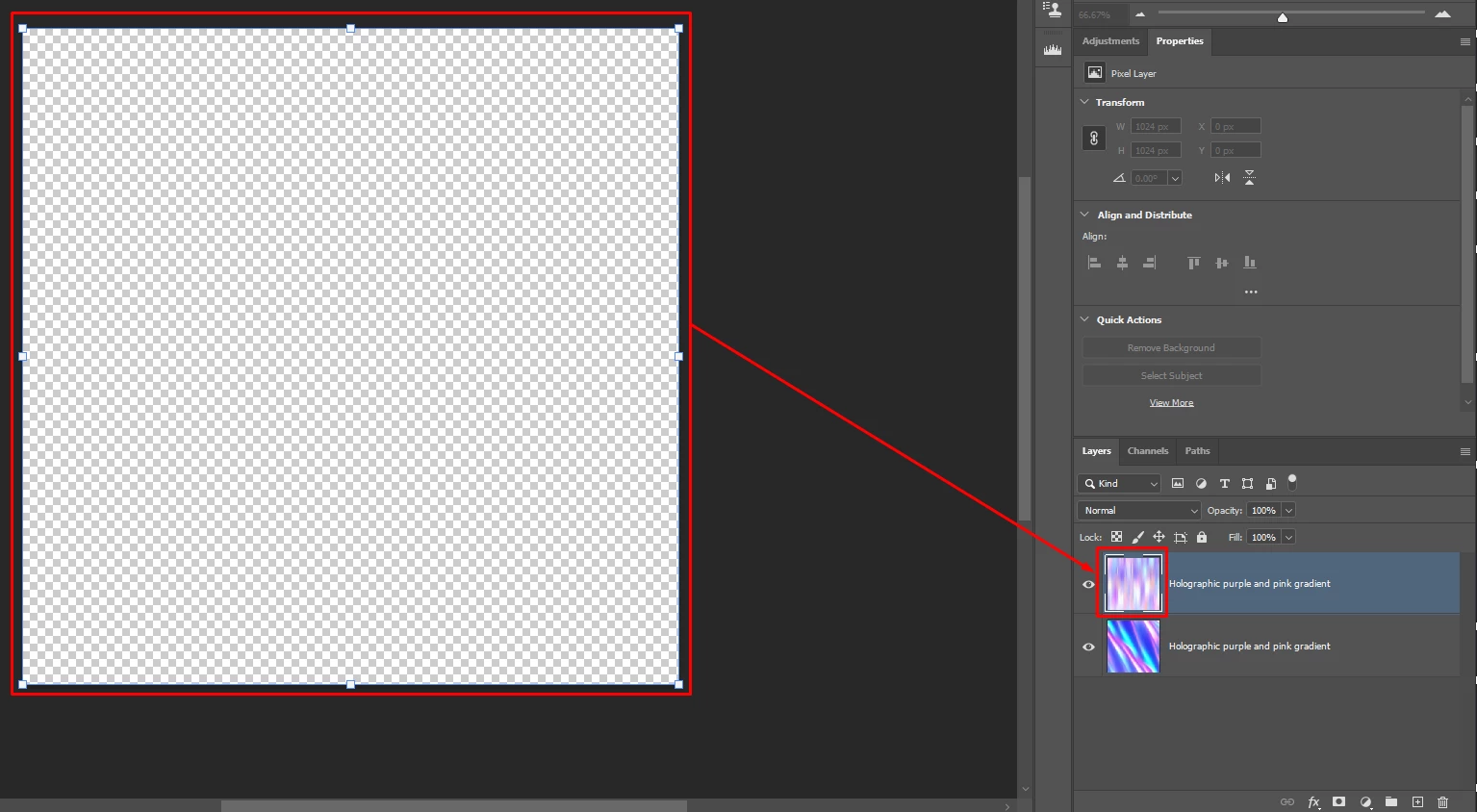
Using the Photoshop beta: I created/generated an image with the new Backdrop Creator tool in the Neural Filters, when you press OK after it's done generating, the images will be invisible on the canvas, they appear on the layer thumbnails, and you can transform them as if they were on the canvas, transforming them will change the thumbnail (For example: press CTRL+T will create a transform box around the canvas as if you could see something there, and scaling it down and pressing enter will scale it down in the layer thumbnail).


This topic has been closed for replies.

18 replies

Participant
October 4, 2024

I'm having this problem too. I generated some really cool backdrops but when I click OK and they show up as a layer group, but you can't actually see them in the image. So I closed PS and rebooted and tried again... so many times. So I've lost several hours (and several backdrops that I can't get back 😔) fiddling around with it. I see there have been no updates here for months. Has anyone found a solution/workaround for this issue?

Frank_B
Inspiring
April 2, 2024

I'm sorry to see that it's been a year and half since the issue has been reported and it is still not fixed.
With such speed of developing software no wonder CapCuts, Canvas and other 'creative' software is taking over.
Win 10, common modern hardware, the very recent PS Beta.

Participant
March 31, 2024

I have same issue been trying for. several days sveral training videos no luck


CarlosGordillo
Known Participant
May 25, 2023

Same problem to me. Works only in 8 bits.

MacOS Monterrey, Ps 24.6

Participant
April 20, 2023

Same problem and indeed only in 8 bit.

Known Participant
March 25, 2023

Same, PC Win 11 - Every time

Known Participant
March 7, 2023

Having same issue Mac. Everytime.

Participant
February 16, 2023

I have had the same issue. I followed three different tutorials to a T and when it isn't completely freezing, it does the same thing the orignal poster said. It shows it, looks great, click to the new layer group and it is gone. Every single time. I literally spent the day trying to get this to work. I am not sure I have been more frustrated trying to get a program to do what it is supposed to do. 

Participant
February 7, 2023

It is working only in 8 bit mode. In the 16 bit mode i have the same problem...

Participant
December 28, 2022

The latest update has worsened the problem in that the thumnbnails are no longer produced. The  filter can now no longer be toggled on