


Open for Voting
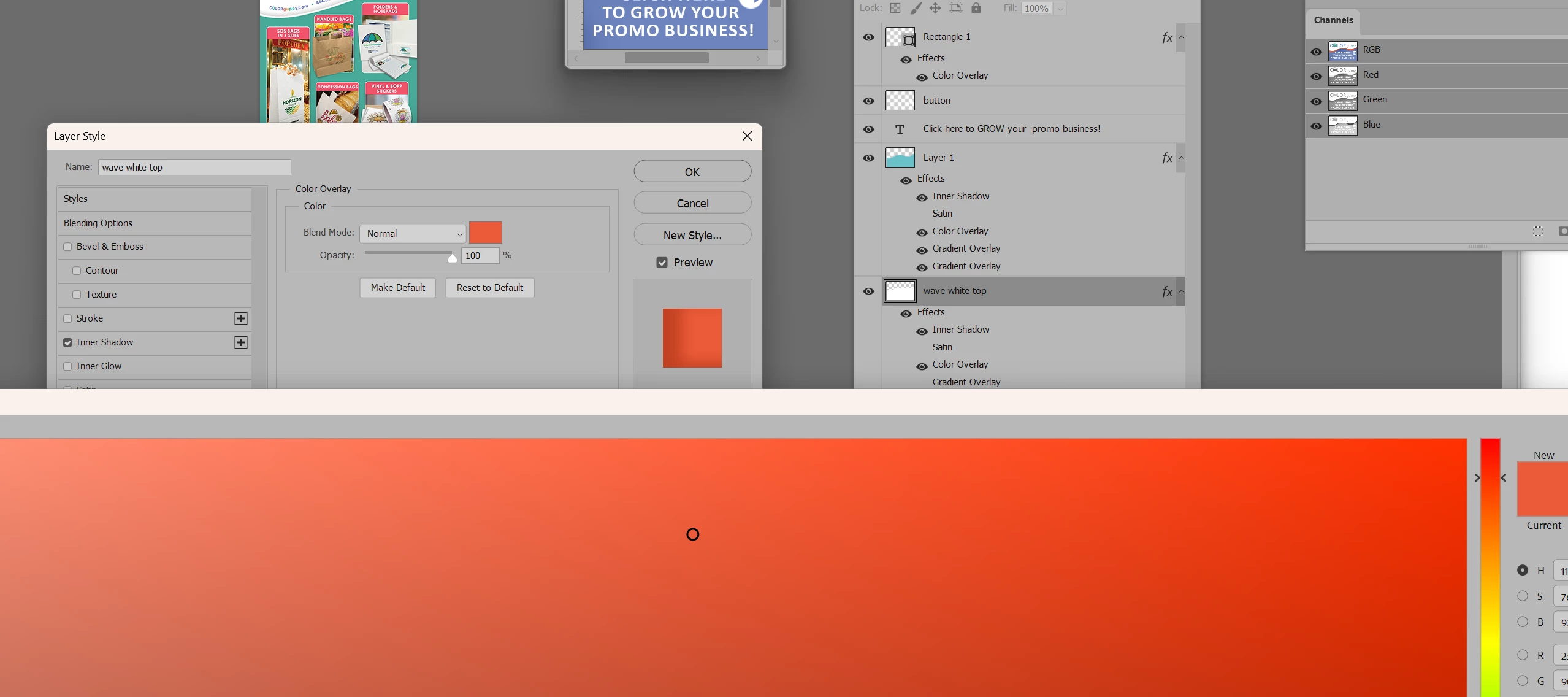
The Color Picker window is really huge and does not work properly. It fails to select the color I am trying to sample. This started with the last update.
When I try to change a layer style by sampling a color it gives a huge window in the wrong color or just stays on the color that was last used. Here, I am trying to sample the teal color in the image background. The only way to change the color in the Color picker mode is to change the number values or use the color bar. The mouse converts to the eyedropper tool, but it does not grab the color I am want.
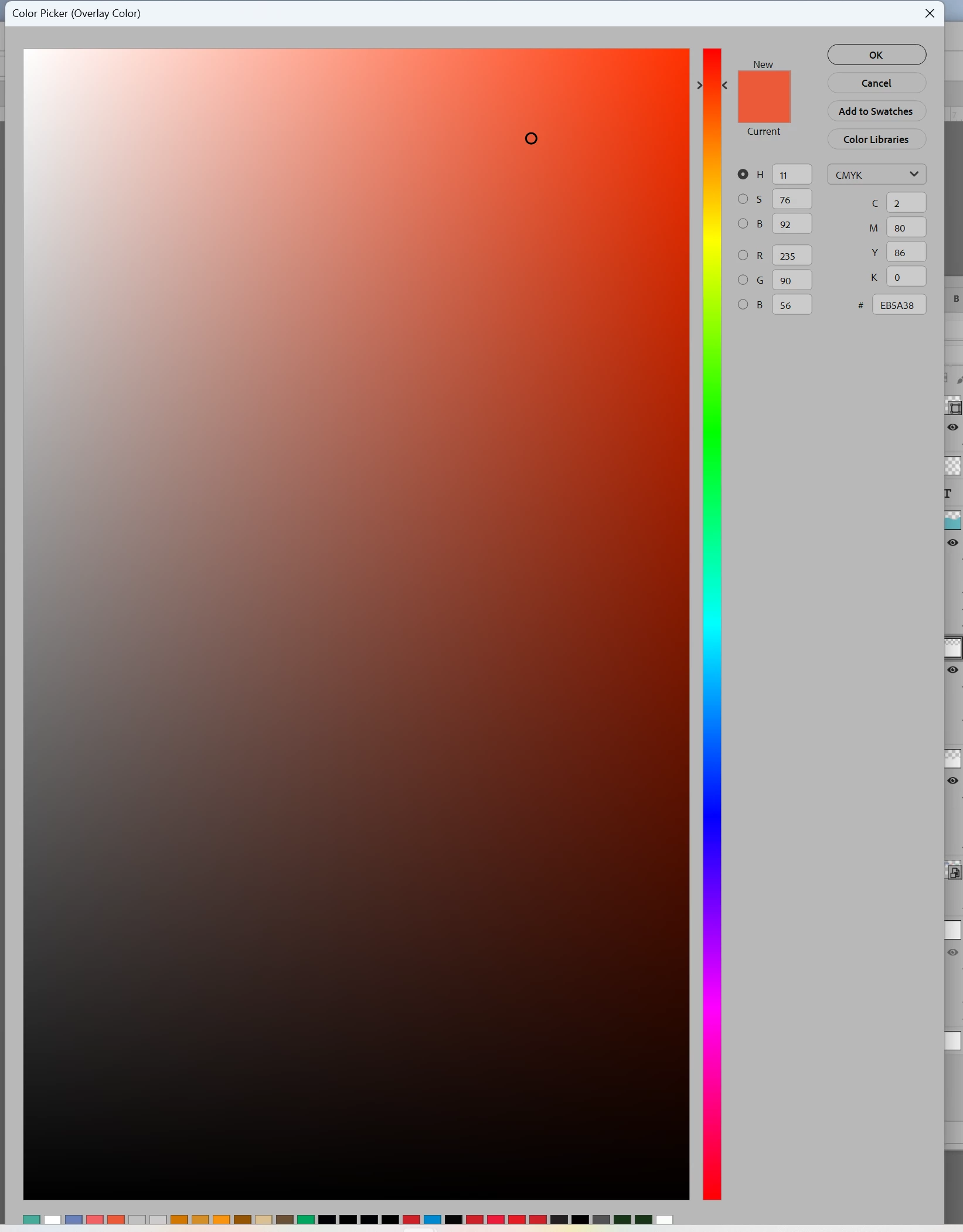
Here I reduced the window to show what the color picker window looks like, and I see a hint of swatches at the bottom, but that is all I can see. I am on BETA 28.0.1
 AdChoices