



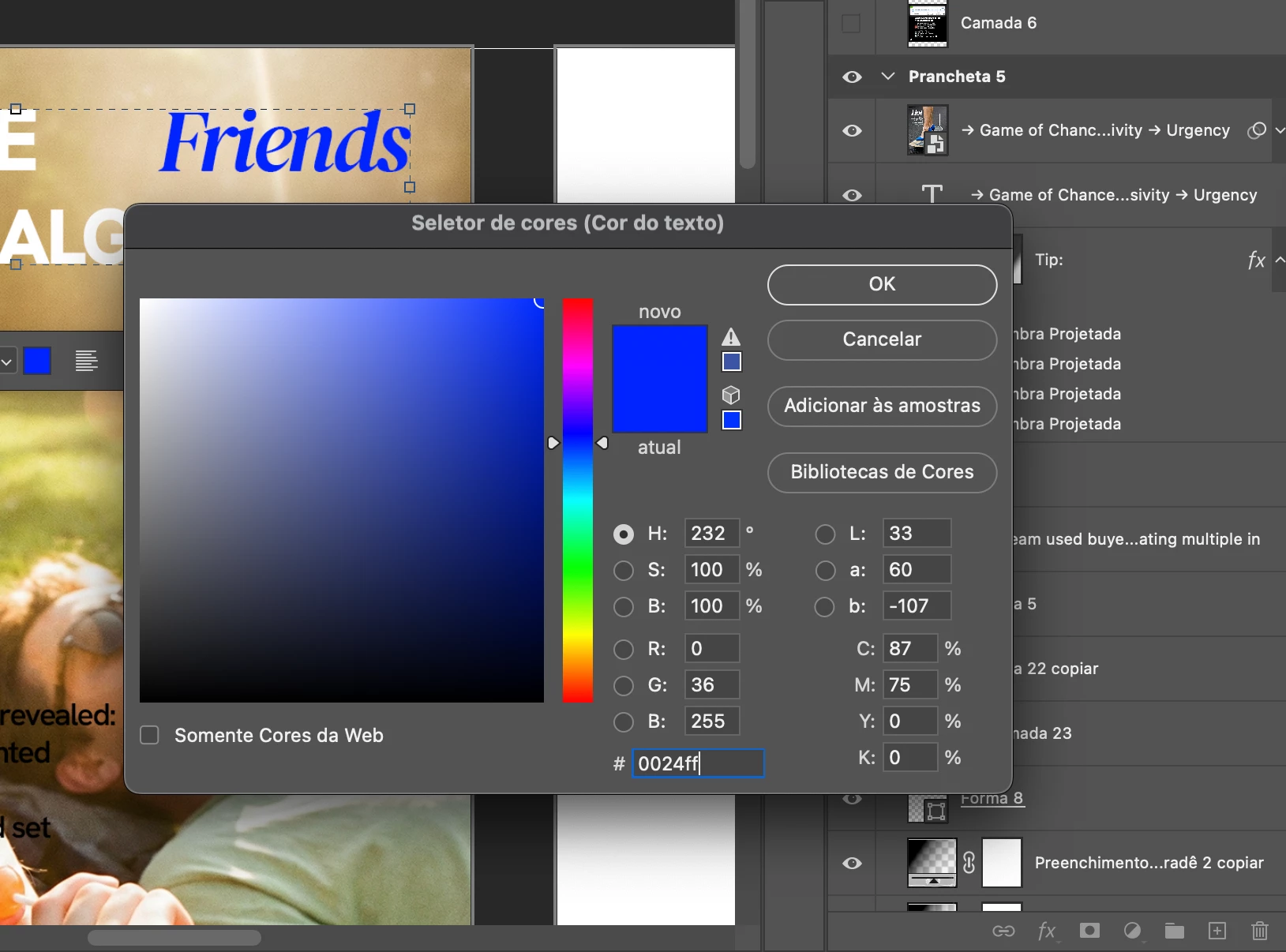
after the latest update, pasting hex color codes into the color selector does not work. i need to use edit>paste in order to do that. i've heard of other people with the same problems.
after the latest update, pasting hex color codes into the color selector does not work. i need to use edit>paste in order to do that. i've heard of other people with the same problems.
to replicate the issue, create a text layer, write something, select part of the text, click on the color square on the top toolbar, now try to paste a color code. for me it doesnt work, so i need to 1. close and open again several times so i can paste the color code. 2. use the color picker if the color is available elsewhere in my design. 3. use edit>paste.
would love to get this fixed. thanks.
 AdChoices