

AI Tools & Camera Raw & GPU problem
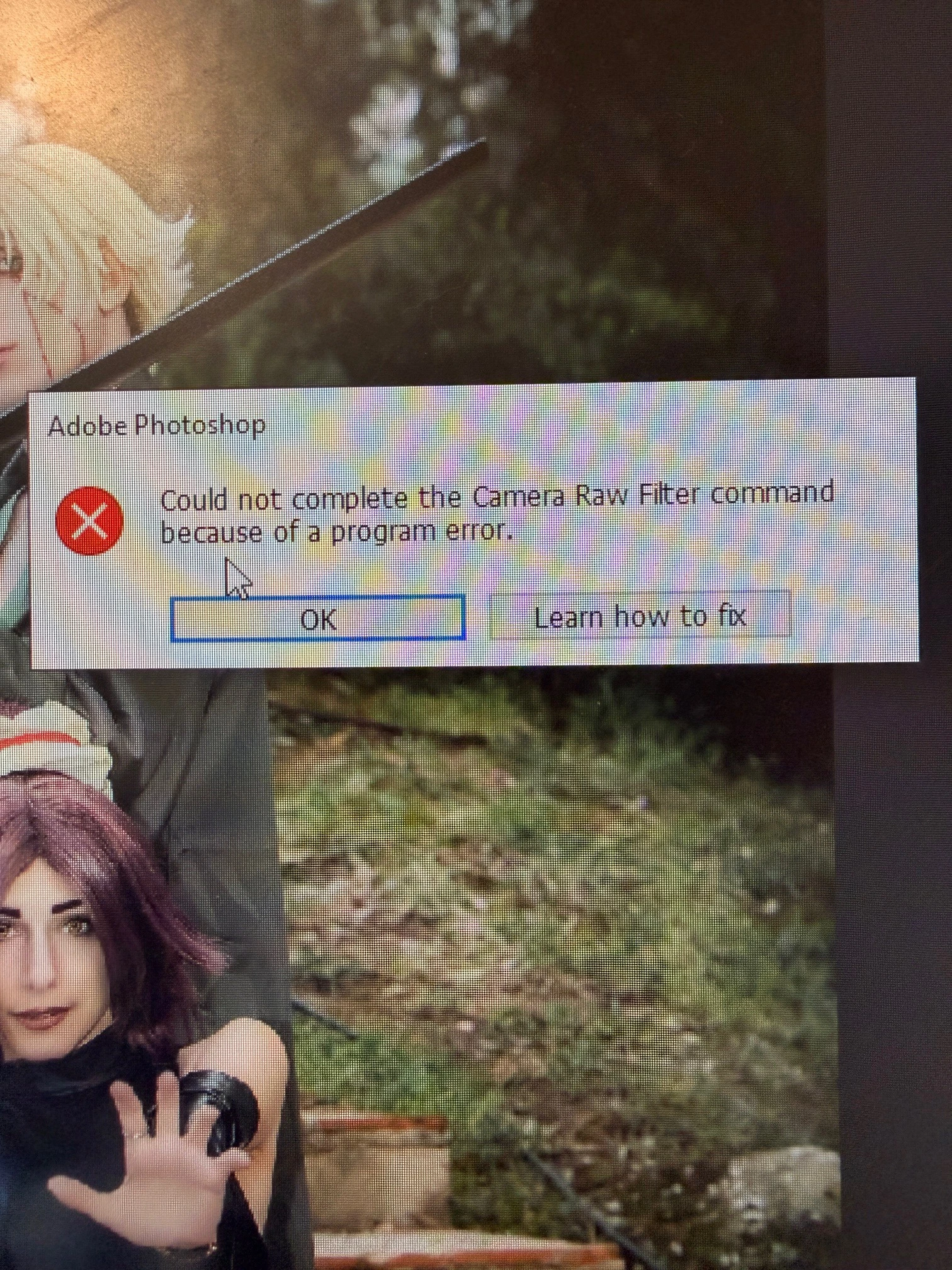
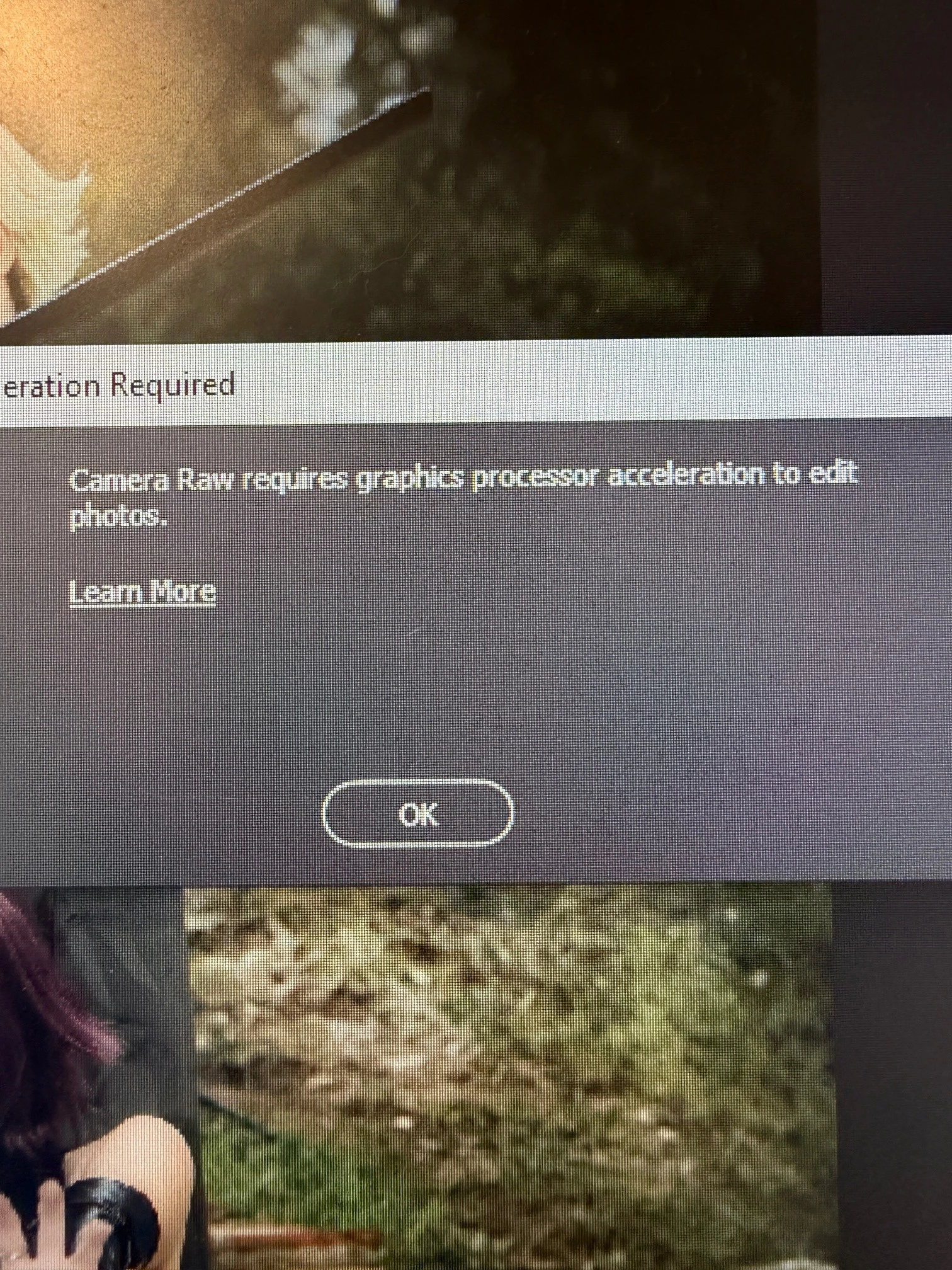
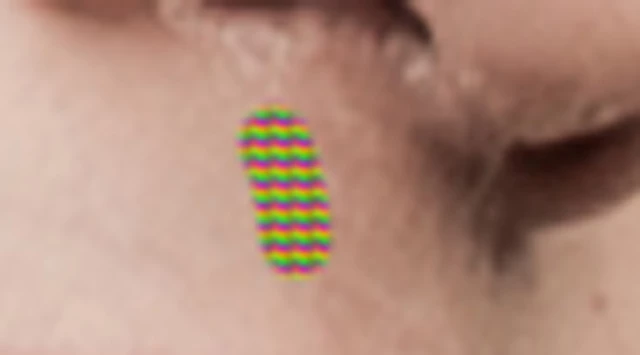
When i use some tools that use AI (remove tool from either menu or Contextual Task Bar), after a few uses on the same photo, this tool stops working properly. When this happens, Camera Raw does not open at all. It gives me an error "Could not complete the Camera Raw Filter command because of a program error". When i try to open Camera Raw again it says "camera raw requires graphics processor acceleration to edit photos". That started happening one week ago.
Two weeks ago I changed RAM from 16GB to 32GB. It’s the same type RAM the only difference is that it’s 32GB. PC recognizes the RAM.
Processor: AMD Ryzen 5 2600 Six-Core Processor 3.40 GHz
Installed RAM: 32.0 GB
Graphics Card: NVIDIA GeForce GTX 1050 (2 GB)
System Type: 64-bit operating system, x64-based processor
Edition: Windows 10 Home
Version: 22H2
Photoshop 27.5.0
Until last week all worked fine. This problem started on Monday and it drives me crazy as I must restart Photoshop each time I manage to finish editing one (1) photo !!! Then the problem i described above appears.
I have tried all the solutions i read on the internet but nothing!!!
NVIDIA is up to date, Photoshop is up to date, Memory usage in Photoshop is 70% - 80%, Use Graphics Processor is not checked, Remove Tool Processing: More Stable.
I am literally lost as I don’t know what else to try…
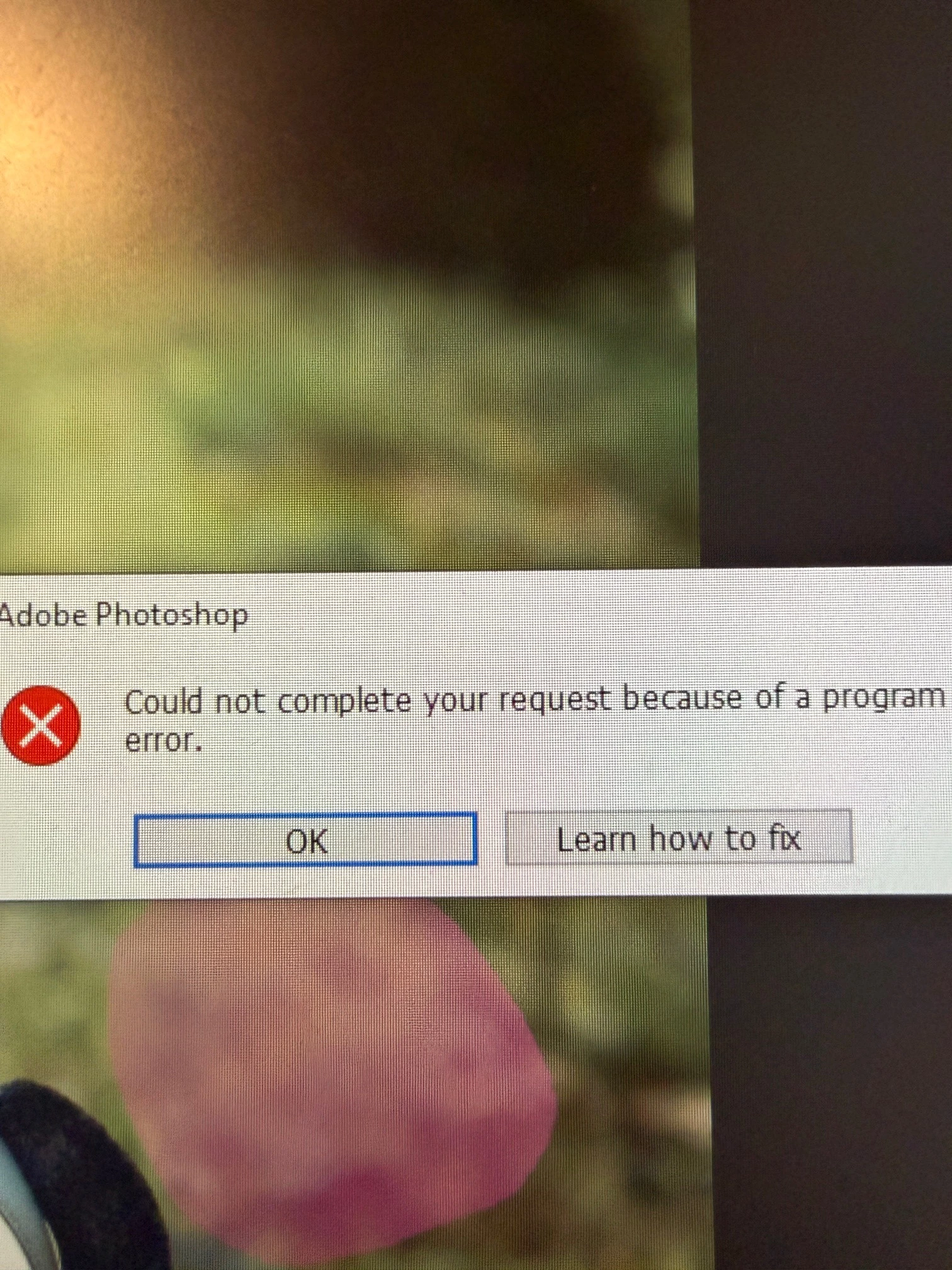
See below - attached herewith Photos for easy reference
 AdChoices