
J'ai un message d'erreur quand je veux ouvrir la fenêtre "style de calque", même avec une version de Photoshop précédente
Hello,
Here's my problem:
- I open Photoshop (27.4) on Windows 11
- I open a PSD file
- I create a layer
- I double-click on it / I open "Layer Style" via the top menu
- And error message :
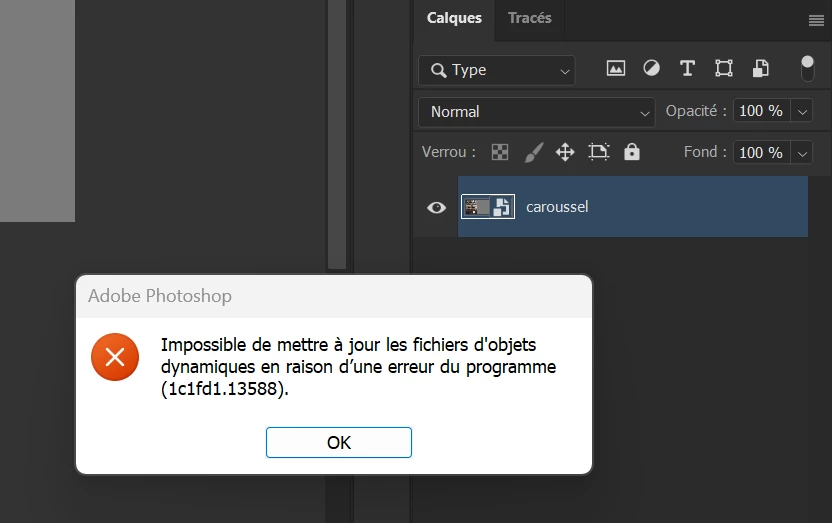
I don't understand why this is based on a “smart object” because I have the same problem with a regular layer.
I reinstalled this version of Photoshop, installed the latest update for my graphics card with NVIDIA App, restarted the PC, uninstalled Photoshop to reinstall the previous version (27.3.1)
But nothing works
 AdChoices