
EuanWilliamson
Community Expert
Community Expert
November 29, 2024
Sticky

Photo restoration neural filter error

  • November 29, 2024
  • 9 replies
  • 1059 views

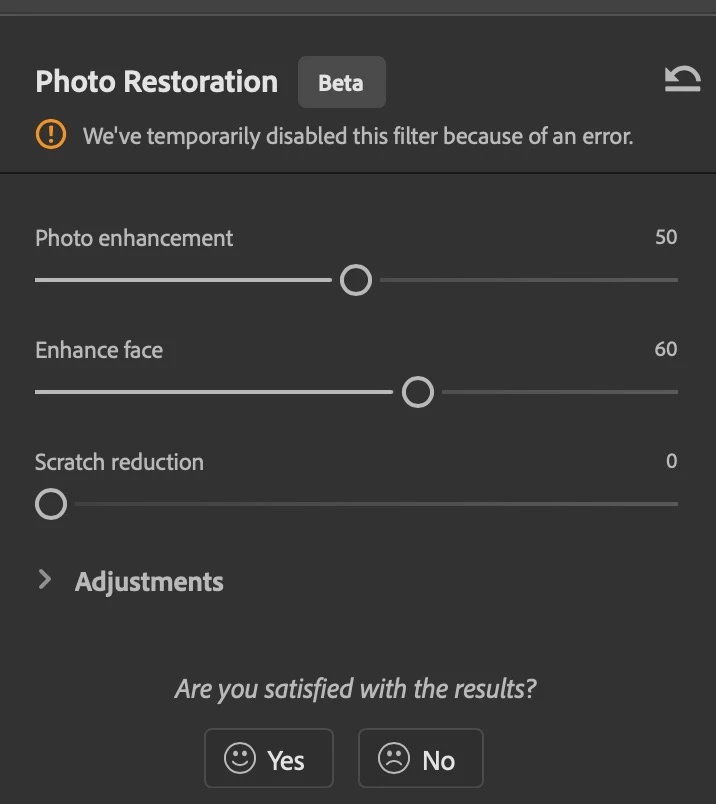
I have the following error message from the Photo restoration neural filter
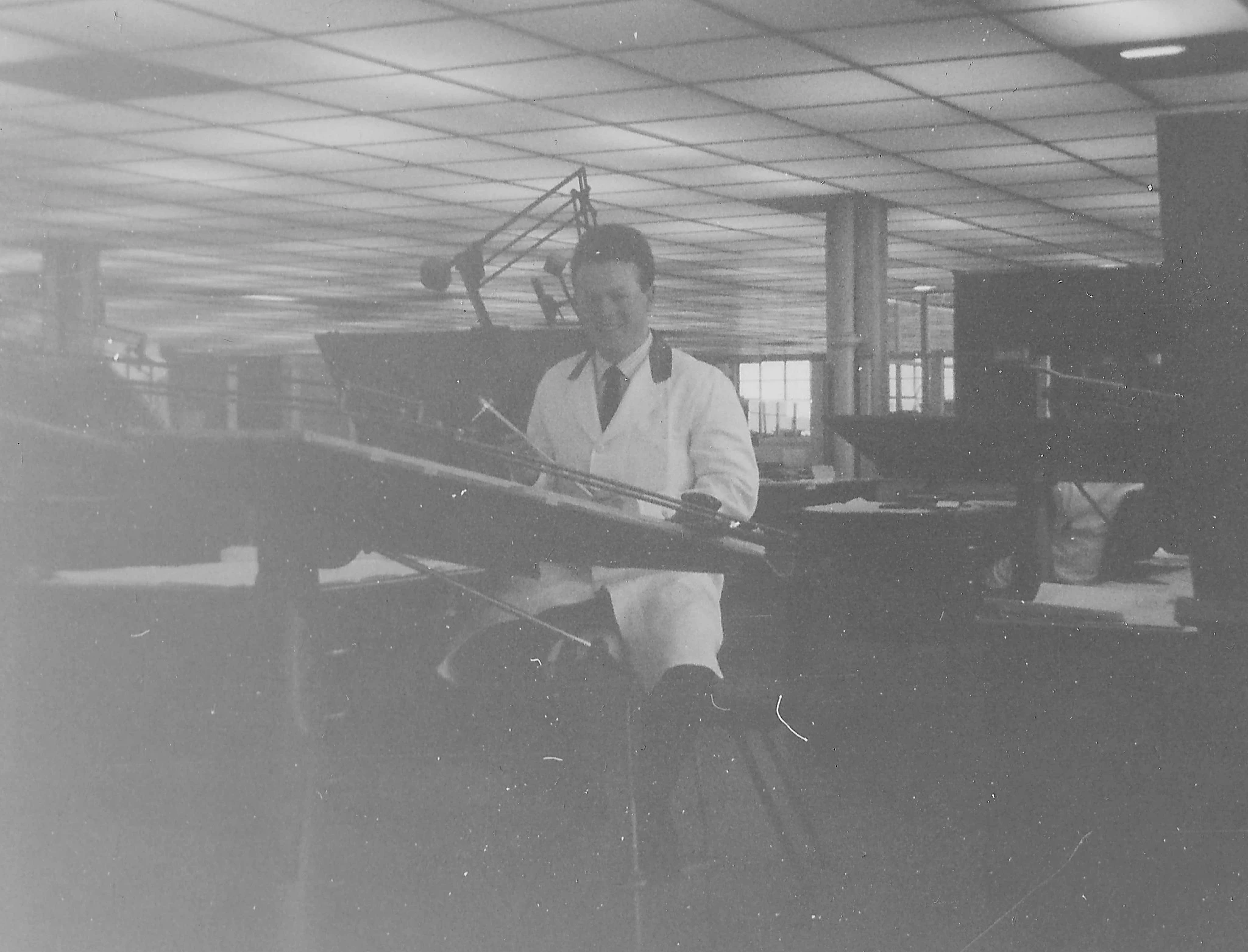
It seems specific to this image which I think is an ideal candidate.
 

Adobe Photoshop Version: 26.2.0 20241127.m.2885 1797431 x64
Number of Launches: 353
Operating System: Mac OS 15.1.1
System architecture: Intel CPU Family:6, Model:14, Stepping:12 with MMX, SSE Integer, SSE FP, SSE2, SSE3, SSE4.1, SSE4.2, AVX, AVX2
Physical processor count: 6
Processor speed: 3700 MHz
Built-in memory: 40960 MB
Free memory: 23011 MB
Memory available to Photoshop: 36510 MB
Memory used by Photoshop: 70 %
Crash Handler: Adobe
DCX Version: 7.24.8
SAM SDK Version: 9.1.0.1-fio
ACP.local Status:
- SDK Version: 4.0.0.5
- Core Sync Status: Reachable and compatible
- Core Sync Running: 7.2.0.58
- Min Core Sync Required: 4.3.66.28
Live Edit Client SDK Version: 4.0.6
Adobe Firefly: Please use any generative AI feature to view the latest version.
OpenColorIO version: 2.4.0


9 replies

Participant
December 7, 2024

i have same issues recently

EuanWilliamson
Community Expert
Community Expert
December 4, 2024

Thanks!

It's a more than a bit flaky then 😉


Best regards, Euan.
EuanWilliamson
Community Expert
Community Expert
December 4, 2024

Thanks Dave, I tried all that too - same result !


Best regards, Euan.
Participant
December 4, 2024

Alright, after some further exploration, I discovered that setting the enhance face slider to 0 resolves the issue.
It seems like the facial recognition feature is acting up for some reason.

JR Boulay
Community Expert
Community Expert
November 29, 2024

The result isn't great, but it works for me.

(I copied the image in your message and created a new one in Photoshop from the clipboard)


Acrobate du PDF, InDesigner et Photoshopographe
davescm
Community Expert
Community Expert
November 29, 2024

Yes, same here, must be something about this image but I can't see what. I tried converting to sRGB, enhancing the contrast, processing as a smart object. All gave the same error.


Dave

EuanWilliamson
Community Expert
Community Expert
November 29, 2024

Ok, after some more digging, If I reduce the enhance face slider to 0, all is well.

For some reason, the facial recognition is throwing a wobbly.


Best regards, Euan.
EuanWilliamson
Community Expert
Community Expert
November 29, 2024

Thanks for checking  @Ged_Traynor  not just me then!

Anyone else? 

Best regards, Euan.
Ged_Traynor
Community Expert
Community Expert
November 29, 2024

@EuanWilliamson just tested on my system and getting the same error, Photoshop version 26.1, other images work fine