


Inspiring
April 24, 2026

Autosave Bloat

  • April 24, 2026
  • 2 replies
  • 15 views

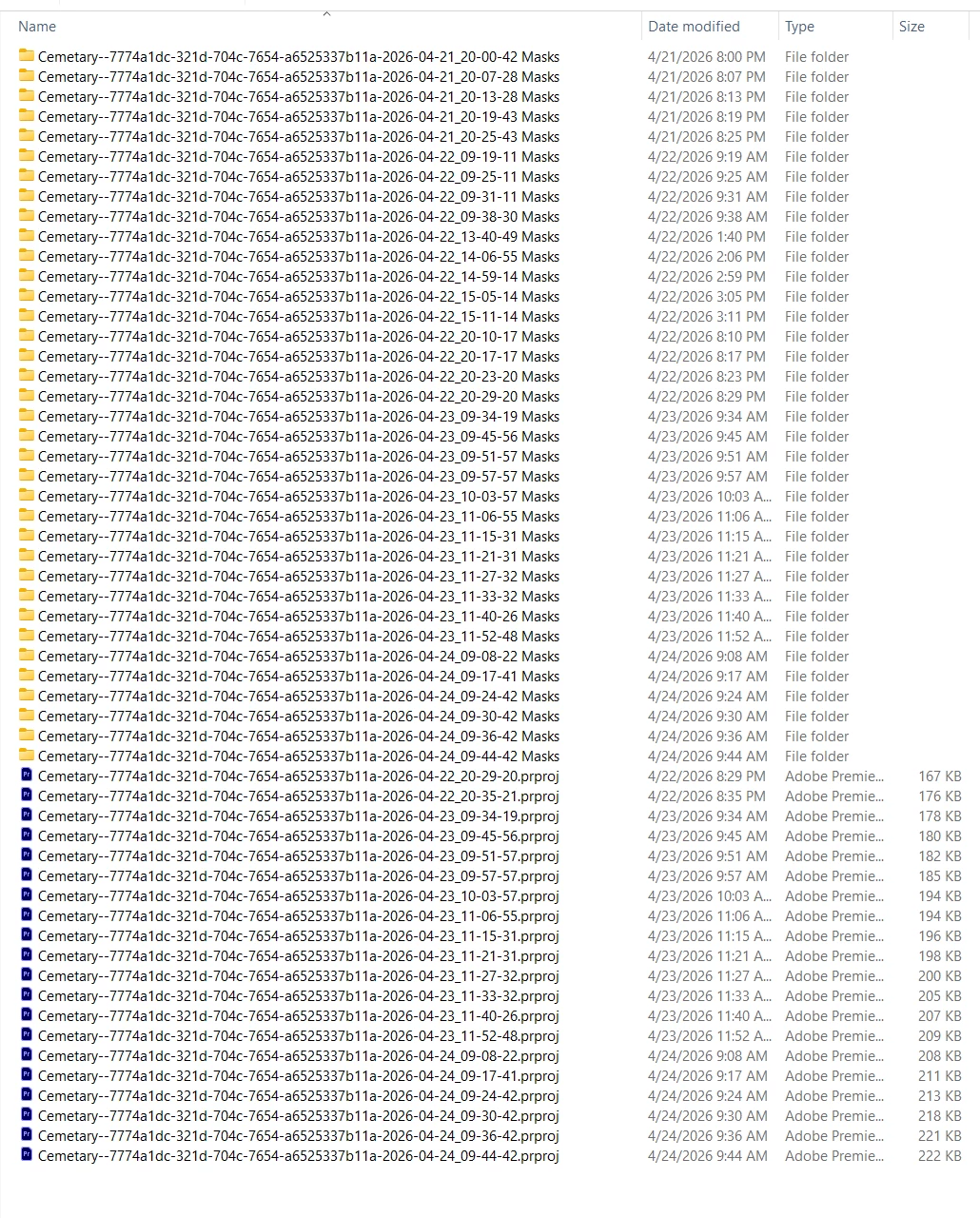
I ran a backup of my drive array yesterday and saw a ton of folders with a long ID and “Masks.”  In this multicam project I have about a 15 minute segment for one camera that required a tracked mask (which worked very well, though it took forever to plot). Anyway, after 3 days of editing I now have 22GB of Auto Save files with Masks. Each folder is 651MB. (However the Masks folder in the project root folder is over 900MB. What’s up with that?)

This is the first time I’ve seen a Masks folder, I guess this is part of the new masking scheme. Aside from slowing the frequency of updates, is there any way to cut down on mask bloat?

 
System info
    Application: Premiere Pro (Beta) v26.3.0.53
    OS: Windows v10.0.26200, RAM: 63.79 GB GB, CPUs (logical): 16

    2 replies

    Known Participant
    May 28, 2026

    This is not only true to the beta but also the main version.

    They really have to find a better way for this as it adds an enormous amount of data to the disk. I had as much as 400GB of redundant mask data that way.

    There’s also a problem with the way/the location where mask data is saved: Premiere will add a separate folder per project, which also in a problem when saving daily copies of the project files. Why not keep it all in one folder as with the “Adobe Premiere Pro Auto-Save” folder? Never had any problem with bloat that way.

    Ann Bens
    Community Expert
    Community Expert
    April 24, 2026

    Mask saves have been there ever since the launch of the new masks.