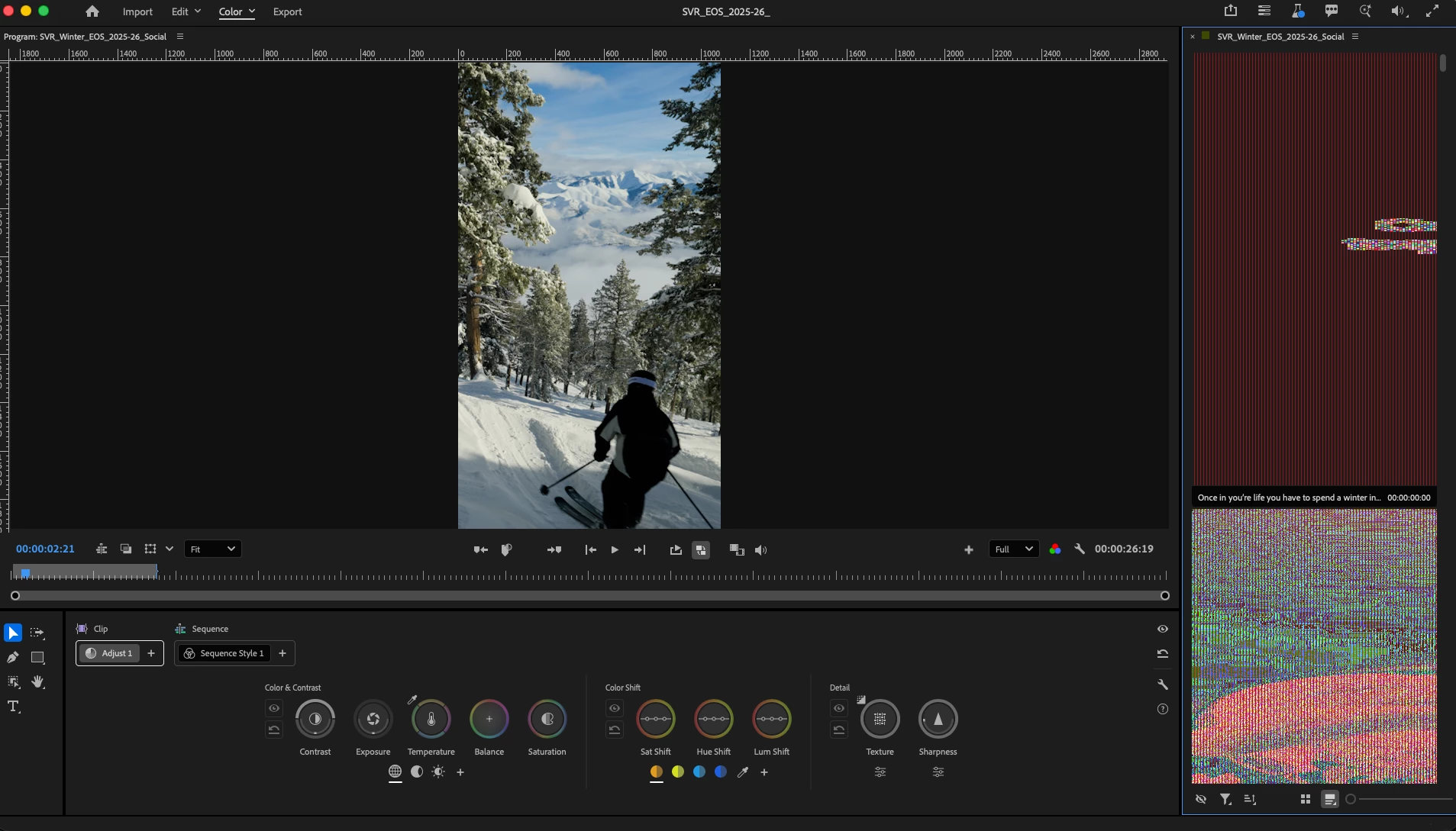
Color tab has soo many issues in premier pro this auto pop up of the waveform covers the image your trying to edit in many cases the Selection of clips is experiencing crazy analog banding and the hilight selection and color selection have no roll off in their selection criteria
About the waveform (or other scopes) covering your image while editing.
As mentioned, you could use “freeform” or “anchor to color controls” options to prevent blocking the program monitor
You can resize the HUD in the same customization dialog to minimize the overlap
Secret shortcut: hold H while making a modification to temporarily hide HUDs
BTW regarding rolloff -- are you looking for a way to manually modify/manipulate rolloff? We’ve designed the defaults to be generally applicable (you’ll see this as you widen or narrow Color Shift values -- horizontal mouse movement) but totally admit that many folks may wish to control it manually
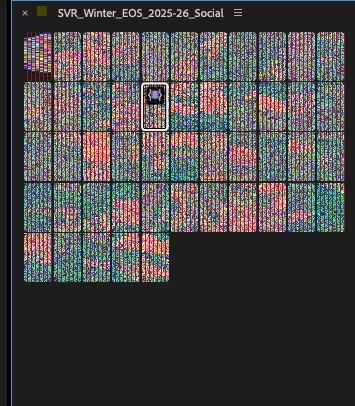
Clip bin is malfunctioning so hard. Just hire ppl from blackmagic while you still have revenue and fire all of the dev team at premier. Thinking about pulling my entire company out of premier system because of this brain dead update that still can’t compete with Davinci. please just add these features into an existing layout in lumetri. one of the most successful softwear companies in the world that has absolutly no idea how to design a single interface that builds on existing tools built in the 2000’s.
Whoa, that doesn’t look good! @Mystical_soul4023 as far as I'm aware, while Color Mode is in beta and is still being worked on, we’ve never seen this issue before. Would you be willing to get on a call to do some troubleshooting with us? If so, let me know via e-mail: fhammond@adobe.com.




 AdChoices