



A3user
Inspiring
September 7, 2026

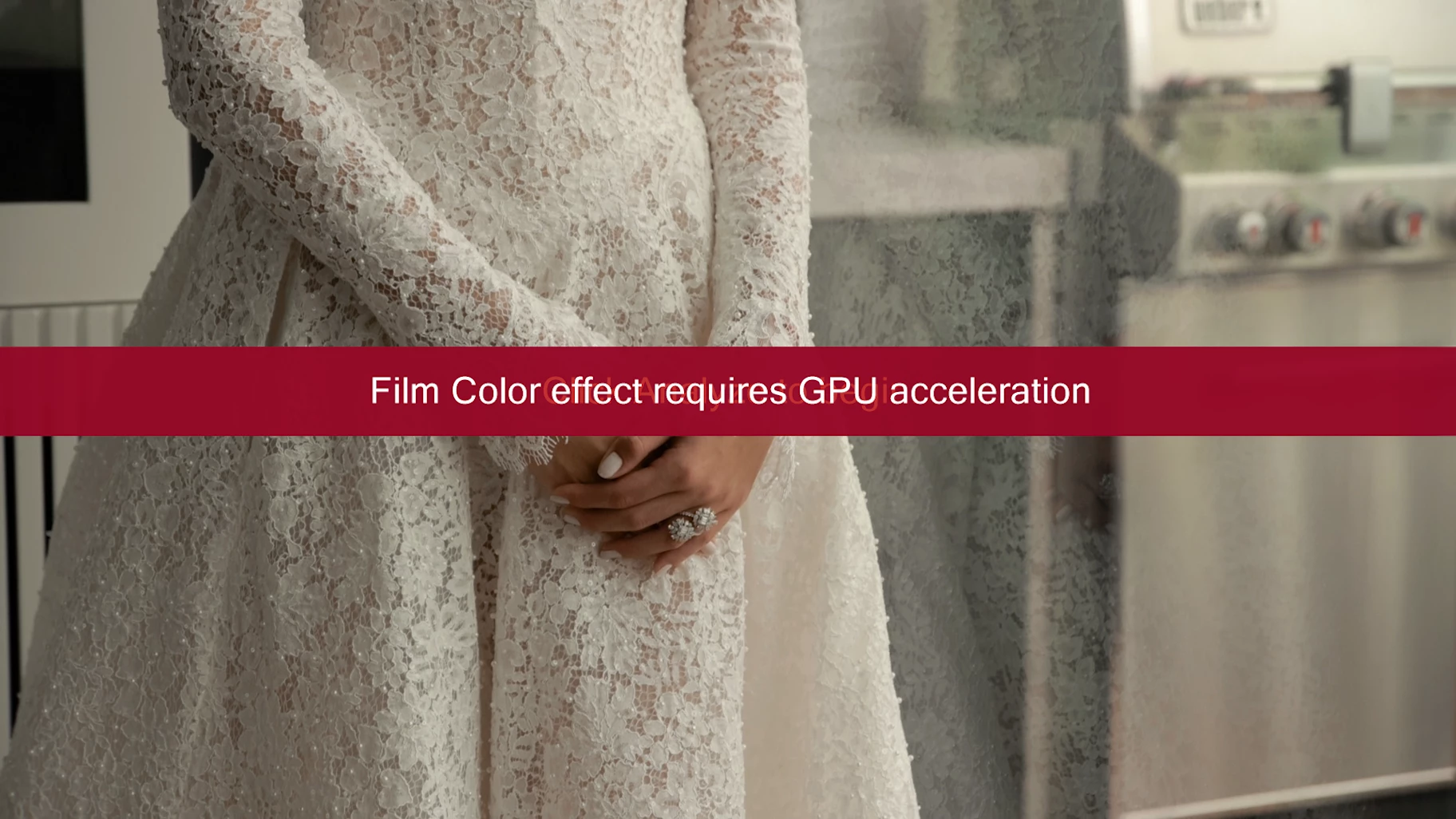
Every time I apply Warp Stabilizer I get this Film Color Warning
  • September 7, 2026
  • 2 replies
  • 27 views

In Premiere Beta, each time I apply Warp stabilizer to a clip, while it analyzes I get this warning on top of the normal warp stabilizer banner. When it finishes analyzing, both banners go away. I-m not sure what is causing this but I get both banners one on top of each other every time. 

2 replies

Adobe Employee
September 8, 2026

Hi ​@A3user ,

It seems you have applied Film Color module from new color mode on to the clip. Please check in ECP if ColorEffect is there on effect stack.

Thanks!

A3user
A3userAuthor
Inspiring
September 8, 2026

I have the film color module applied in the sequence not the clip, but why does it show that warning banner on top of the warp stabilizer banner every time I analyze a clip with the warp stabilizer?