


Open for Voting
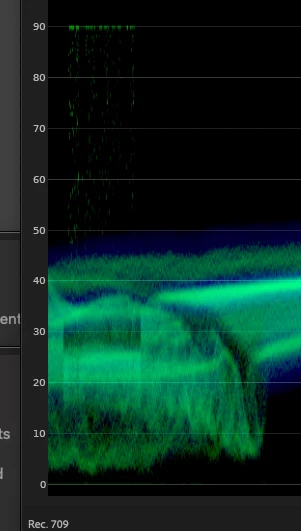
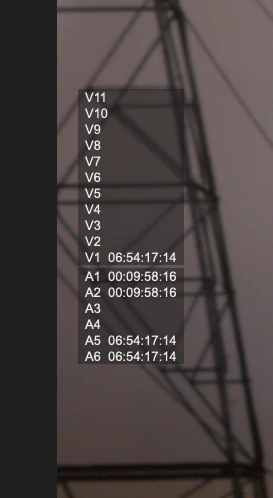
I am seeing the TC overlays being read in the scopes
Timecode overlays are being read in the Lumetri scopes. Has this always been the case?
They are also appearing on the program monitor.
Do I haver a setting wrong?
Beta build 27 (happened the thae last one, too)
Apple M1 Max
64Gb
Tahoe 26.0.1
 AdChoices