



Open for Voting
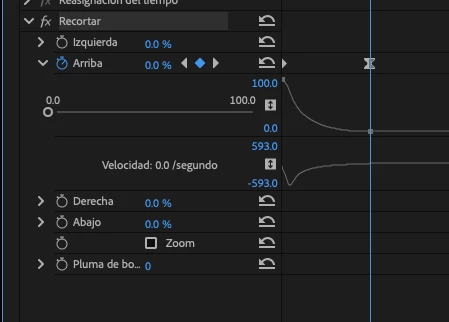
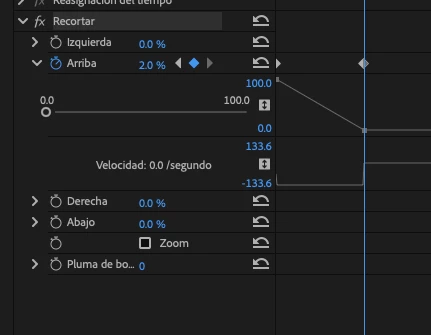
Keyframes lose Bezier interpolation and reset to Linear when editing values.
This is an annoying behavior that did not happen before and is still present even in the Premiere Pro Beta. When you modify the value of an existing keyframe, its interpolation resets from Bezier to Linear.
For example, if a Scale keyframe is set to 50 with a custom Bezier speed curve, and I later change that same keyframe value to 60, the keyframe immediately becomes Linear. This forces me to manually recreate the Bezier speed curve every time I need to adjust a value, which significantly slows down the workflow and breaks fine motion adjustments.
The expected behavior is that modifying a keyframe’s value should preserve its interpolation type and Bezier curve unless the user explicitly changes it.
 AdChoices