
Maintain Audio Pitch
I tried to add information to my previous post, but it didn't work out, so I'll write a new one.
Please treat this with understanding.
I don't remember which version of the program it started with, but today, in the current version, which is in beta, there is a problem with the Maintain Audio Pitch.
This time I decided to take the issue more seriously, so here I will describe in detail what I mean and how this error can be reproduced.
First of all, about the system and hardware (although I think it doesn't matter in terms of sound):
The system is Windows X64
Video card - GeForce RTX 3070
Sound Card - Built-in Realtek HD
Now how to reproduce the error:
Step one: Take a voice recording (preferably stereo).
Step two: Speed up the recording or slow down (Speed / Duration).
Step Three: Check the box "Maintain Audio Pitch"
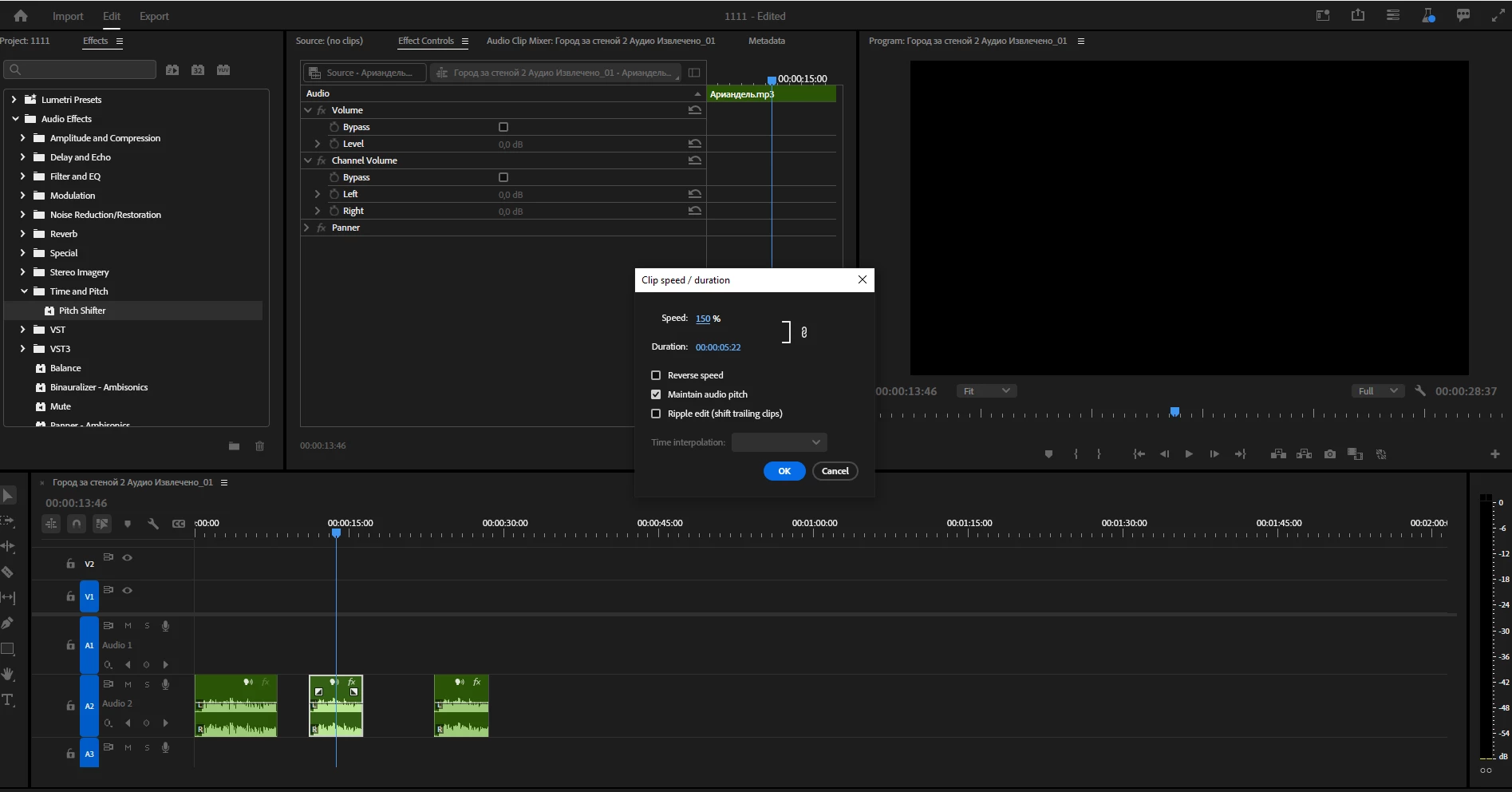
Reproducing.
It is expected that this function will simply increase or decrease the tone of the recording, but at the output we get "Choral singing". Sometimes it happens that the sound starts to "float" from one channel to another if the recording is stereo. At the same time, if you lower / raise the key manually, then everything works as it should.
Video:


 AdChoices