

Open for Voting
Mask tool missing in premiere pro
The masking tool is missing in the new beta version 26 under opacity.
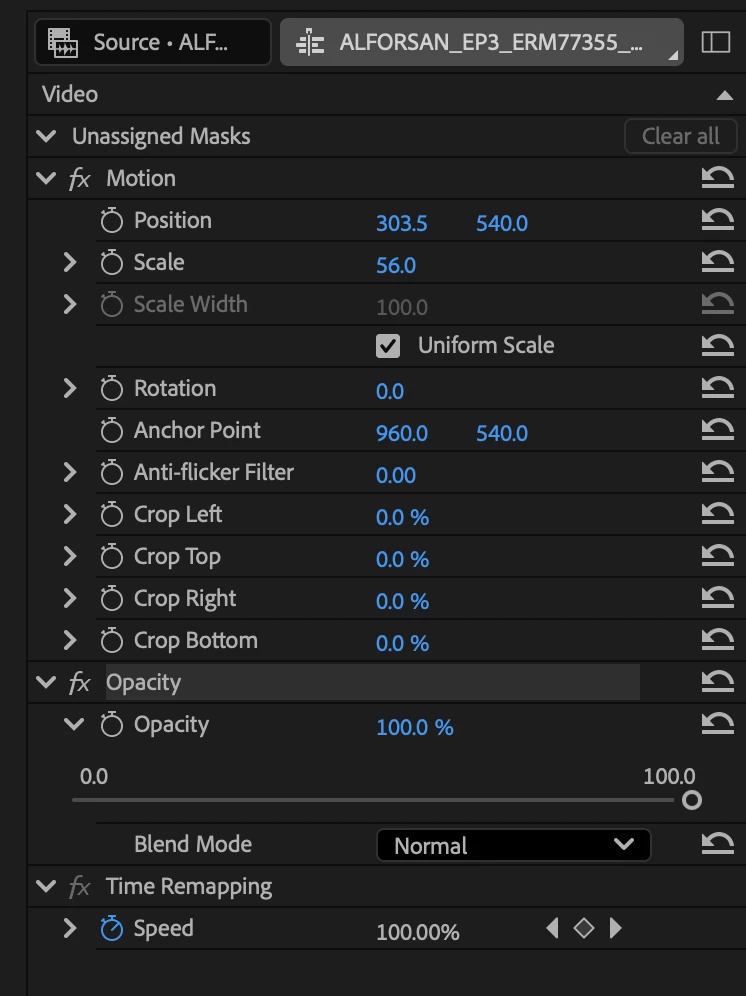

The masking tool is missing in the new beta version 26 under opacity.
Already have an account? Login
Enter your E-mail address. We'll send you an e-mail with instructions to reset your password.
 AdChoices