
Multicam Crisis
Two days ago I set up a multicam project and it was working fine, even after saving, reboots and restarts. With today's build nothing is playing on the program monitor, even after reloads and restarts.
Audio plays but there's no picture in the program monitor. No static picture either when skipping around with the playhead. If I double click the multicam clip, it renders black in the preview monitor. (I should see the sources).
If I go into multicam edit mode, everything is black except for an outline of the camera that's supposed to be playing.
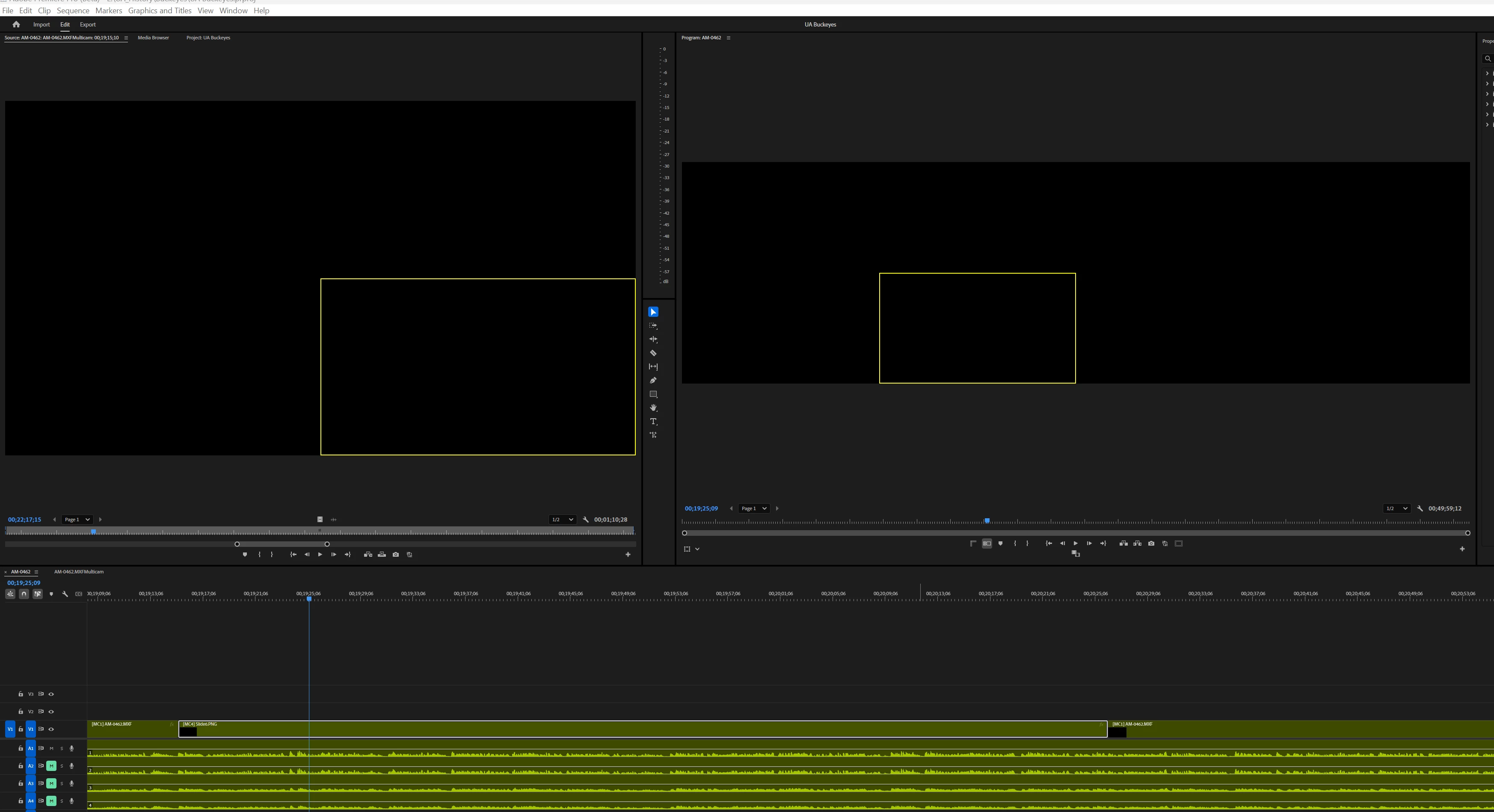
If I go into the multicam source sequence and double click a clip, it shows in the preview monitor, but even there scrubbing the timeline shows nothing in the program monitor.
I tested 3 other non-multicam projects and they work OK. To be sure I updated the nVidia driver. That made no difference.
Did something break in multicamland in this build???
System info
Application: Premiere Pro (Beta) v25.2.0.106
OS: Windows v10.0.22631, RAM: 63.82 GB GB, CPUs (logical): 16


 AdChoices