


My autosaves and manual backups got corrupted
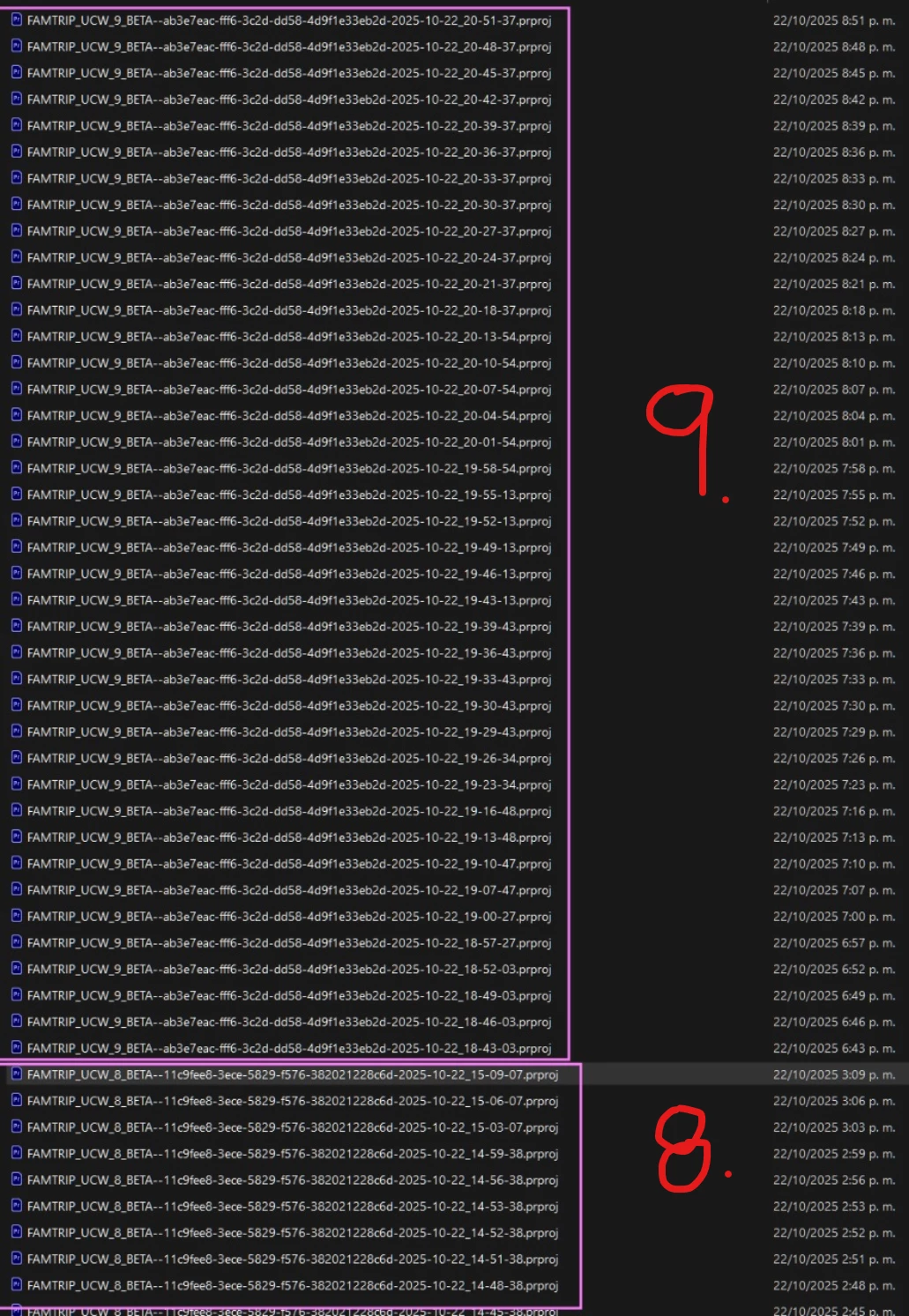
In the image, I’m showing the Auto-Save folder of the project I’m currently working on. As you can see, every one or two days I create a new file, increasing its number as I make progress with the edit. So, I was editing in FAMTRIP_UCW_8_BETA.prproj (8), and yesterday I created a new one, FAMTRIP_UCW_9_BETA.prproj (9), where I worked for most of the day.
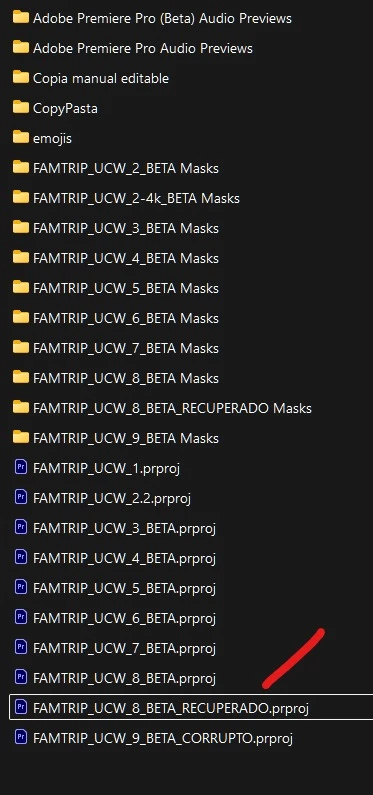
Manual backups:
Autosave:
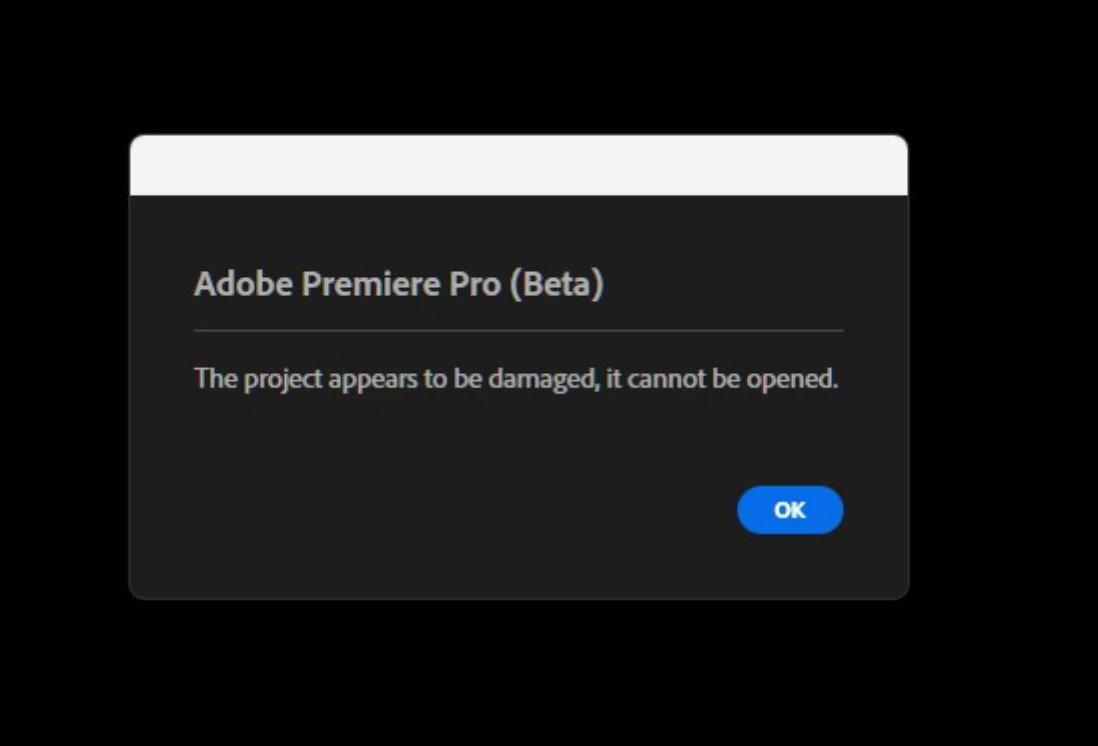
Today I discovered that I can’t open either the manually created “9” file or any of its autosaves. The message that appears is the one shown in the next image:
However, when I open the previous manually created file (the “8”) or any of its autosaves, they open correctly—although they’re way behind in the edit and missing a lot of the work I did later.
So, I copied the “8” file (the manual one that still opens), renamed it by adding “RECUPERADO” to its name, and when I tried to open it, I got the same error message again.
Then I tried another method: I opened FAMTRIP_UCW_8_BETA.prproj (8), went to File → Save As..., and changed just one letter in “BETA,” saving it as FAMTRIP_UCW_8_BETAA.prproj. After closing the current file and trying to open the new one, it also failed to open.
I should clarify that I’ve been in the habit of manually saving a new file every so often, adding a higher number to its name, and I’ve been doing this with the BETA version for quite some time without any issues. However, this started happening yesterday, leaving me quite behind on my work today.
I’d be deeply grateful if there’s any possible way to recover one of the files from my “9” version.
So my questions are:
1. Is this an error caused by renaming the files?
2. If so, is there any way to recover the most recent editable file (FAMTRIP_UCW_9_BETA.prproj)?
3. Am I doing something wrong or overlooking something important?
Thank you very much for your help, and I hope you have a great day.
System info
Application: Premiere Pro (Beta) v26.0.0.9
OS: Windows v10.0.26200, RAM: 63,77 GB GB, CPUs (logical): 32
 AdChoices