Ann Bens
Community Expert
Community Expert
January 20, 2026

Object mask and warp stabilizer

  • January 20, 2026
  • 1 reply
  • 42 views

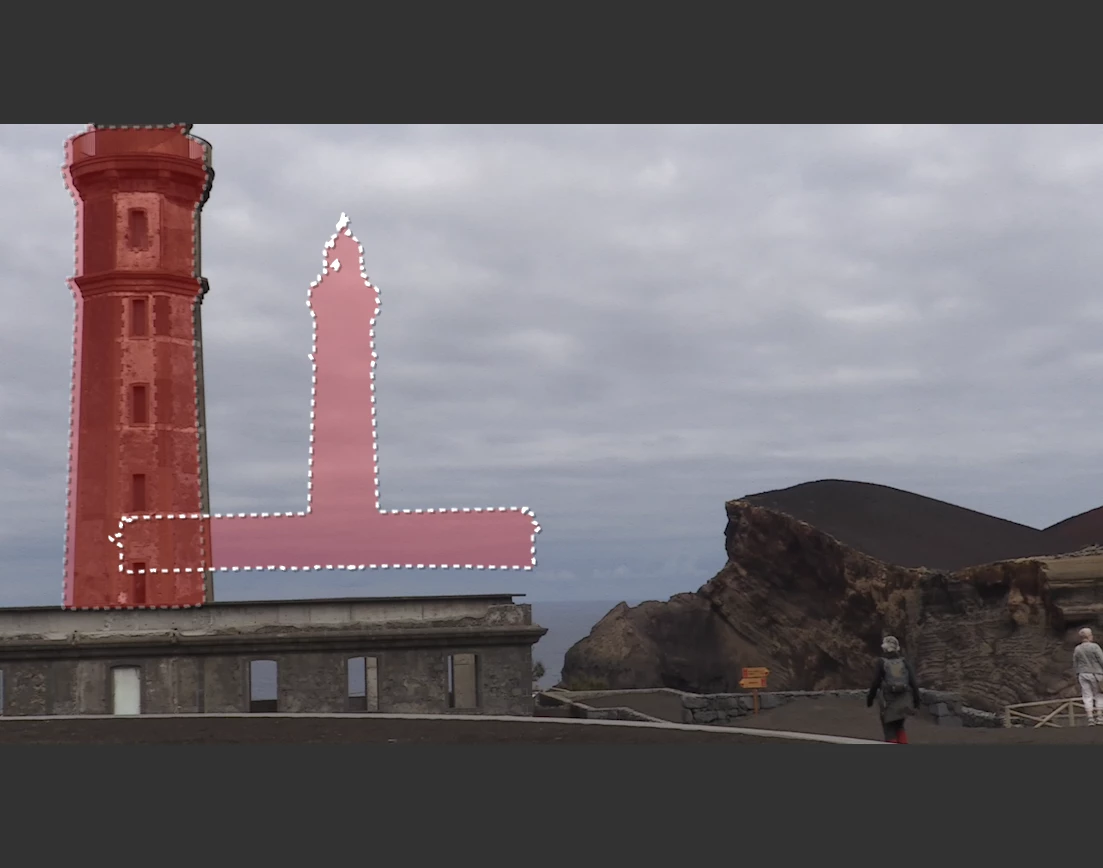
Object mask and warp stabilizer don't go together.

Even with nesting the mask will go offset.

Does not matter if you nest the mask or WS first.

It wont follow WS.


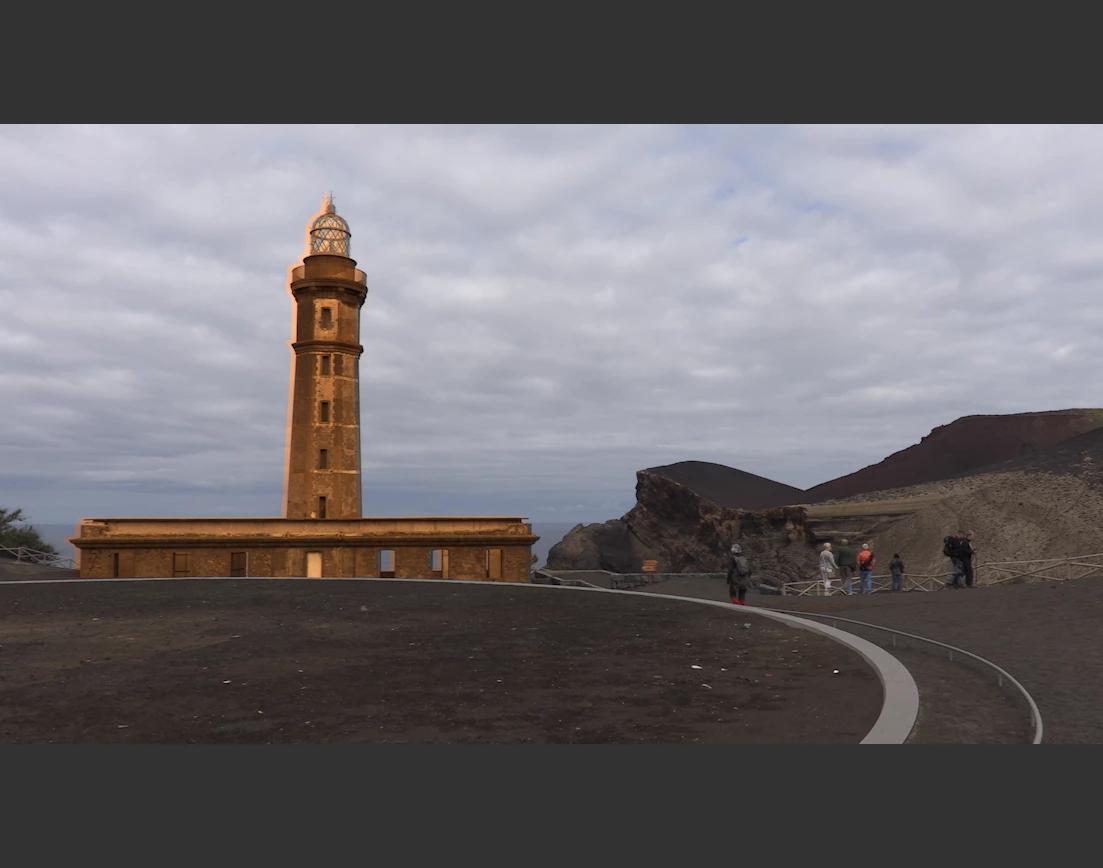
Render and Replace wont work at all as the are 4K clip in a 1080p timeline.


26.1.1 B30

W11pro


nesting
AnnBens_0-1768912855335.png

Render and replace

AnnBens_2-1768912969685.png


1 reply

Adobe Employee
January 20, 2026

Thanks for reporting the issue, this does not work currently, I will keep you updated as we work on this issue.

Vikas
A3user
Inspiring
July 7, 2026

Hi! was this fixed? I’ve seen that if you mask with the object mask in a clip that has been stabilized the mask is not placed correctly, it seems it is applied to the shape of the object in the pre-stabilized version. If I nest the stabilized clip, then the object mask applies correctly. But that’s a pain when working with the new color mode, since I can’t nest a clip there, so when I want to use a mask to grade and it does not work, I assume it has warp stabilizer applied and then have to switch to edit mode, cut the color effect to retain all that I did, nest that clip, paste the color effect and then go back to color mode to use a mask. It’s really cumbersome.