FlyingFourFun
Inspiring
August 7, 2025

Old Version of Codec Error Message

  • August 7, 2025
  • 3 replies
  • 152 views

This error shows up, clicking on it, it returns a few times, then proceeds to render the export and a mind numbing slow pace....


Premier Beta 25.6.0 Build 17

Media Encoder Beta 25.6 Built 23


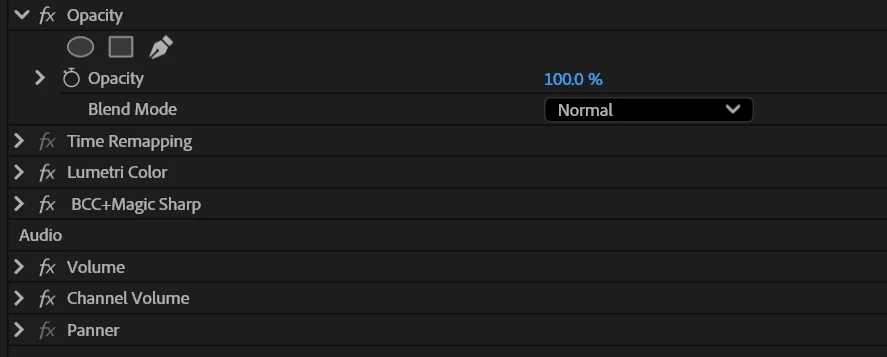
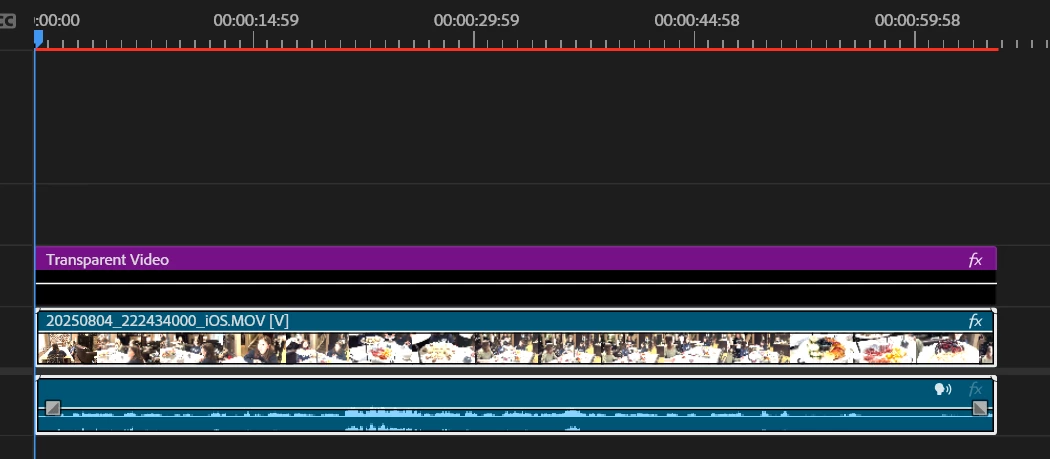
The exported Clip is a basic 1 min clip,  Metadata Burnin effect, and BCC Magic Sharp applied.
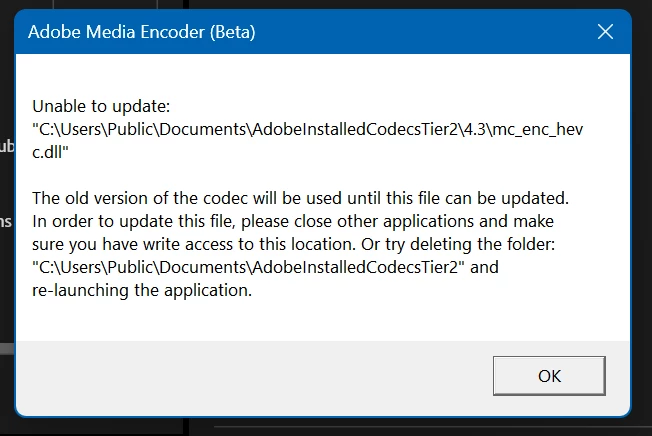


There is no such directory in the system after c:\users\public - the documents in the file system is actualy ' public documents ' so this is likly why this error happens:
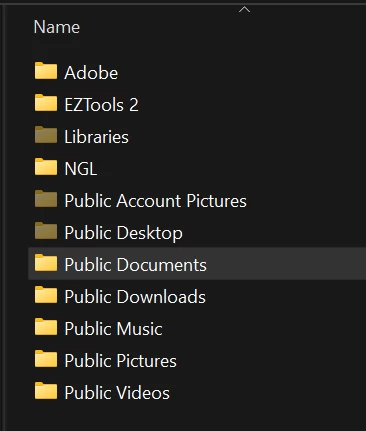
 

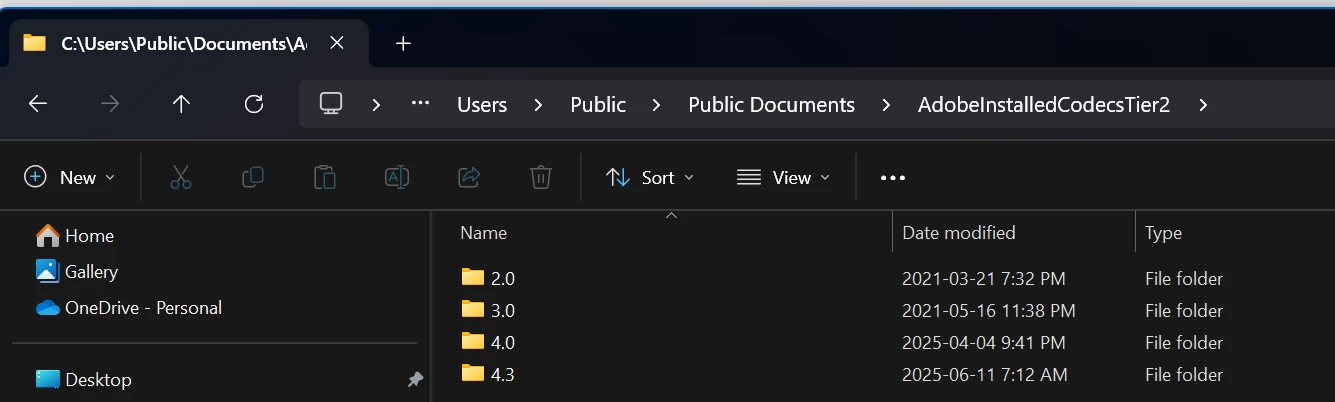
If you go into public documents you will continue to find a matching directory structure with these directories
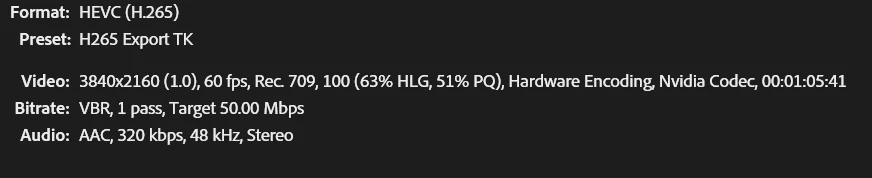


(The Metadata burn is on a transparent video layer)
 

3 replies

FlyingFourFun
Inspiring
August 7, 2025

As a matter of fact I deleted everything in that directory this morning to test, despite the mapping not being the same as the on screen prompt, it seems to have cleared the error.


When Media Encoder started processing, the 4.3 folder was created in the same folder mapping that pre-existed on the system drive....


It seems to be processing without presenting the error now.  I'm letting it finish the export to know for sure, but don't expect any errors at this point.


Ann Bens
Community Expert
Community Expert
August 7, 2025

Did you delete the older codec?

I dont have version 2 on my system.

Ann Bens
Community Expert
Community Expert
August 7, 2025

Moved discussion to beta forum.