



Premiere 26.5 Beta: Regression affects third-party plug-ins when decoding frames during even processing
Premiere 26.5 Beta contains a regression that affects any third-party plug-ins based on the AE SDK. If a plug-in attempts to extract frames during event processing (a common task to perform frame-by-frame video analysis) Premiere Beta will display errors for all frames requested by the plugin. Thankfully the host app still returns the correct PF_LayerDef to the plugin, but the user is presented with a long stream of errors.
Steps to reproduce:
- Install any recent version of FxFactory from https://fxfactory.com/download/
- Launch the FxFactory app and install a product that performs frame-by-frame video analysis, such as Face Blur
- Launch Premiere Beta and apply the Video Effects > Face Blur > Object Blur plugin to an existing video clip on your timeline:
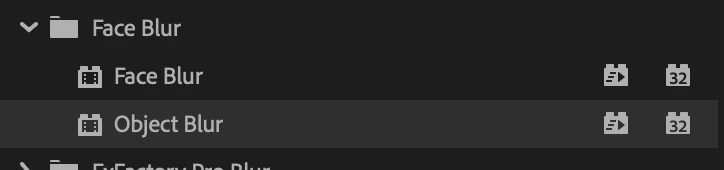
Apply the Object Blur under the Face Blur category Bring up the effect parameters in the inspector and click the track forward button to begin analysis, under Object Tracking section:
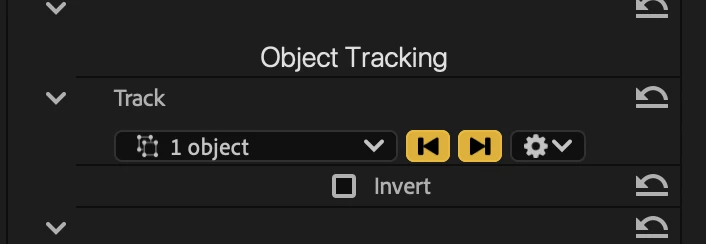
-
Notice that as the plug-in starts requesting and processing frames, Premiere will display a stream of errors, presumably one for each frame, in the bottom right corner:
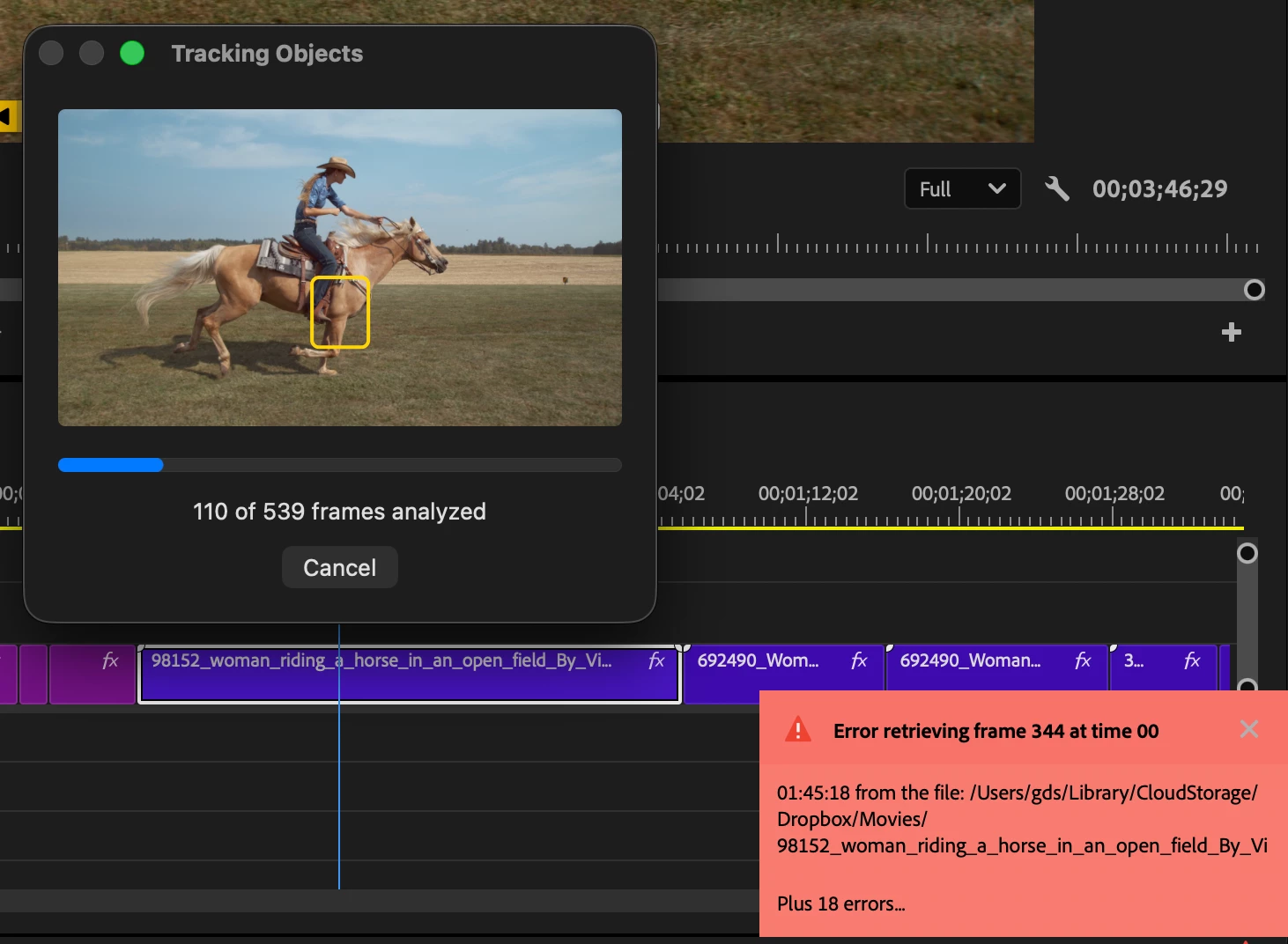
- Thankfully it appears the host app is still providing the correct video frames to the plugin, but it is unclear why the errors are now appearing.
For comparison, two screencasts are attached, showing the above steps in the release version of Premiere (which works great) and in Premiere 26.5 Beta, where the regression appeared.
 AdChoices