A regression affects both Premiere 26 and current 27 Beta. The regression affects various PF_UtilitySuite functions: GetClipStart(), GetClipDuration(), GetUnscaledClipStart(), GetUnscaledClipDuration() etc. When queried by a filter applied to a clip, these APIs report the incorrect in/out range if the clip in question also happens to have a transition plugin also applied to it.
The regression affects any plugins based on the AE SDK that rely on knowing the in/out range to extract frames during event-processing (checking out the effect layer in between the in/out times), for example to perform video analysis.
Steps to reproduce:
Install the most recent version of FxFactory (https://fxfactory.com/download/) and then install Face Blur, a plugin that performs face detection by analyzing all frames in a clip, and Block Party, a transition that we’ll use to explain the regression.
Launch Premiere, either the public version (26) or most recent beta (27).
Add a couple video clips to a timeline, making sure there is enough footage to later add a transition in between them:
Drag an instance of Face Blur onto each clip:
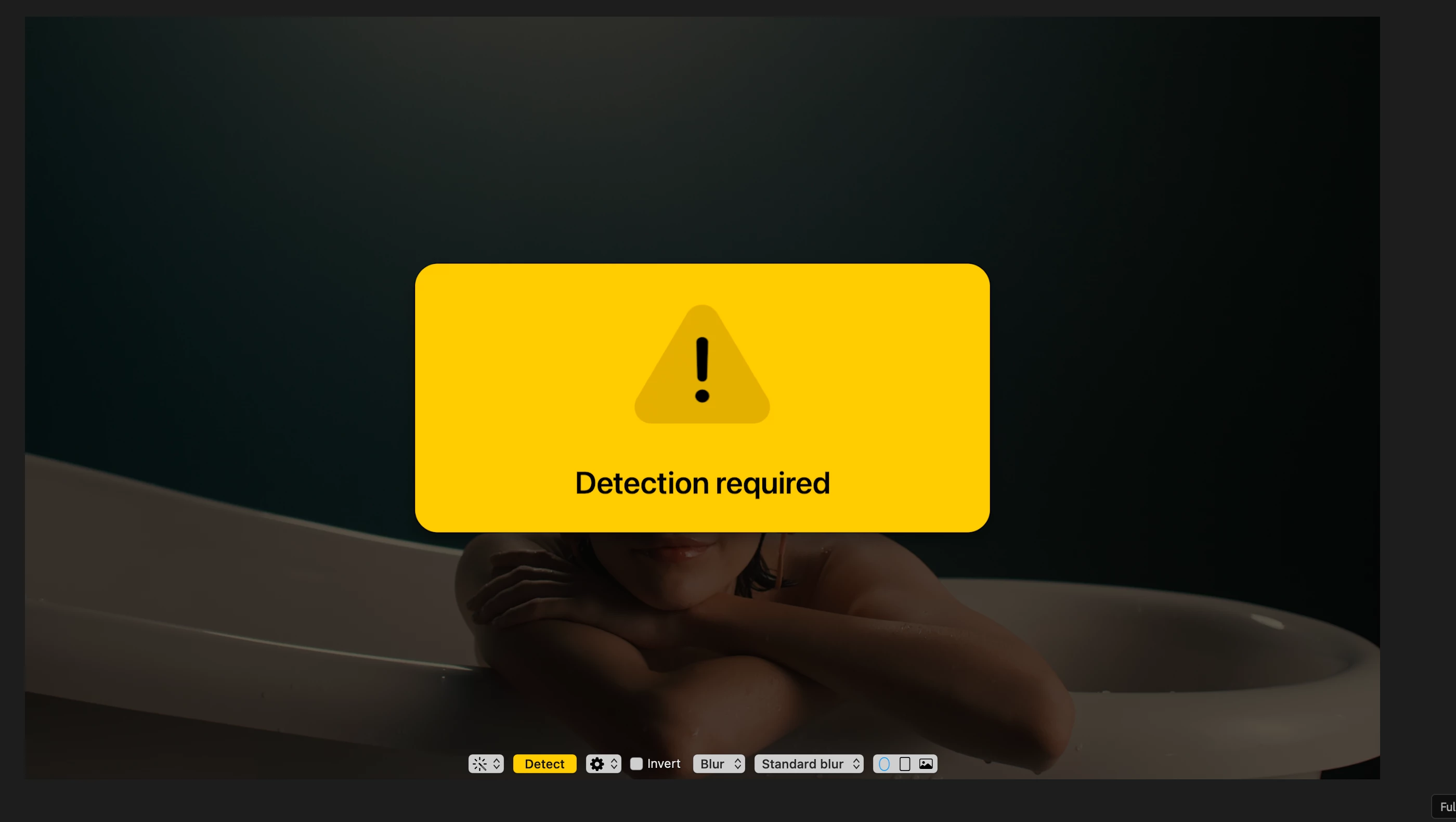
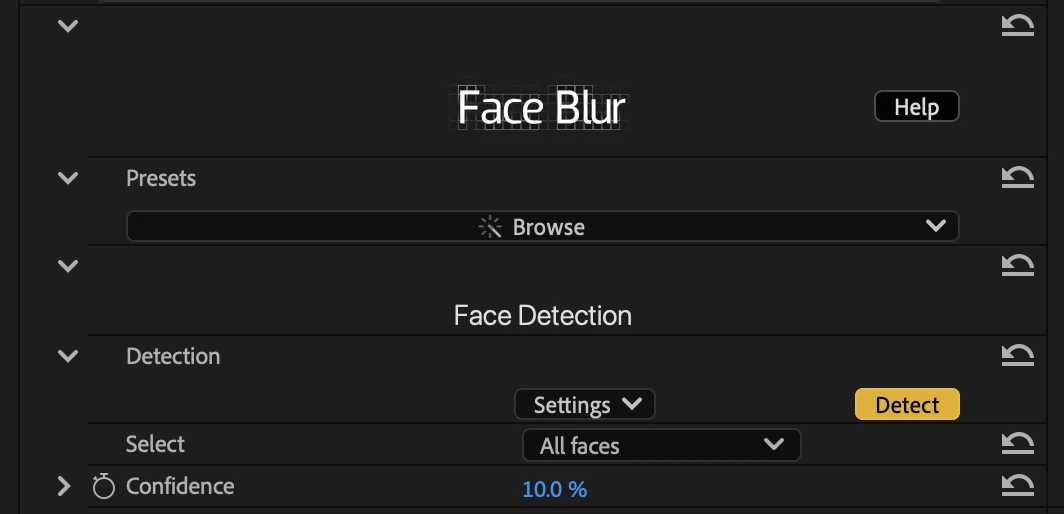
Bring up the parameters inspector and on-screen controls, and you’ll notice a Detect button in orange, a sign from our plugin that the clip awaits video analysis:
Click the Detect button, on-screen or in the inspector, to begin analysis: At this stage, our plugin relies on PF_UtilitySuite to know the exact range of frames it needs to analyze.
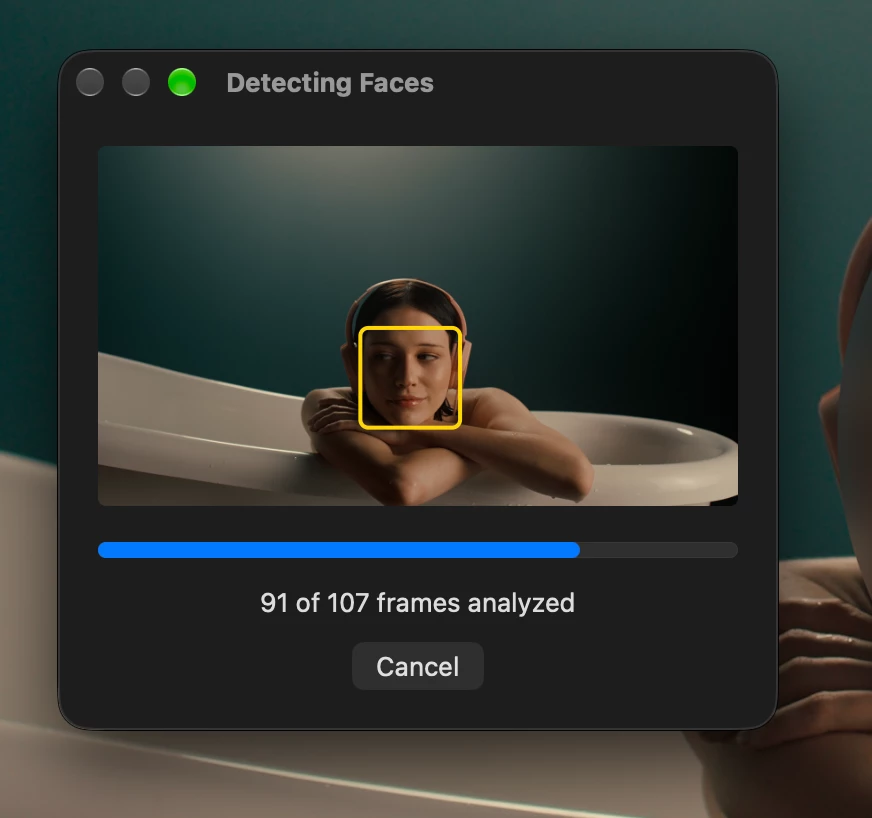
With just the Face Blur filter applied to each clip, the operation will complete successfully. Notice that the frames analyzed by the plugin should match the visible range on the timeline exactly: Repeat the same process for the second clip on the timeline. This step establishes what our “baseline” behavior should be, without the regression.
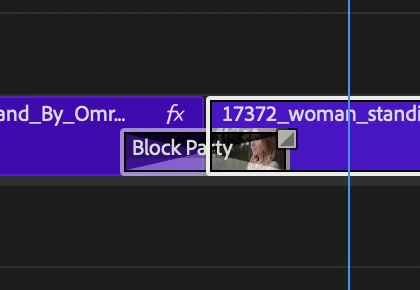
Next, add an instance of the Block Party transition in between these two clips:
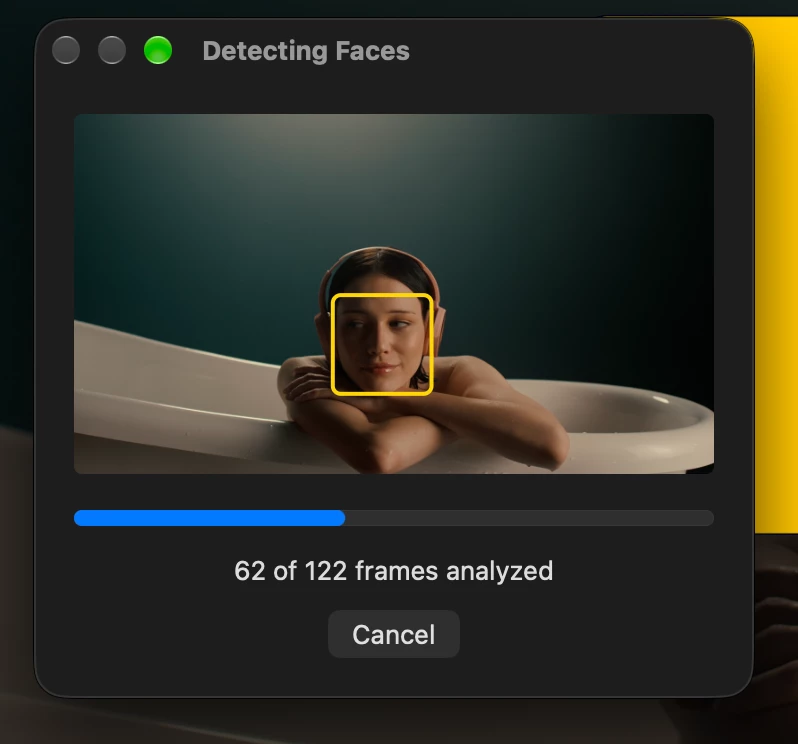
Select the inspector for the Face Blur filter applied to the first clip, and click the Detect button to repeat analysis. You’ll notice something is off from the progress window. In my previous analysis pass, the plugin was looking at 107 frames in total. On this second pass, after adding the transition, the plugin is suddenly told there are 122 frames:
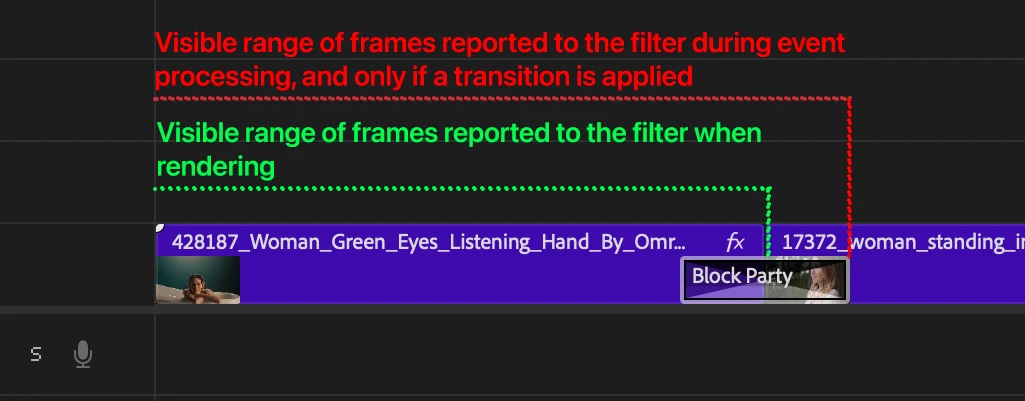
The plugin accesses PF_UtilitySuite during event processing (handling the user clicking on the Detect button) and while handling that PF_Cmd_…, Premiere is not reporting the same range as it reports during rendering. It is reporting the range of the visible portion of the clip + however many frames are used by the transition. Here is the discrepancy, visualized:
This spells trouble for the filter, because when rendering, it notices the range of frames that were analyzed does not match the range it is currently rendering, and therefore thinks analysis must be repeated. Users are left with a plugin that refuses to work, with no indication as to why this is happening.
The above regression can also be reproduced for the incoming clip. The presence of the transition at the in point of a clip changes the values reported by PF_UtilitySuite just as if the transition exists at the out point (or both).
Expected behavior:
The fix to this regression is to make sure that Premiere again reports the same range of frames via PF_UtilitySuite for all commands a plugin is asked to handle.
In the above scenario, what is the correct approach? This is not a trivial question to answer, but when a transition is applied to a clip, it potentially and effectively extends its visibility beyond the in/out points set by the user. Ideally, the range reported during event processing is the correct range to be reported, under all circumstances. The correct range is the one that appears in red, in the previous screenshot (sorry for the poor choice of color!).
At the time of this writing, I haven’t yet gone back in time to determine what version of Premiere this was introduced in, and what the previous behavior was. Since this is a tricky scenario, I wouldn’t be surprised if it’s been established for a very long time.
Known workarounds:
There is no real workaround to this problem. The user can performs analysis before applying the transition (when range-at-rendering is equal to range-at-event-processing) but then the transition may indeed reveal additional frames in the footage where analysis hasn’t been performed.






 AdChoices