
Open for Voting
Premiere Pro 27.2.0 shows Warp Stabilizer and Time Remapping conflict even without Warp Stabilizer.
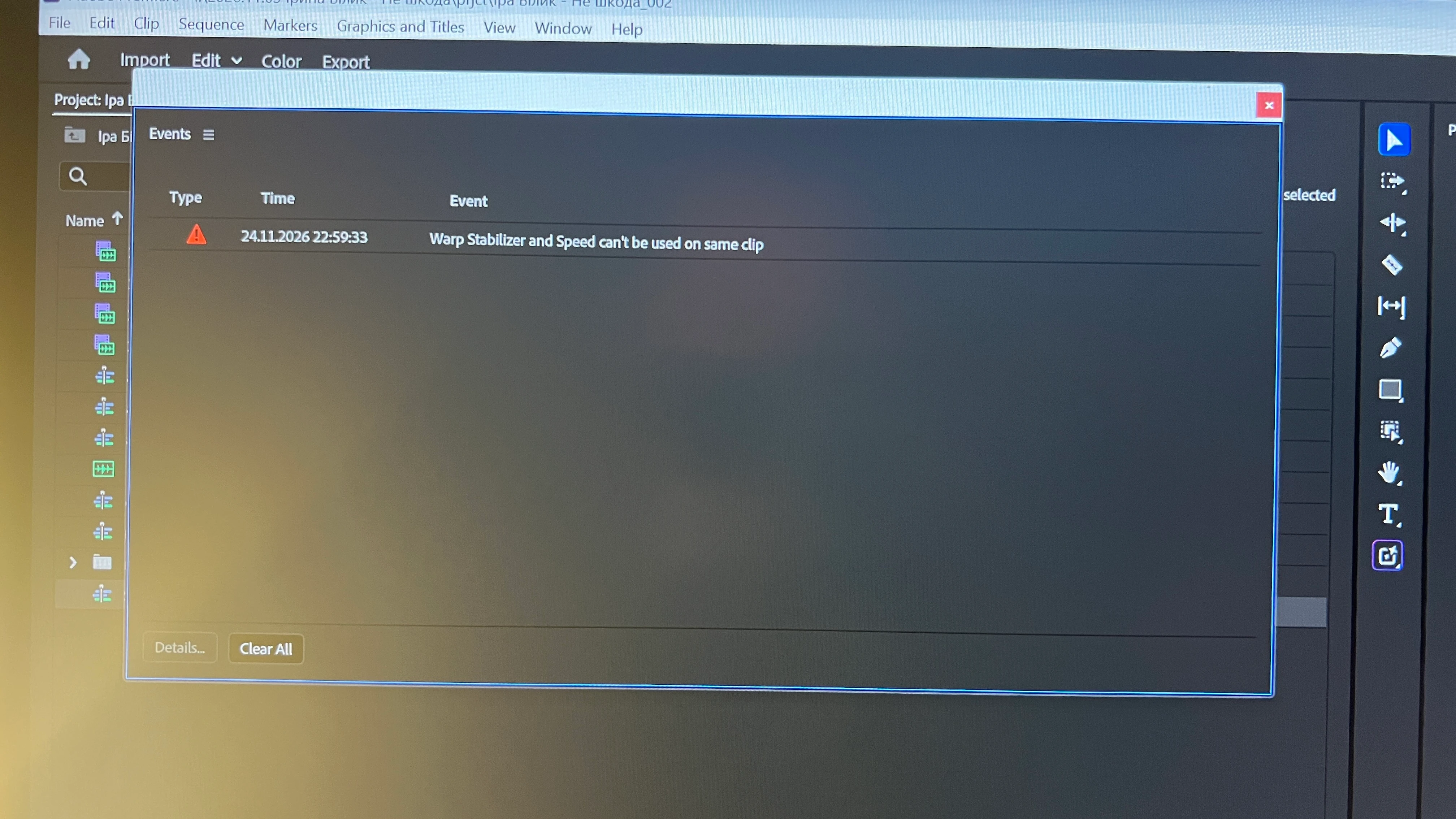
I’m experiencing a recurring error in Adobe Premiere Pro 27.2.0:
“Warp Stabilizer and Time Remapping can’t be used on the same clip.”
However, I have never applied Warp Stabilizer to any of my clips.
Steps to reproduce:
- Create a new sequence.
- Add a video clip.
- Enable Time Remapping and change the playback speed.
- Play the video and then pause playback.
- An error notification appears in the bottom-right corner.
Additional information:
- The error appears even in a newly created sequence.
- Warp Stabilizer has never been applied.
- Video playback and speed adjustments work correctly.
- The notification appears repeatedly when playback is paused.
- Restarting Premiere Pro did not help.
- Rendering the sequence did not resolve the issue.
- Nesting the clip did not permanently resolve the issue.
- Disabling Motion, Rotation and Scale did not help.
This appears to be an unnecessary error notification or a software bug.
Expected behavior:
Premiere Pro should only display this warning when Warp Stabilizer is actually applied to a clip that uses Time Remapping.
Please investigate this issue and provide a fix or an option to disable these repeated error notifications.
Thank you!
 AdChoices