





Open for Voting
Transcribe Source Reload Text Panel Error 24.1.0.35
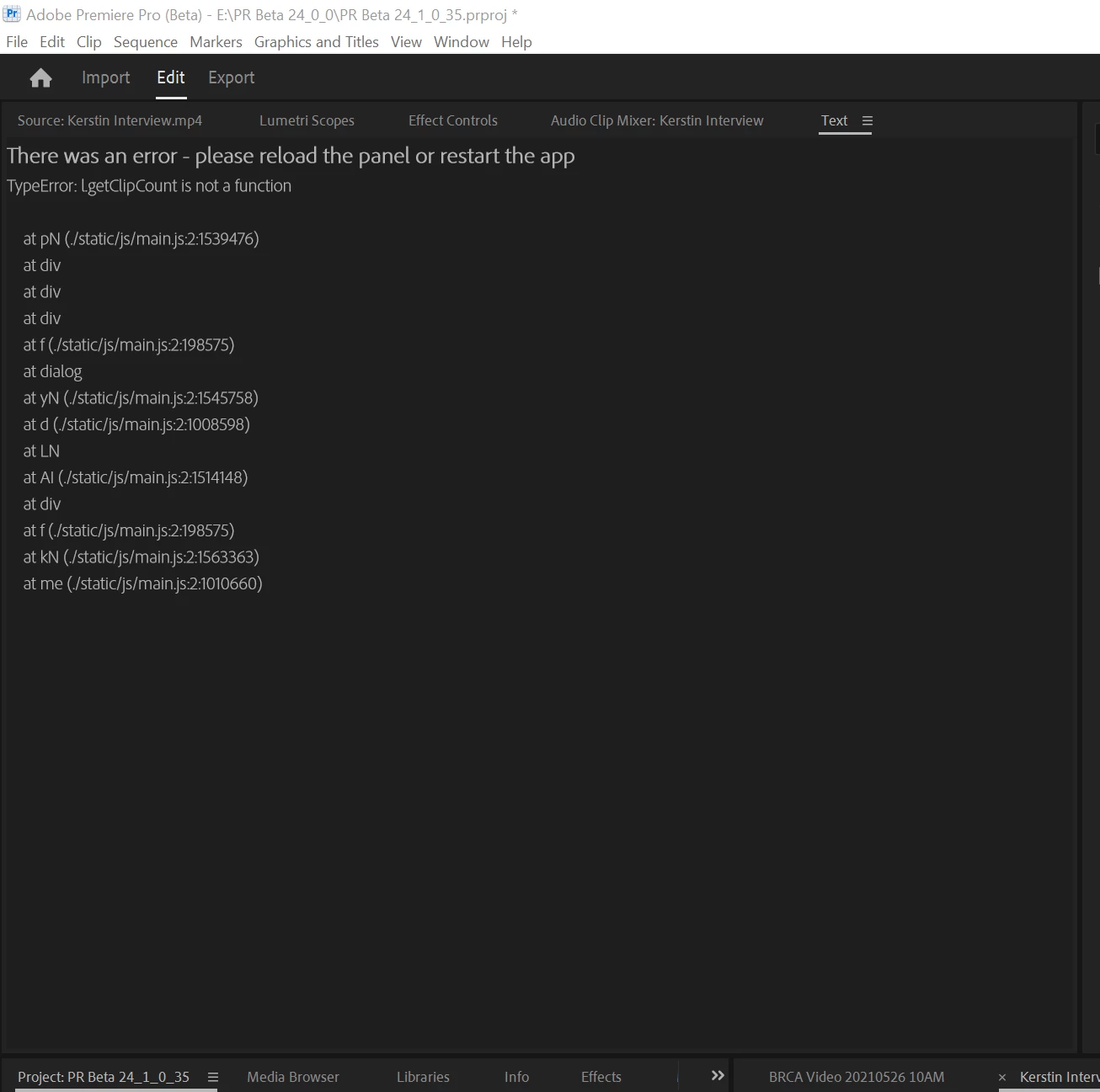
Direct transcribe of source clip immediately gives error in Text Panel.
Project panel -> Right-click -> Transcribe. Immediate display of error in Text Panel.
Close Text panel and reopen.
Click on Source Monitor tab, then text, then transcribe. Same error.
Drag to New, from Sequence view, click on Transcribe. Works.
Same with a second clip.
I see no way to transcribe a source clip with access to the Create Transcription dialogue.
Reminder for me to submit a feature request: provide for setting preference for Speaker detection without turning on auto-transcription.
System info
Application: Premiere Pro (Beta) v24.1.0.35
OS: Windows v10.0.19045, RAM: 63.80 GB GB, CPUs (logical): 16
Stan
 AdChoices