


Participant
October 15, 2026
Open for Voting

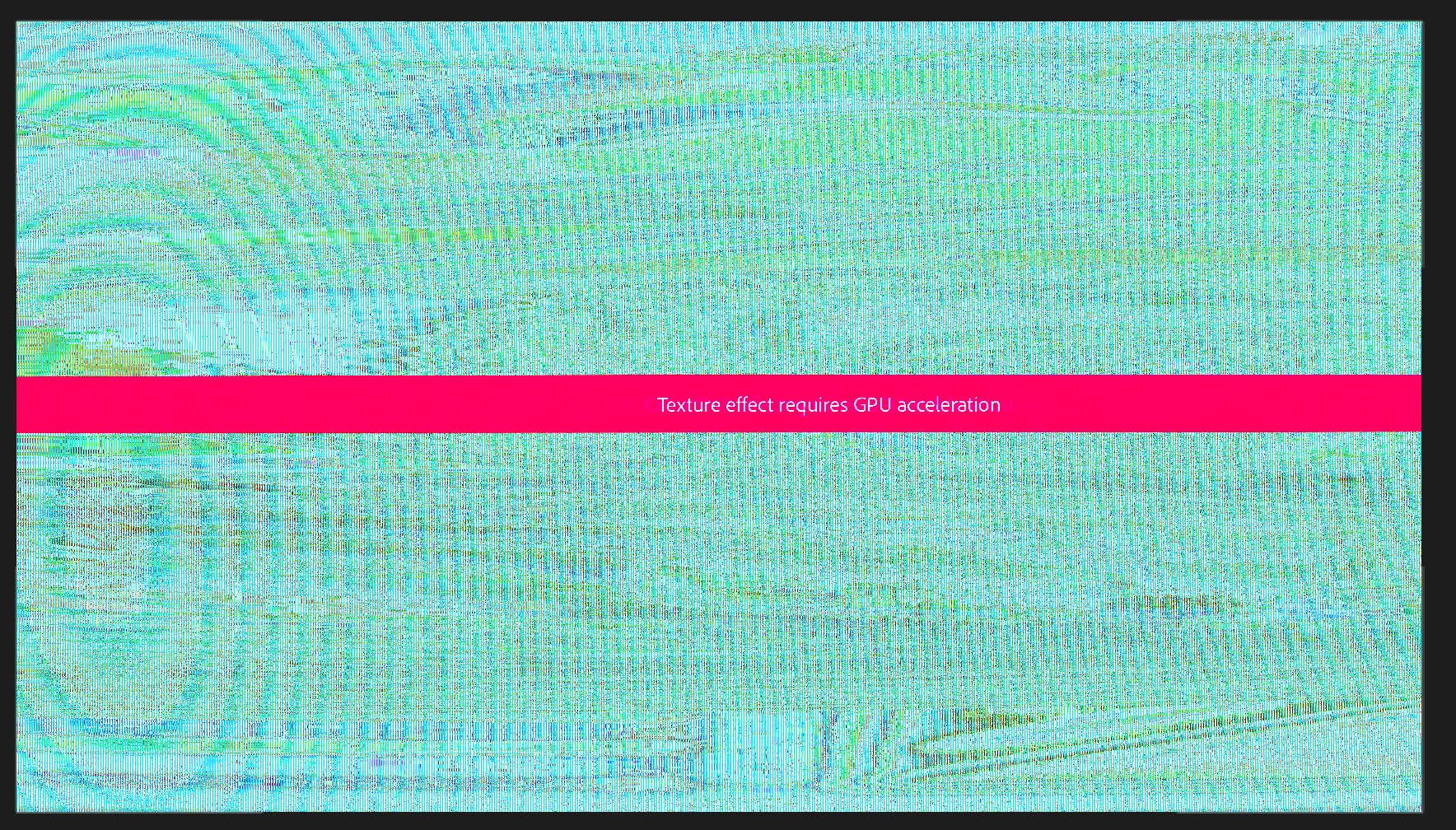
Warning Banners cause footage to scramble

Running latest build but this has been happening for some time. I recently started using a feature that essentially allows Premiere to auto apply a LUT according to the clips color space (most are S-log3 but some are rec 709) and when ever there is a overlay warning banner, such as what you see when applying effects like warp stabilizer, The footage either changes color or is completely scrambled (as seen in the screen capture) until the banner disappears. Seems like a bug to me but maybe I am doing something wrong? I have been experimenting with my RAW footage workflow and started running into this issue. Thank you for your time!
 

    2 replies

    Stellar_wanderlust89ce
    Participant
    October 16, 2026

    This sounds like a color management or GPU rendering issue, especially since your footage changes color or becomes scrambled when an effect warning banner appears. Since you are working with S Log3 and Rec. 709 clips, check that your editing software correctly detects each clip’s color space and applies the appropriate LUT. You can also try updating your GPU drivers, disabling GPU acceleration temporarily to test whether the problem continues, and checking your sequence color settings.

    For short form video editing, a consistent color workflow helps maintain footage quality when adding transitions, effects, captions, and other edits. You can also download videos from social media for personal reference or editing when you have permission to use them. Before exporting, make sure your footage matches your project settings to avoid unexpected color changes or playback issues.

    Translate
    Ann Bens
    Community Expert
    Community Expert
    October 15, 2026

    Post OS and Premiere version and build

    Translate