


Participant
July 18, 2025

Project can't be opened anymore

  • July 18, 2025
  • 4 replies
  • 402 views

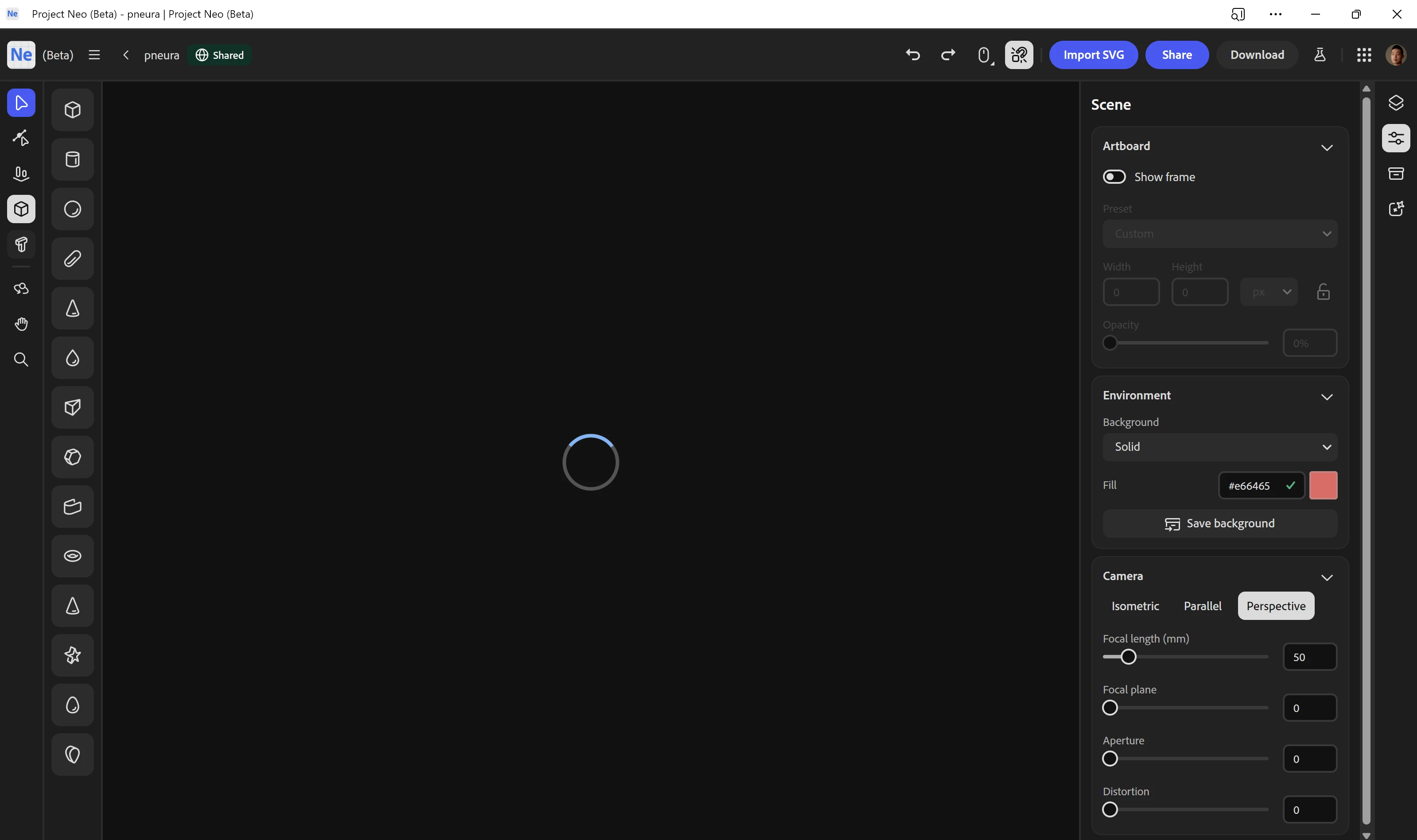
There was suddenly an error with my project and it force quit, so I tried opening it up again, but it is stuck in constant loading. Weirdly enough, when I try to open other files straight after, they can't be opened too, but when I refresh and open the other files, they can for some reason. Is there some way I could retrieve my progress? https://projectneo.adobe.com/studio/d004db79-6062-4621-b026-8ec585bec44e


4 replies

Participating Frequently
August 3, 2025

I'm happy to report that I was able to open my corrupted projects again in the 7/31 version. Thank you so much!

TiramizooAuthor
Participant
July 18, 2025

Hello @Anubhav M ,


I've tried that too, but it behaves the same way as the original file, but thank you for checking.

Community Manager
July 18, 2025

Hello @Tiramizoo,

Thanks for confirming. Kindly allow me some time to check this with the team.

Anubhav

Community Manager
July 18, 2025

Hello @Tiramizoo,

I'm sorry to hear about your experience. While I check this with the team could you try duplicating your project to see if it helps?


Looking forward to hearing from you.
Anubhav

Participating Frequently
July 18, 2025

Hi @Tiramizoo

I'm sorry to hear that.
There's no way to recover the corrupted projects for the user, I think.
I have also lost several projects in similar situations.


In my experience, risky actions include ungrouping SVGs, repeatedly using the "undo" function, and changing viewpoints under high load.

I've learned that the only way to avoid this is to make a copy of the project before taking any risky actions.


I hope our corrupted projects are recovered soon.