


Participant
August 12, 2023
Open for Voting

Exposing transform 2d matrix prevents widget use

  • August 12, 2023
  • 3 replies
  • 350 views

I've got a number of images that share the exact same transforms. Using the transform widget in 2d view for my scenario is the fastest way to position and scale multiple images. Instead of manually updating each one I want to instance their values. I setup an exposed parameter then duplicated the transform nodes. However, the widget is no longer useable even if I click on "Edit in 2d view".  
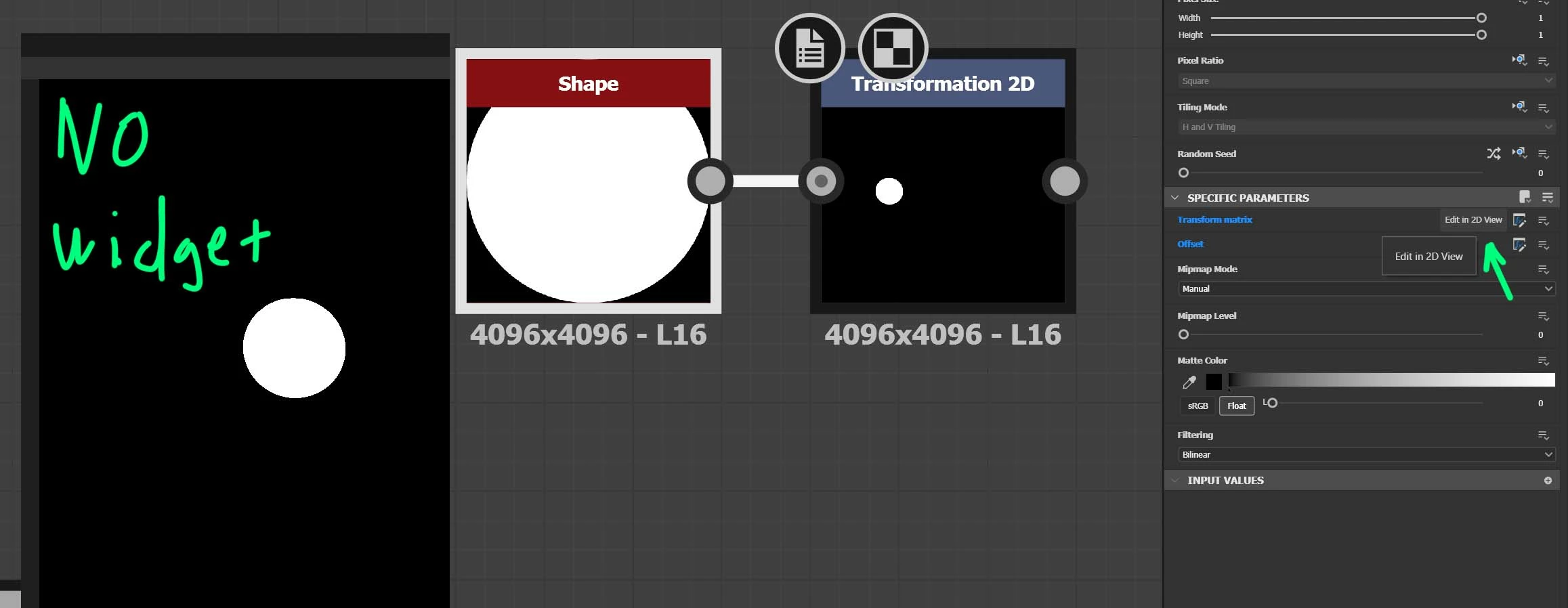


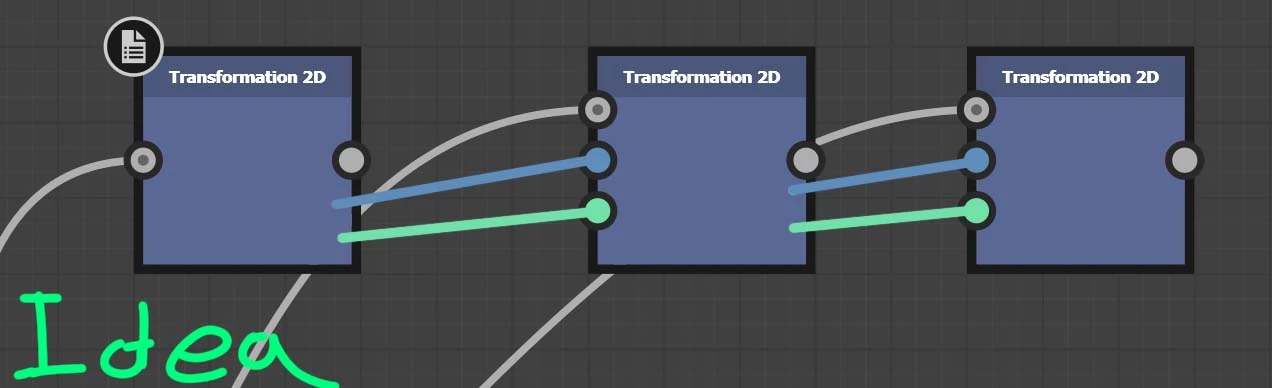
I couldn't figure out a way to expose outputs from a Transform 2d so they can be daisy chained using custom inputs, so I assume exposing to the main graph is the only method to instance a transform 2d? Below is my instinct on how this should be possible. 


    3 replies

    davescm
    Community Expert
    Community Expert
    August 24, 2023

    @Nicolas3D Thanks, I just learnt something new 🙂


    Dave

    Nicolas3D
    Community Manager
    Community Manager
    August 24, 2023

    You can have the widget when the Transform matrix and the offset are exposed.
    Go to the graph properties, then in the input parameters sections, go to the preview mode. Once the preview mode is enabled, the widget will be enabled in the 2D view.
    Note that it will work only if the identifier of the transform matrix starts with "matrix22" and if the offset identifier starts with "offset"


    davescm
    Community Expert
    Community Expert
    August 12, 2023

    It's not a bug. The transform is either controlled by the widget or the exposed input.

    I'll move your post to ideas as it would be useful to be able to output the transform values to other instances of teh nodes, but still be able to control the first with the widget.


    Dave