


Open for Voting
Feature Request: Add a ‘Blending Mode’ feature in the 'Spline Mapper Grayscale' node.
Hello Substance Designer team,
Ever since you introduced the latest Spline tool features, I’ve been loving it.
However, after recently completing a project in Designer, I could not help noticing that the time I’d spent on the project would have been so much quicker if the spline node ‘Spline Mapper Grayscale’ contained a ‘Blending Mode’ feature (in which you can set the colour channel to have Max, Add or Add/sub blending options). Because of this missing feature, I ended up adding more work to my project by having to manually separate each piece, just so that I could blend them together using a different node manually.
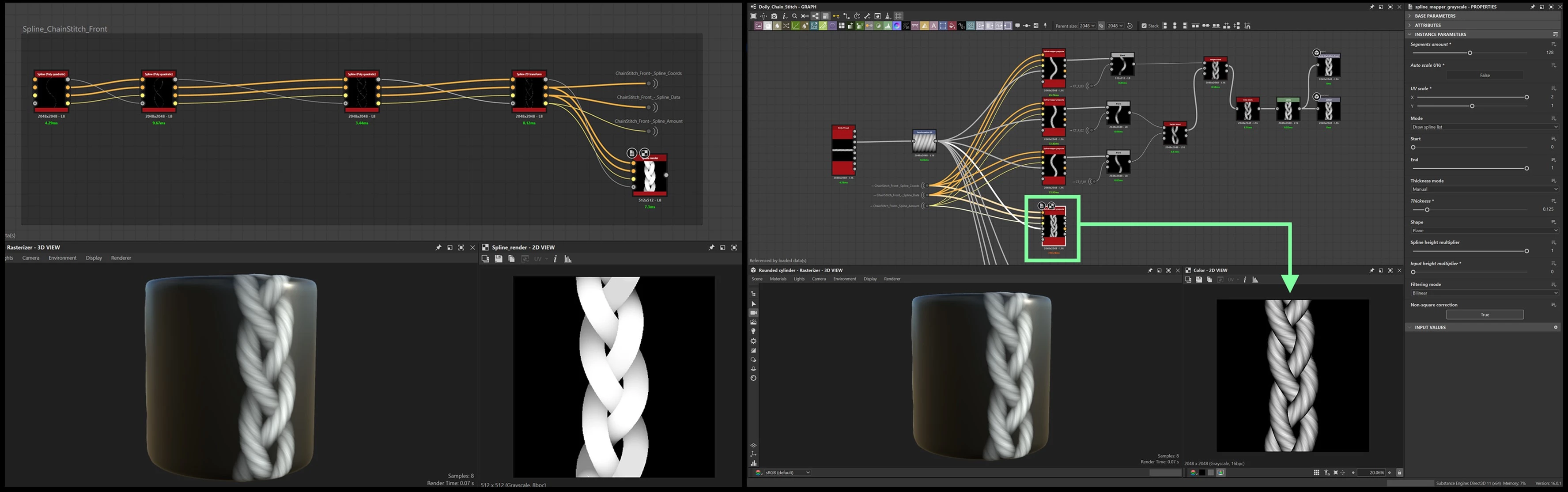
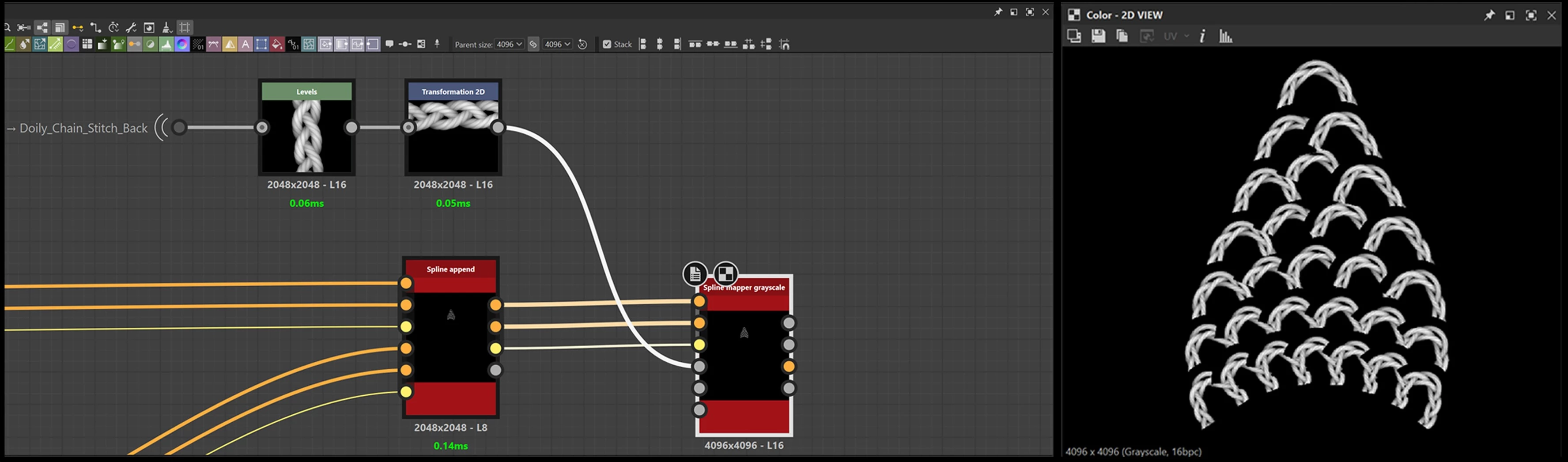
Would it be possible for this feature to be included?
 AdChoices