


Open for Voting
"Assign Audio Type" shortcuts
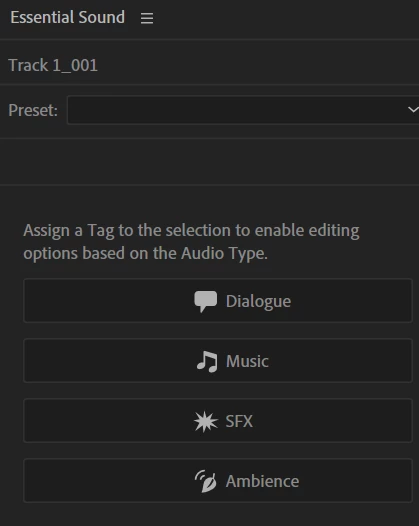
I use the Essential Sound audio types a lot in my workflow to mark clips for quick mass edits. Currently this involves moving my mouse back and forth from the Editor panel to the Essential Sound panel just so I can click a single button to assign the highlighted clip to the audio type I want. This would be vastly improved by custom keyboard shortcuts for assigning each audio type.
Essentially, a keyboard shortcut that presses one of these buttons for me:
I imagine that this can be accomplished by a relatively simple script but it's confounding to me that this functionality doesn't have a keyboard shortcut.
 AdChoices