


Audioclip Soft Selection
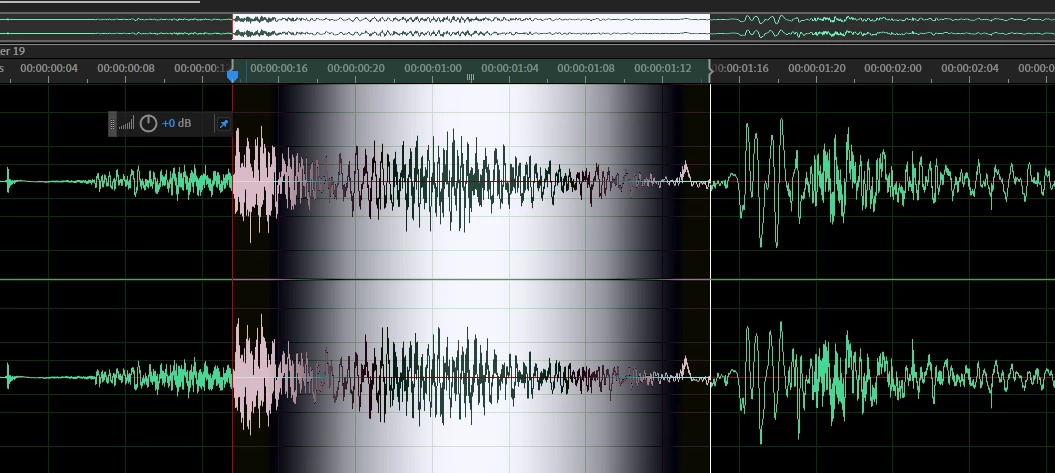
Please add a "soft selection" to audio selection in clip view simular to photoshop selection where you blur the selection and apply an effect gradually over the area/time.
Same for gain, you can do it gradually without gain envelope ...
I know there is a paint brush but this does not work well for me, i want to select the full range and just gradually apply an effect (simular to dry wet).
I'm optimising a lot of audio clips so i'm not going to create a multitrack for every sound.
Maybe we could also drag up / down while selecting using the time selection tool, up being 100 weight,
Or have a blur selection radius like in PS . IE when you lasso'd your selection you would want to blur it...
have a corner button like in PS to 'round off' the selection... being a wight fade
Also Epand / contract would be nice if you have a complex selection...
Basically whatever is in PS for selection
Thank you.
 AdChoices