



Feature Request
Dear Adobe,
In the waveform editor, the display of waveform channels can be set to "overlap" under the "View" settings. This is an excellent feature for users who frequently edit multi-channel Wav files.
Unfortunately, when switching the waveform editor to spectral frequency display, the spectra of multi-channel Wav files cannot be overlaid in the same way as the waveforms.
I would greatly appreciate it if spectral frequency display could also support overlapping. Our monitor height is limited, and when opening a 16-channel Wav file, overlapping is the only way to see details clearly.
Alternatively, could it be possible to freely adjust the display height of each channel, rather than having the height distributed evenly across multiple channels?
I eagerly look forward to this feature, as it would be a godsend for those of us who often work with multi-channel Wav files.
Thank you.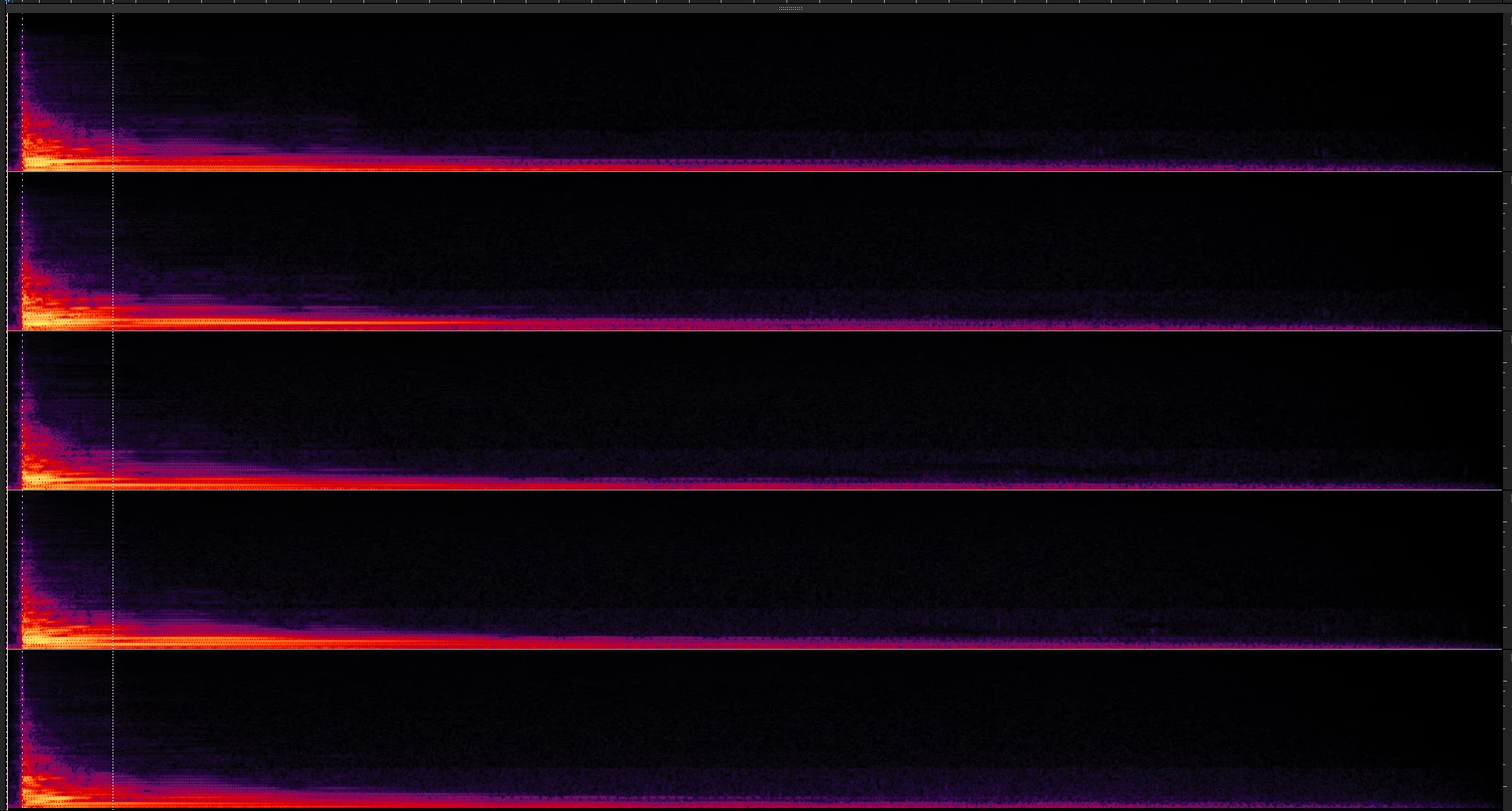
 AdChoices