


Participant
February 5, 2024
Open for Voting

Bake Normalmap on Colormap

  • February 5, 2024
  • 3 replies
  • 440 views

IS Situation:
I am using Substance Painter for texturing Models i use in Minecraft for example. I do not want to use shader ingame. Therefore i want to Bake the Normalmap shadows into the Colormap.
I tried to use Curvature Sobel in Designer to get this effect, but it was more a pain as a working result. 

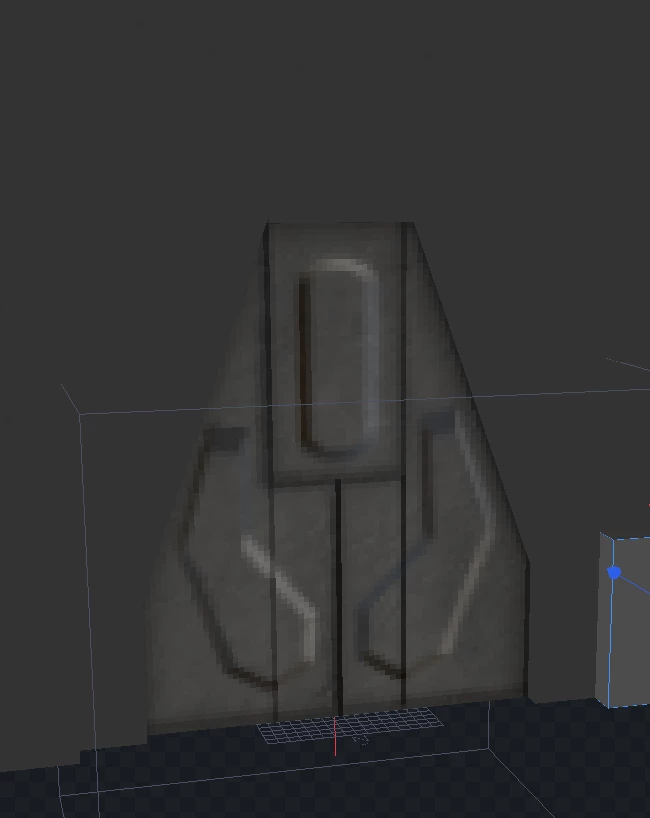
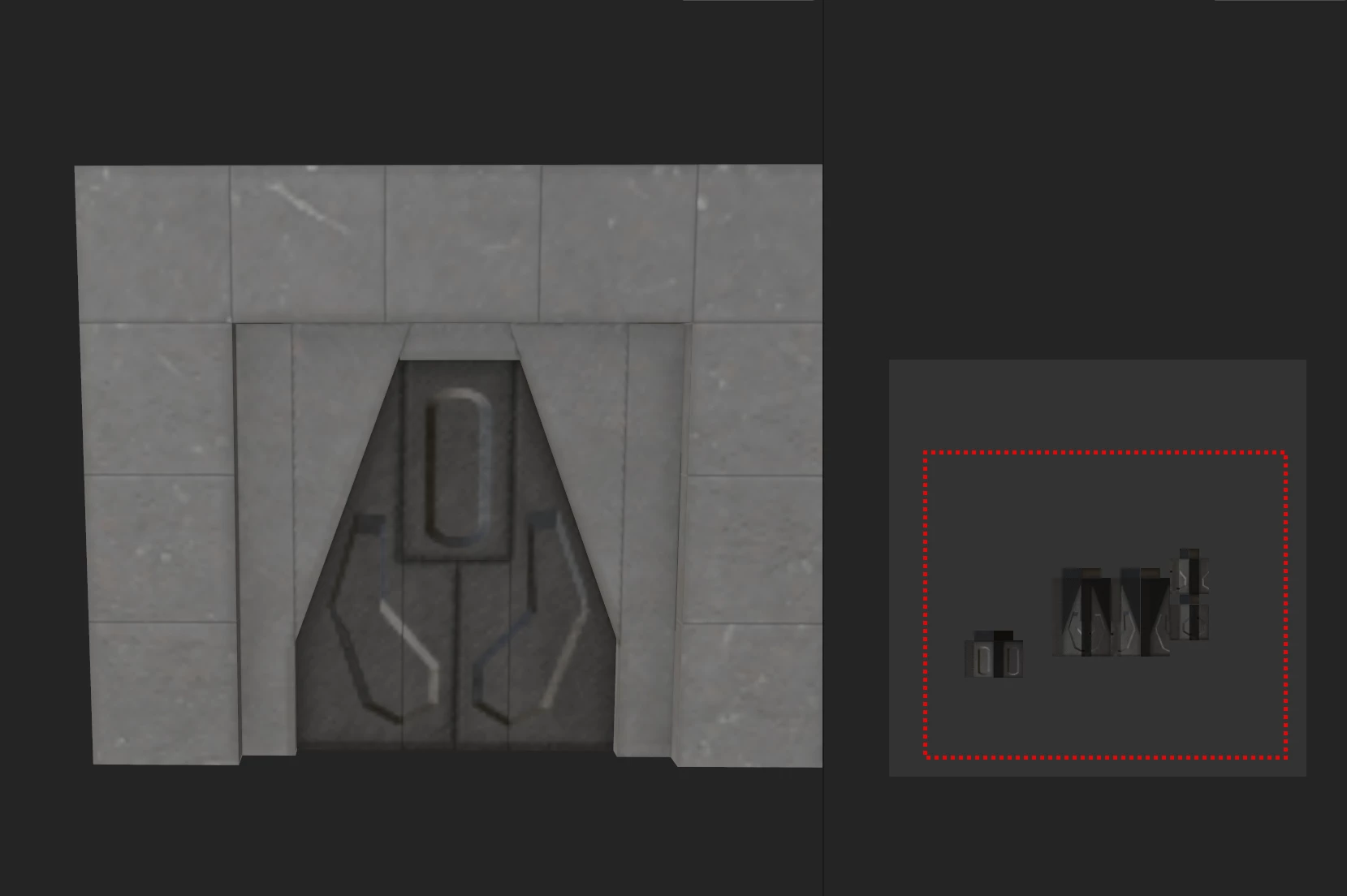
I got this effect basicly from taking a screenshot from the Material 2D UV Preview like in picture 2.

The Bake Lighting Filter/Material does not work for me. 
Target Situation
We need a function to bake the shading of the normalmap directly onto a layer / generate a new colormap with the regarding shadow and lighting effects (like in screenshot 1)
Screenshots
 

3 replies

Cyril Dellenbach
Community Manager
Community Manager
February 12, 2024

Considering your worfklow, I would either try to change the Environment map to have lighter shadows, or use the Baked Lighting filter and export the Base Color.


Regards,

Cyril Dellenbach (Micro) | QA Support Artist | Adobe
PlayTicsAuthor
Participant
February 9, 2024

Hi Cyril, thanks for your quick answer and sorry for my late reply.
I didn't know there was such an option. Certainly much better than by screenshot.

Unfortunately, but also understandably, not only the normal map masks get a shadow, but the entire model texture.

This is not what I am trying to achieve

Is there perhaps another option I could try? 🙂

Cyril Dellenbach
Community Manager
Community Manager
February 6, 2024

Hello @PlayTics,


I guess the most logical workflow would be to export directly the 2D viewport.


Regards,

Cyril Dellenbach (Micro) | QA Support Artist | Adobe