


Open for Voting
Option to set interpolation to none
Hi, I was wondering if there is a possibility to implement a simple function to switch the interpolation method. I was not able to find any article or post about such feature.
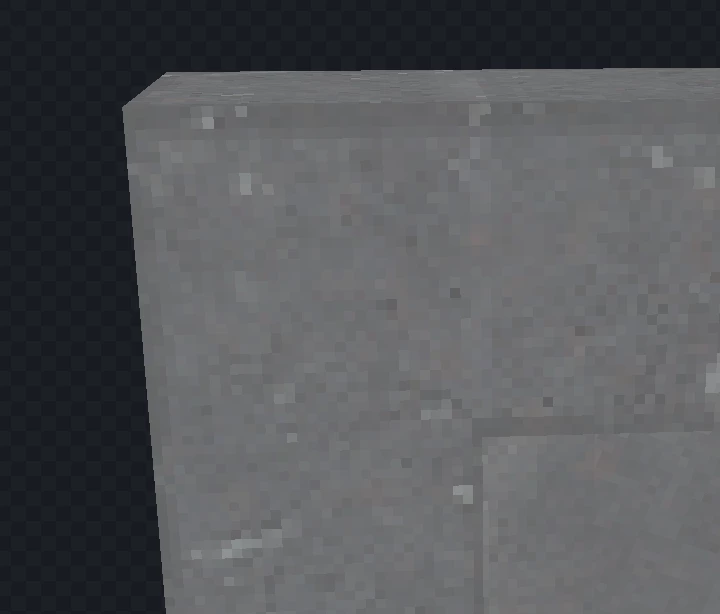
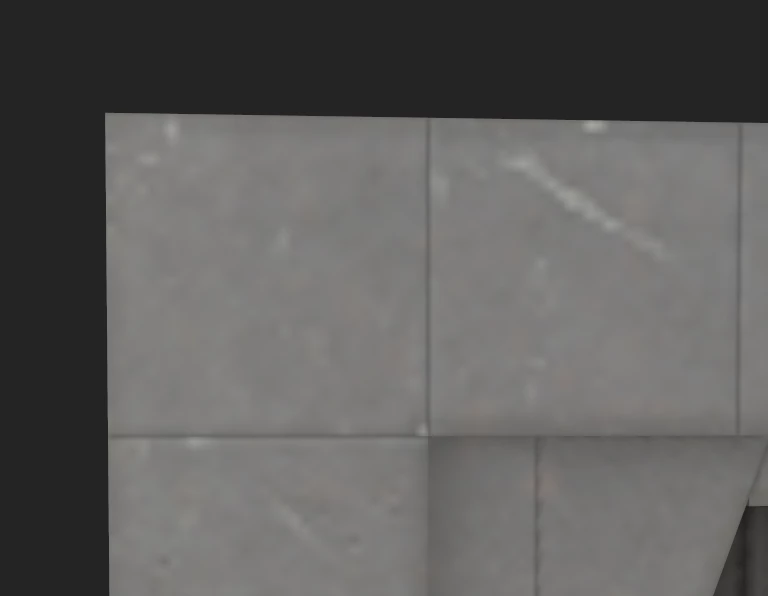
I very often create textures that are relatively small, but where the interpolation makes the preview in Painter or Designer not really usable.
I would therefore like to know whether such a function can be implemented to switch off the interpolation so that only the pure pixels are visible. I would like to see an implementation of this feature in Painter as well as Designer, if it is even considered
The Preview I would request:
Current Painter Preview:
 AdChoices