


Open for Voting
Painting flow maps / normal map blending issues
I made a fur material in Substance Designer that orients itself using a flow map, painted on the normal channel following this guide on the official documentation.
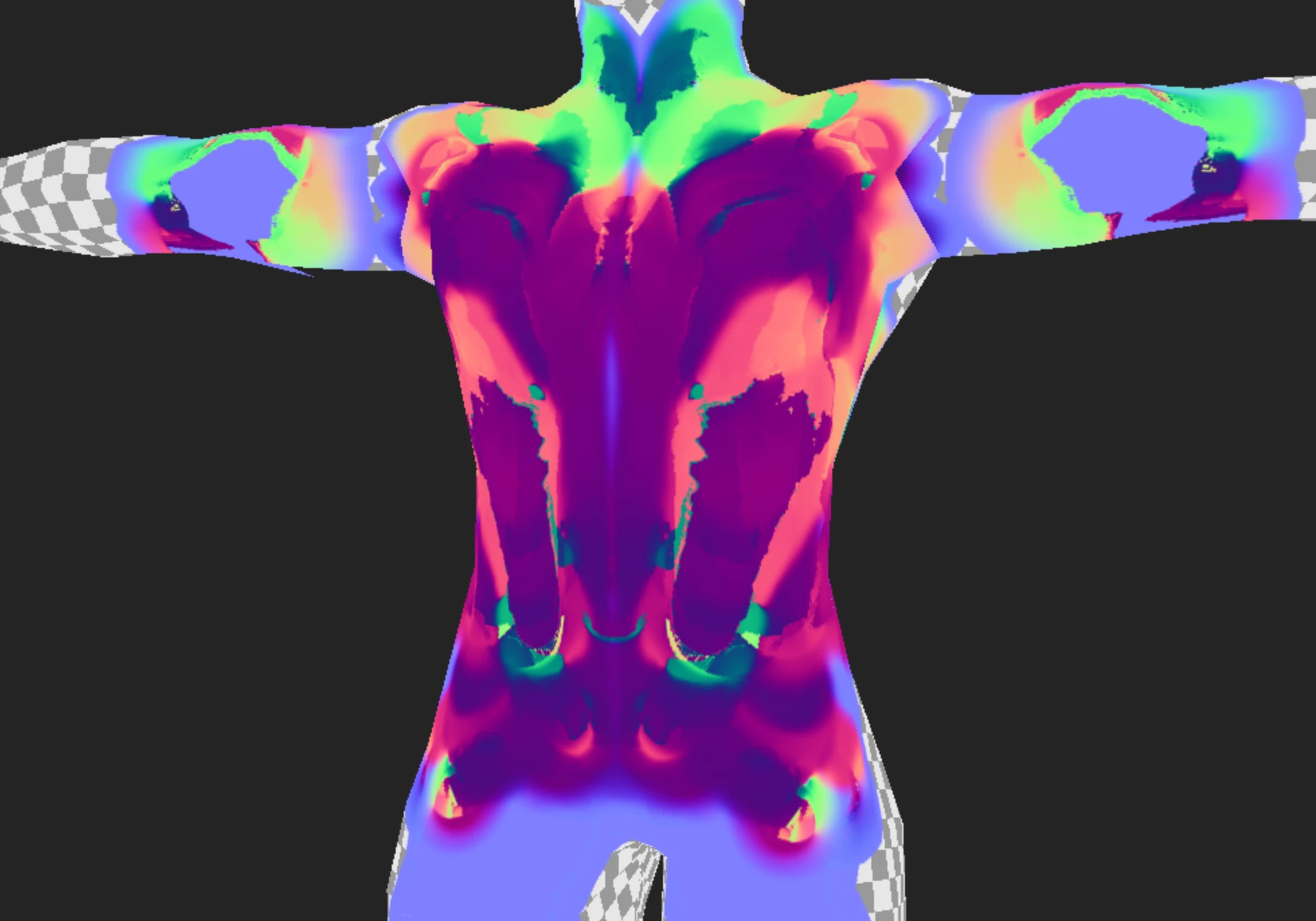 However, there is a massive issue with painting anything on the normal layer, as whenever you paint anything on a normal layer it stacks up with whatever is being painted over rather than replacing it resulting in an absolute mess that completely breaks the material taking information from the normal channel.
The question is, is there any way to prevent this from happening and force the paint layer to replace whatever is at the bottom OR use any alternative methods for painting down the flow maps?
 AdChoices