


Under Review
Subject: Feedback: Adding Hotkey Support for Key Functions in Substance Painter
Dear Adobe Substance Painter Team,
I am a regular user of Substance Painter and greatly appreciate its powerful features for 3D texturing. However, I’ve noticed that some commonly used functions, such as adding a new layer or creating a black mask, do not have default hotkeys assigned. This requires manual navigation through menus, which can slow down workflows, especially for users who rely on the software for daily tasks.
To improve efficiency, I suggest adding customizable hotkey support for these functions and other frequently used actions. For example, assignable shortcuts for "Add Layer," "Add Black Mask," or adjusting brush opacity would significantly streamline the texturing process. Many other professional software tools, like Photoshop, allow hotkeys for similar actions, which could serve as a reference.
I believe this enhancement would greatly benefit the Substance Painter community and improve the overall user experience. Thank you for considering this feedback, and I look forward to future updates that continue to make Substance Painter an exceptional tool.
Best regards,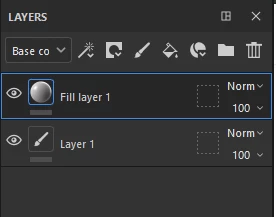
 AdChoices