


![Sean H [Seattle branch]](https://uploads-us-west-2.insided.com/adobedme-en/icon/422626i8FB7B6B8FDDED6B4.jpg)
P: Add "Go To Smart Collection"
CURRENT:
Right-click on a photo and see Go To Collection option.
WANT:
Right-click on a photo and see additional Go To Smart Collection option
Lightroom knows that the file is member of a dynamic smart collection. Please list the Smart Collections when right-clicking on the photo. In addition, show the Smart Collections in the Library panel within a new Collections subpanel. Maybe under Keywording. This way, I can add a keyword and Lr would recognize that there's a Smart Collection looking for that keyword and I'd see a new Smart Collections link so I can click over to that Smart Collection focused on that image within the Smart Collection.
This is how Shopify works with Products with tags in Smart Collections. I can create Smart Collections: Colors, Yellow, Blue, Orange, Recent (blue boxes) that are filtering my products by tags: colorful, blue, orange, yellow (gray boxes)
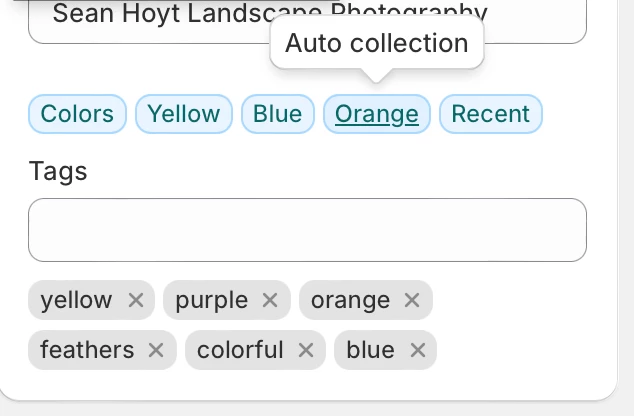
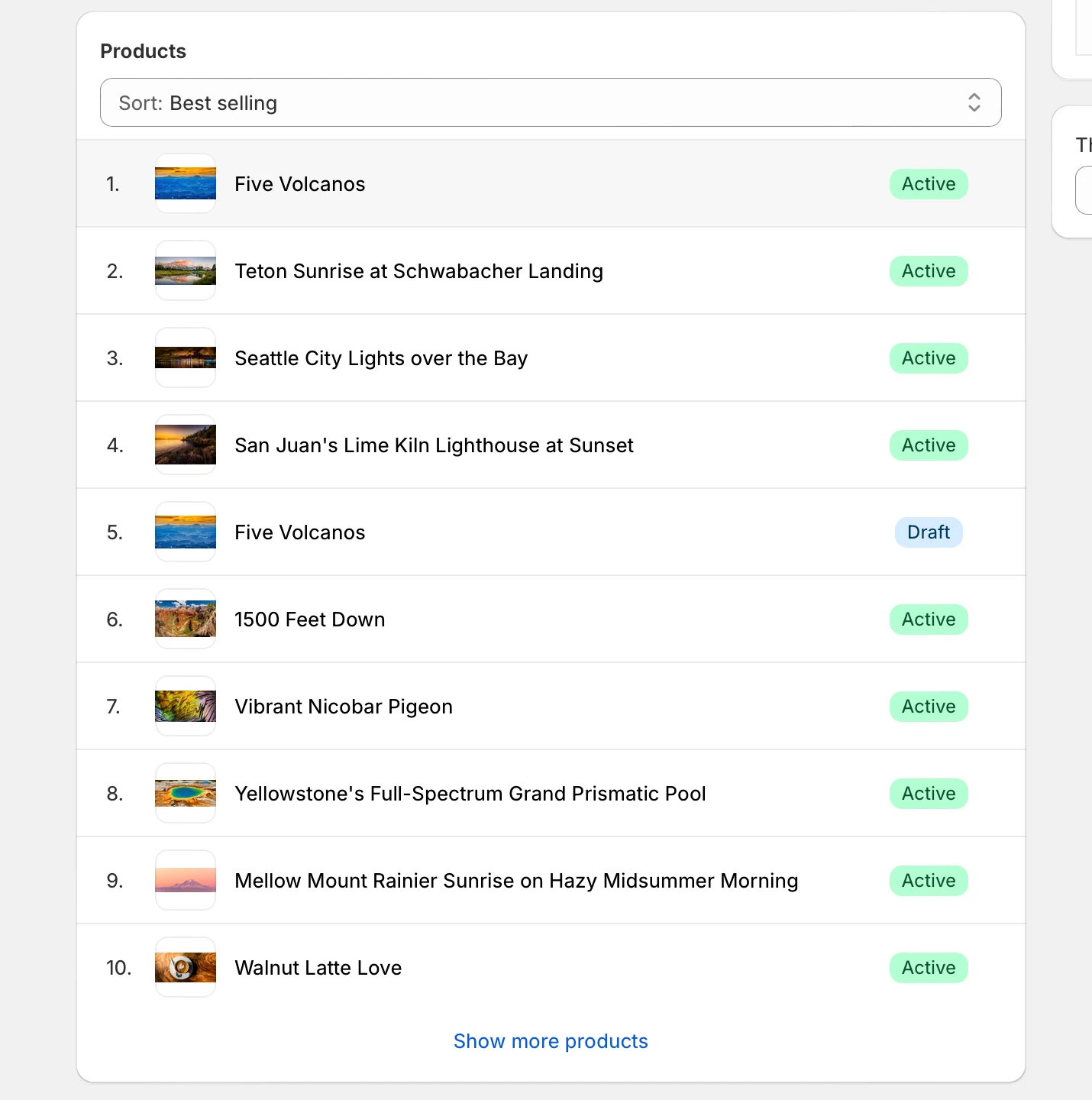
If I click on the Orange collection box (blue), it takes me to the list of members within that Smart (auto) Collection
 AdChoices