



P: Consistent Dark Mode for the "Copy Settings" Dialog Box
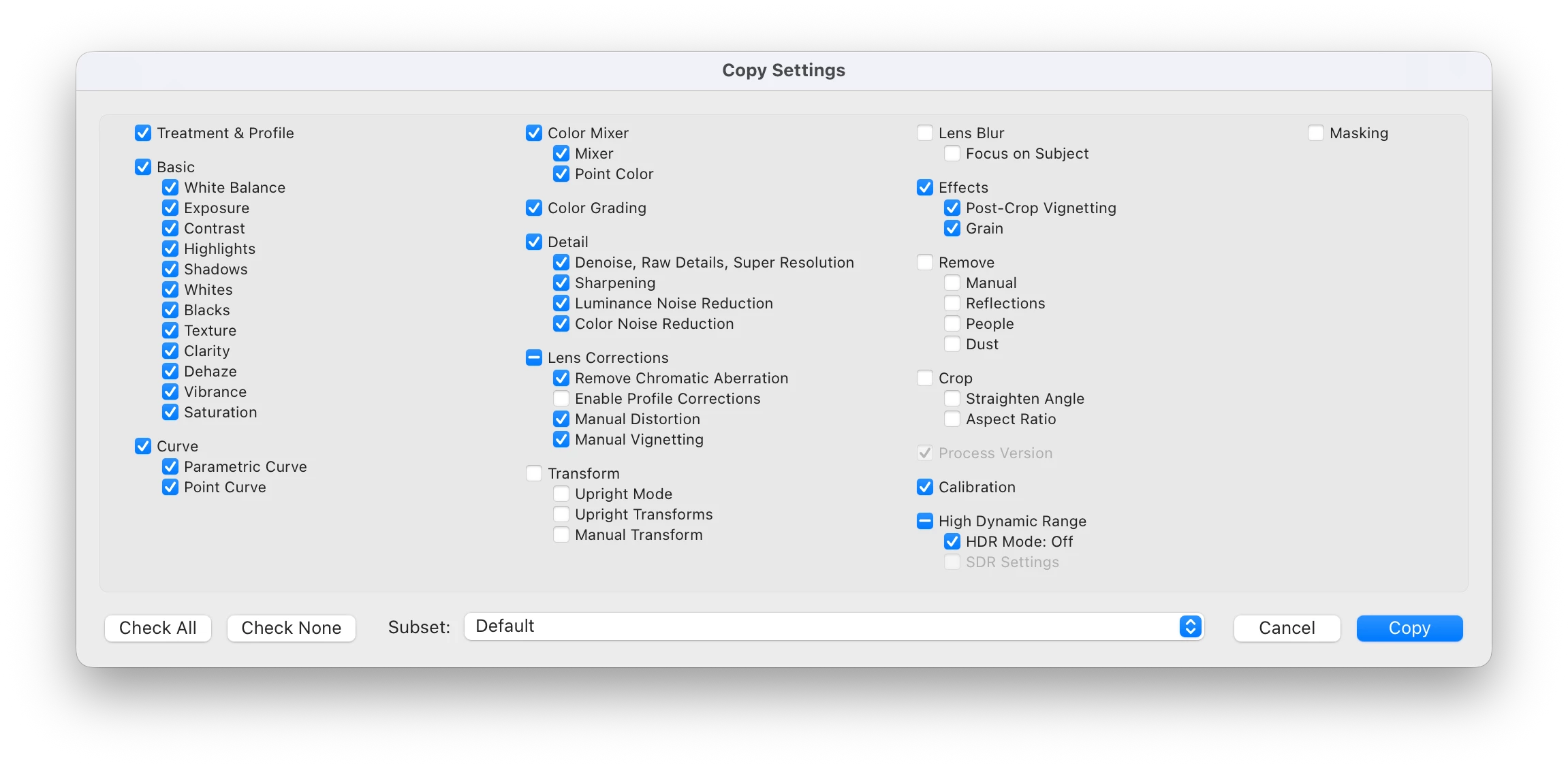
Description: I am requesting a UI update for Lightroom to ensure all pop-up menus, specifically the "Copy Settings"dialog, respect the selected Dark Theme.
The Problem: Currently, when working in the dark interface, copying settings triggers a bright white pop-up. This creates extreme visual contrast ("light flashes") that causes eye strain and breaks the editing flow, especially in low-light environments or during long professional sessions.
Proposed Solution: Update the "Copy Settings" and "Paste Settings" dialog boxes to have a dark background and light text, matching the rest of the Lightroom Pro/Classic interface.
Why it matters: Consistency in UI is crucial for professional photo editing. A unified dark mode will improve accessibility and reduce eye fatigue for millions of users who prefer working in a dark environment.
 AdChoices